This thread has been locked.

If you have a related question, please click the "Ask a related question" button in the top right corner. The newly created question will be automatically linked to this question.

CCS/CCSTUDIO: CCS shuts down on target connection

Part Number: CCSTUDIO
Other Parts Discussed in Thread: TMS320F28335, , CC3200

Tool/software: Code Composer Studio

Hi. I've got a problem with my CCS5.3 and CCS7. The problem is the same for both versions of CCS.

A week ago I worked with TMS320F28335 using CCS5.3 on my notebook with Windows 7 and all worked well. But at the present time I use another notebook with Windows 10. At first I installed CCS5.3 on it and tried to work with my projects and targets. It worked well as on previous notebook. I hasn't worked with CCS for a couple of days. Then I installed my other soft that I needed and CCS7. Yesterday I wanted to connect to TMS320F28335 and work with it like I did it before but I've got a problem: CCS5.3 always shuts down on debug session with Windows message "program has stopped working". CCS7 behaves same.

I use XDS200/XDS220ISO, the latest XDS Emulation Software Package v6.0.504.2. CCS closes when I try to connect TMS320F28335 via JTAG using either of them.

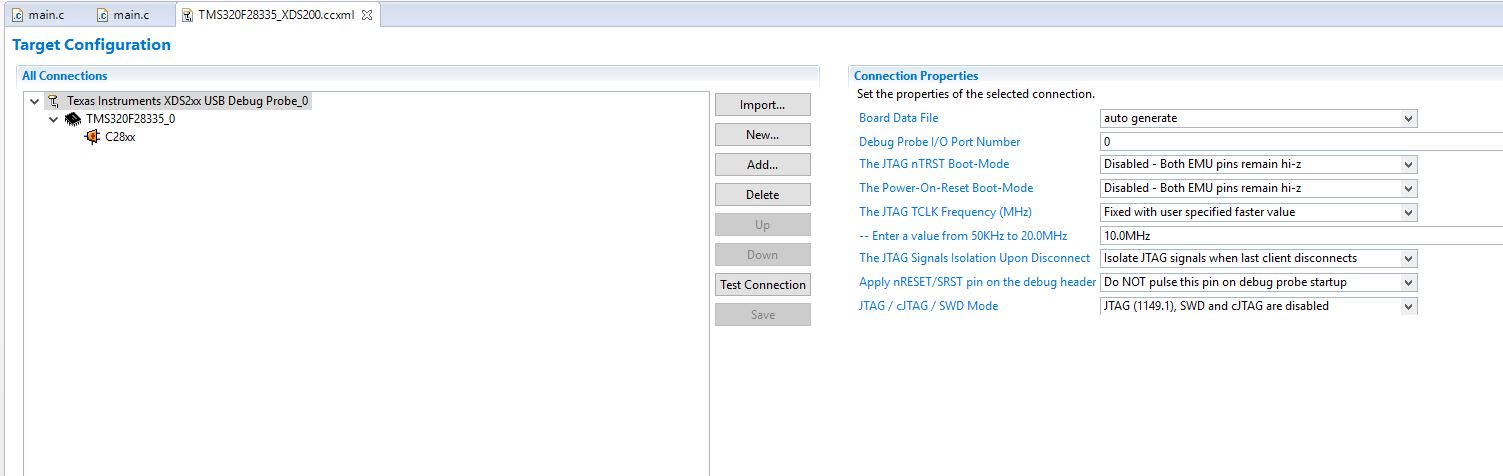
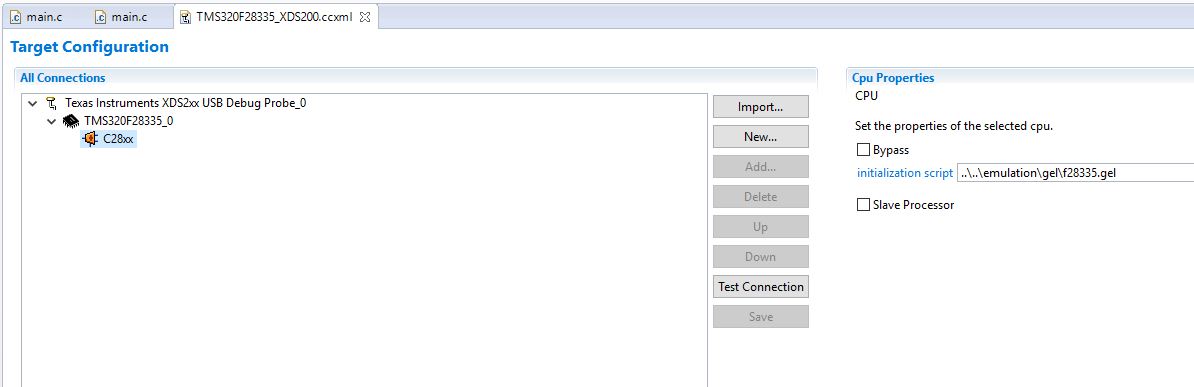
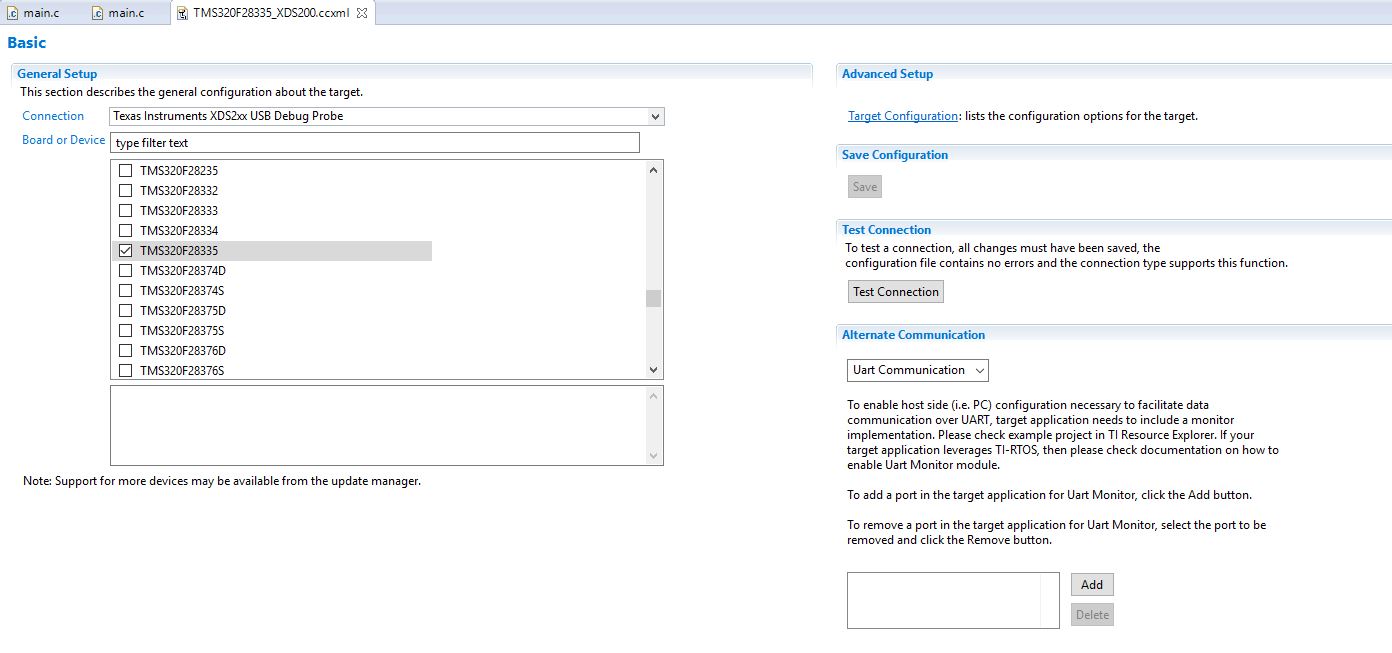
Settings:
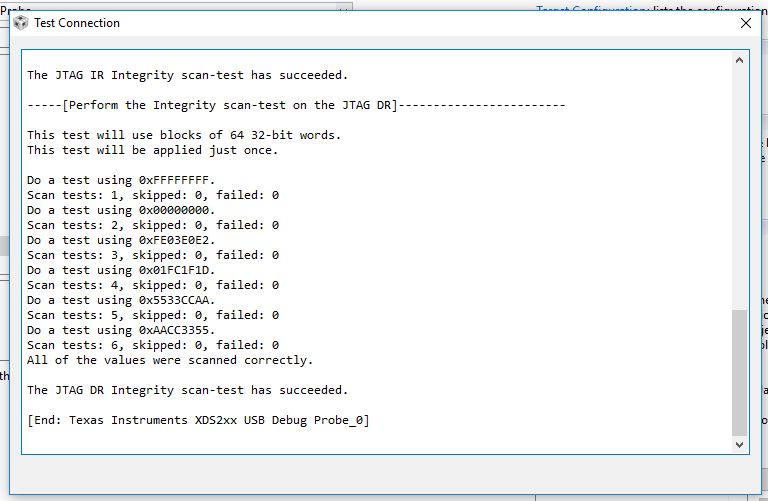
The JTAG-test always ends with success.
I've tried to do what written in chapter "Is the issue happening when starting a debug session?" here (processors.wiki.ti.com/.../Debugging_JTAG_Connectivity_Problems) and found out that I have a problem on connection to target phase and CCS closes itself (or maybe Windows closes it) without any errors description.

I repeat that emulators and target (TMS320F28335) work well. The problem is with CCS or its Windows 10 compatibility. How can I solve it?

  • I have a similar problem with you. I connect CC3200 with the laptop, and CCStudio.exe has stopped working when I debug it with CCS7.0.
  • We are having this issue on Windows 10. We are still determining the root cause. However until then you can work around the issue by renaming cTools.dll. This file is located in ccsv7/ccs_base/emulation/analysis/bin

    Regards,
    John
  • Thanks a lot! It works!
  • We actually experienced the same 'Crash on Debug-session' problem:

    Detailed description

    When allowing it to be debugged with Visual Studio 2015 upon crashing it gives a more detailed description on the location of the problem:

    "Unhandled exception at 0x5DE368C9 (DeviceIdentifier.dll) in ccstudio.exe: Stack cookie instrumentation code detected a stack-based buffer overrun."

    Users with similar issues on the forum

    Next to this post on the TI forum, the following (older) discussion also seemed to be experiencing a similar problem:

    http://e2e.ti.com/support/development_tools/code_composer_studio/f/81/p/564215/2073602

    ctools.dll

    As suggested, renaming the ctools.dll in ...\ccsv7\ccs_base\emulation\analysis\bin, seems to work around the problem, however, as also experienced by the users on the forum-post above, a new problem with System_printf()'s popup!

    Re-installing all TI software

    The problem seems to have started to occur either after and update in the Eclipse or when setting up new project / workspaces which require updates/installs of platform SDKs and/or xdctools (I am also using them from custom locations). So far I haven't found a way to get things working again at all.

    Uninstalling and reinstalling al TI software didn't seem to resolved the problem (even when NOT using the web-installers). I've tried both reinstalling CCS 6.2 and the new CCS 7 (and also next to eachother). Un/reinstalling other tools like SmartRF Studio and Flash programming tools (or older versions thereof) also didn't provide a solution to the problem.

    The weird thing is. Previously (still with CCS 6.2) everything was working properly, then suddenly I started having this problem.

    In a way it also seems that somehow the computer got 'rigged' and since then is somehow not able to start debug sessions properly anymore.
    I am running Windows 10 by the way.


    I hope this issue can be resolved soon... or that a way can be found to repair and prevent the problem.

    Thanks in advance,