Hello,
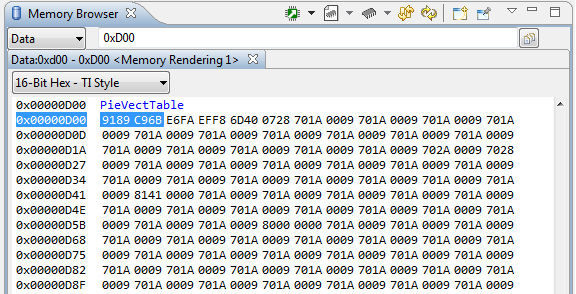
I would like to ask, what is the correct procedure to trigger software watchdog reset. Following the example watchdog_ex1_service.c, these are the steps I make in my project:
- In Device_init() - disabled the watchdog
- SysCtl_setWatchdogMode(SYSCTL_WD_MODE_RESET); - Set the watchdog to generate a reset signal
- SysCtl_serviceWatchdog(); - reset the watchdog counter
- SysCtl_enableWatchdog(); - enable watchdog
- SysCtl_serviceWatchdog(); - in main loop, reset the watchdog timer
Then,
a) in my project, when I called my reset code:
EALLOW;
WdRegs.WDCR.all = 0x0000;
EDIS;
the result is that following function is called:
static void Interrupt_illegalOperationHandler(void)
{
//
// Something has gone wrong. The CPU has tried to execute an illegal
// instruction, generating an illegal instruction trap (ITRAP).
//
ESTOP0;
for(;;)
{
;
}
}
and then:
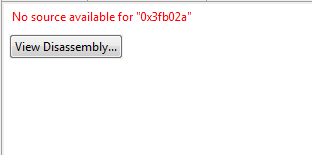
MCU then hangs in undefined state, definitely was not reseted correctly.
b) in the example watchdog_ex1_service.c, when I change SYSCTL_WD_MODE_INTERRUPT to SYSCTL_WD_MODE_RESET and then when watchdog timeout is triggered, the result is again:
So, my question is, what is the correct way to reset device from code using watchdog. Is there something that I missed?
Many thanks, Marek