


Part Number: TMS320F28377S
Tool/software: Code Composer Studio
Hi all community

I have been using tms320f2837xS launcpad.I selected SCI boot mode. When cmd terminal interface is sent the run packet, I try to achieve jump to application  by branch to entrypoint.then I expecxted run blinky application.but it did not run!
I used hex2000 for out file format to asci hex format.

Like this:

C:\ti\ccs810\ccsv8\tools\compiler\ti-cgt-c2000_18.1.2.LTS\bin\hex2000.exe -boot -a -sci8 C:\ti\c2000\C2000Ware_1_00_02_00\device_support\f2837xs\examples\cpu1\blinky_with_DCSM\cpu01\ccs\CPU1_RAM\blinky_with_dcsm_cpu01.out  -o C:\Users\PC-354-\Desktop\bilenki_yeni.txt
C:\ti\ccs810\ccsv8\tools\compiler\ti-cgt-c2000_18.1.2.LTS\bin\hex2000.exe -boot -a -sci8 C:\ti\c2000\C2000Ware_1_00_02_00\device_support\f2837xs\examples\cpu1\F2837xS_sci_flash_kernel\cpu01\ccs\CPU1_RAM\F2837xS_sci_flash_kernel.out -o C:\Users\PC-354-\Desktop\kernel_flash2.tx
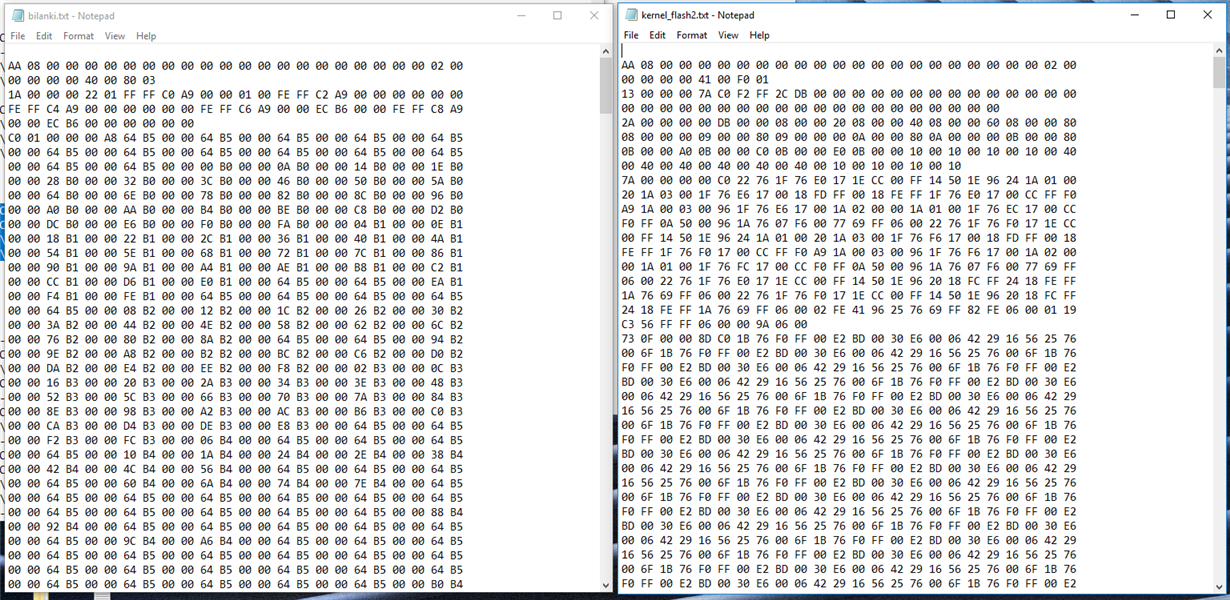 t
t

it is not the same Orijinal kernel.txt and blinky.txt hex format.The number of column doen not match yours.Do you have any problem?

Orginal_hex(C:\ti\c2000\C2000Ware_1_00_05_00\utilities\flash_programmers\serial_flash_programmer\f2837xD_fw_upgrade_example):
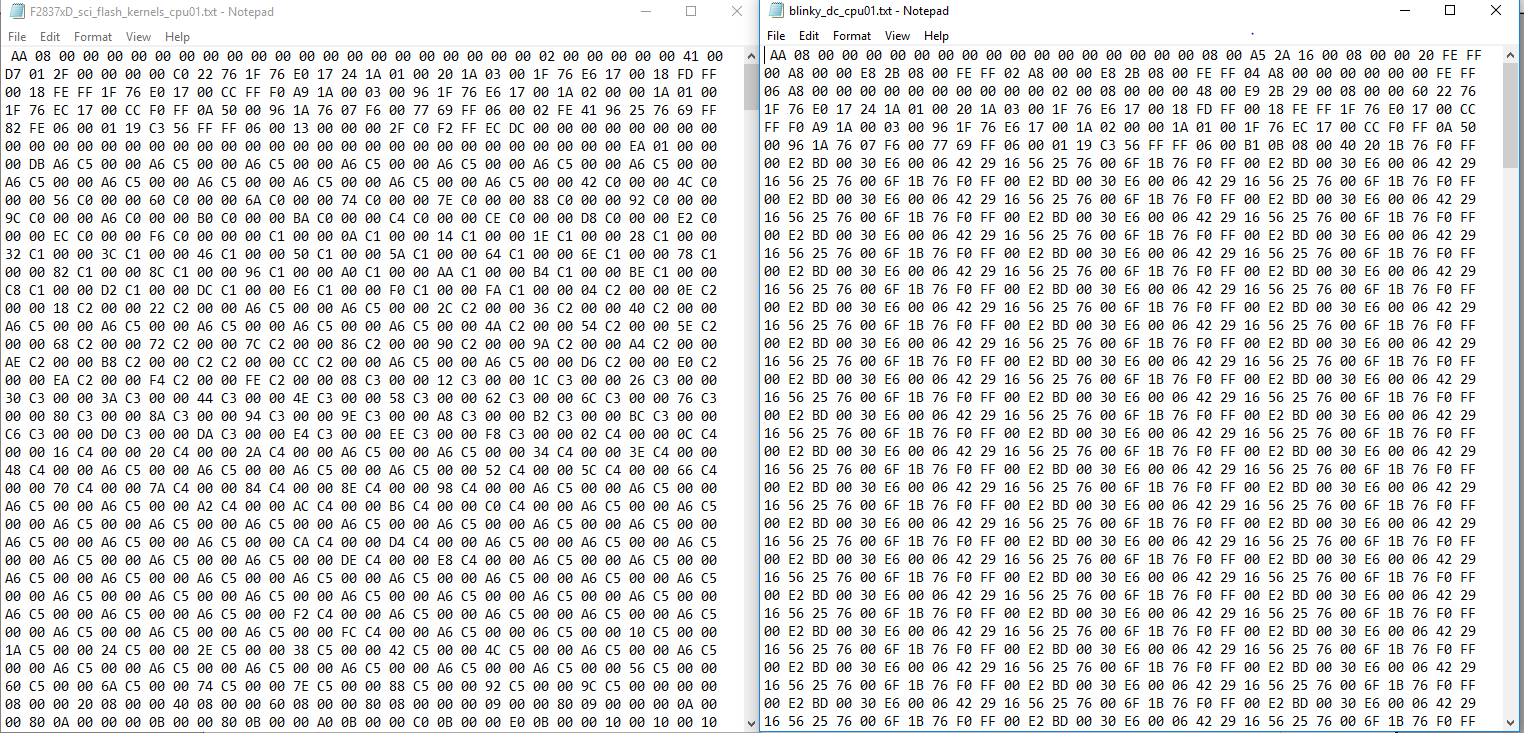
then C:\ti\c2000\C2000Ware_1_00_05_00\utilities\flash_programmers\serial_flash_programmer\serial_flash_programmer.exe -d f2837xS -k C:\Users\PC-354-\Desktop\kernel_flash2.txt -a C:\Users\PC-354-\Desktop\bilanki.txt -p COM6 -b 4800 -v
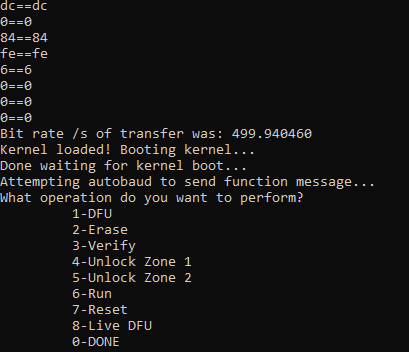
if I select DFU
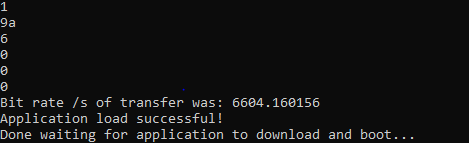
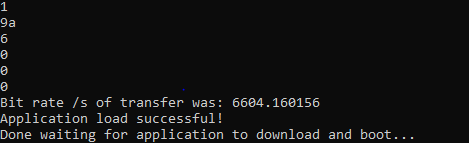
but waiting in the  last step without endlessly.I dont know why this happened!

İf I select run:
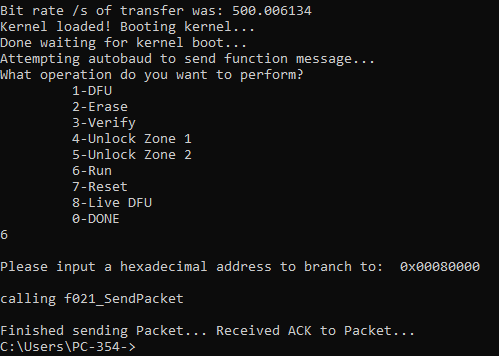
I can not see any action when I select run option!
I refer to http://www.ti.com/lit/an/sprabv4b/sprabv4b.pdf , other MCU's bootROM documents and technical reference manuals.
Thanks and Regards !

