This thread has been locked.

If you have a related question, please click the "Ask a related question" button in the top right corner. The newly created question will be automatically linked to this question.

CCS/F28M36P63C2: Ask for help,i can not record my program by CCS! How can I apply for maintenance?

Part Number: F28M36P63C2
Other Parts Discussed in Thread: F28M35H52C, C2000WARE, TPS62291

Tool/software: Code Composer Studio

phenomenon:

1. when i plug USB in docking station and control card's A:J1, CCS can not record my program as follow:

2. i detect the voltage on docking station's 3V3 and 5V, the voltage all equals to 4.7V.

3. when i power the docking station, the temperature around U1 on docking station is high.

4. i can not power the control card by the on-card micro-USB, and the LED D1 on docking station is not open:

thank you!

  • Part Number: F28M35H52C

    1. when i plug USB in docking station and control card's A:J1, CCS can not record my program as follow:

    2. i detect the voltage on docking station's 3V3 and 5V, the voltage all equals to 4.7V.

    3. when i power the docking station, the temperature around U1 on docking station is high.

    4. i can not power the control card by the on-card micro-USB, and the LED D1 on docking station is not open:

    thank you!

  • The below schematic/highlights can be found in you C2000Ware install directory here: C:\ti\c2000\C2000Ware_1_00_06_00\boards\controlCARDs\TMDSCNCD28M36\R1_1 

    The USB connector on the top of the cCARD (J9) is for USB comms only and will not power or give emulation capability.

    USB connector A:J1 will connect/power the XDS100v2 that is on chip only.  This is because this is an isolated design, to limit exposure to your Host PC from any high voltage events from the system.

    From your picture I can see that LED A:D2 is lit, meaning that the emulator is receiving power.

    Can you confirm you see the TI emulation device in Windows Device Manager?  Please provide a screen shot of this view, I want to make sure we are reconizing the emulator correctly.

    The LED, D3, is used to indicate that the MCU is receiving power from the base board.  I cannot see this from your picture it is in the lower right area of the card(side with MCU facing you and flat connectors facing down).

    Looking at the schematic you can probe TP6 and TP7 with a multimeter.  TP6 is the 5V node from the bottom docking station, this will tell us if the control CARD is getting the correct voltage from the docking station.  If you see 5V at this node, then check TP7 as this is the 5V - 3.3V regulator that powers the MCU IO supply.

    Please let me know what you observe on the above and we can debug more from there.

    Best,
    Matthew

  • thank you for your reply!

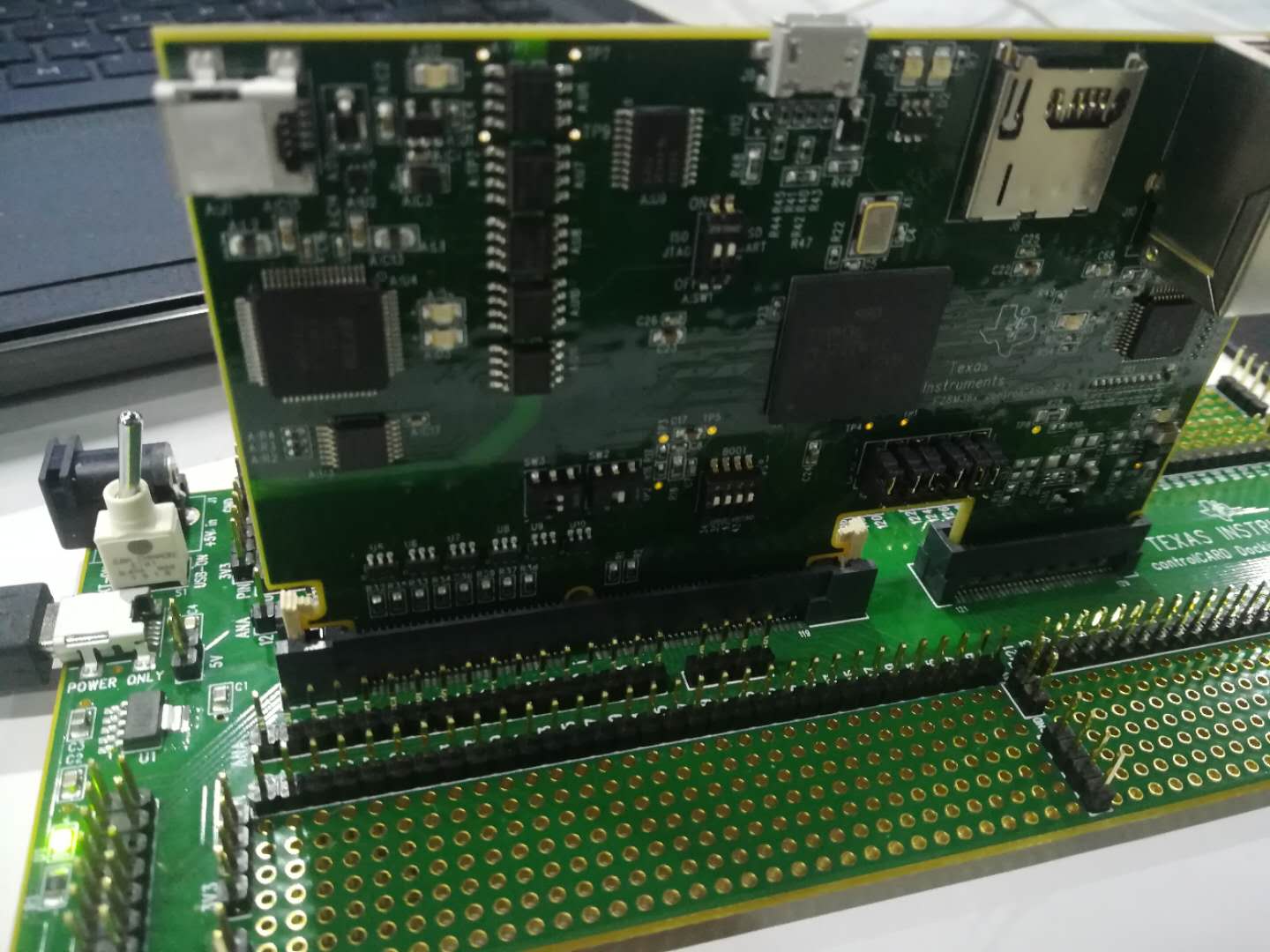
    i power the docking station, but the LED D3 is not on:

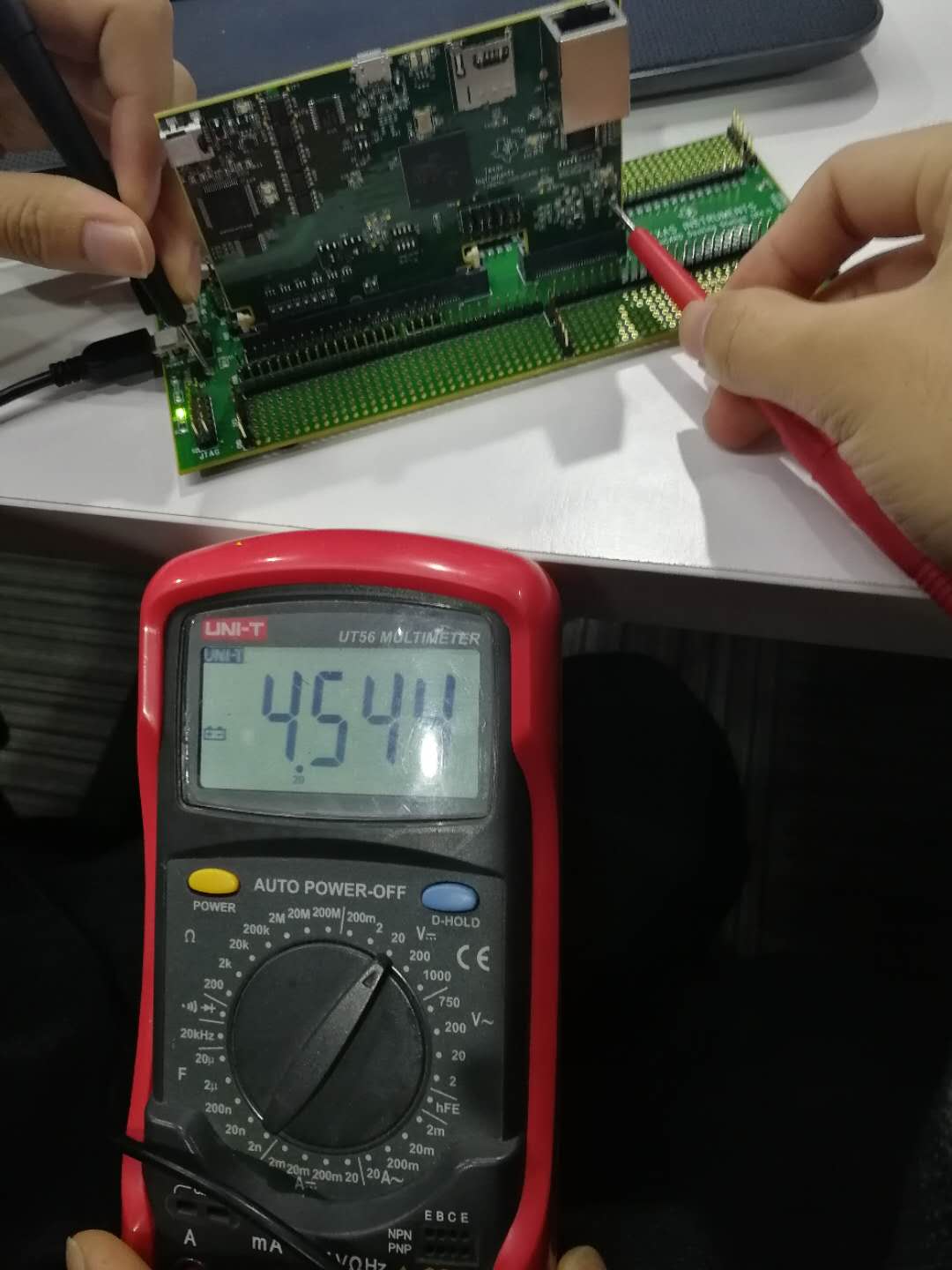
    and i use a multimeter to test TP6, the voltage is 4.544V:

    and the TP7's voltage is 0.058V:

  • Since TP7 is not 3.3V the MCU is not getting powered up.  Now to figure out why this is happening.

    I mis-stated in my previous post that J9 was only for the USB comms channel.  Looking at the schematic in more detail there is an option to power the MCU from either this source(USB_5V0) or the lower docking board(HSEC_5V0).

    Please dis-connect the control card from the docking station, and connect both the emulation USB connection as well as the J9 connection and see if the power LED comes on and you are able to connect to the control CARD.

    The step down voltage regulator(U3/TPS62291) should be capable of producing the 3.3V bus should be OK with the 4.54V you measured on TP6.  In any case let's measure TP6 using J9 only as the 5V power as well as TP7.

    If we see similar issues then there may be an issue with the TPS part.

    Best,

    Matthew

  • thank you for your reply!

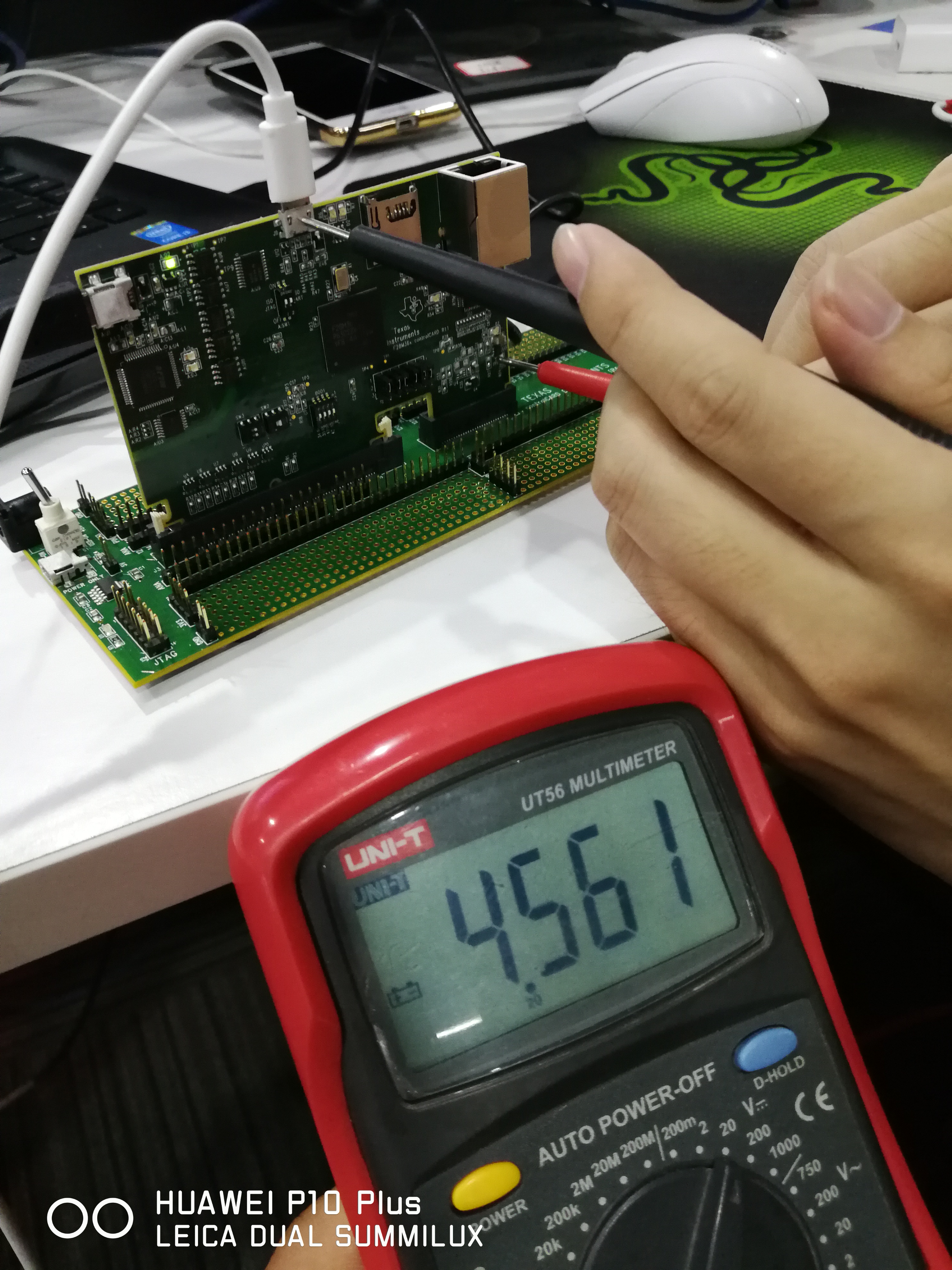
    as you see, i powered the control card by J9, the LED:D3 is not on.

    and the TP6's voltage is 4.561V, the TP7 is not correct, its voltage is 0.127V

  • Hello MatthewPate! Is their something wrong on my Control Card. Could you please give me your judgement and i will show it to dealer to apply for maintenance. Thank you very much!

  • Yes, either the TPS6299 is damaged, or the F28M36 is damaged and trying to pull too much current, causing the TPS to droop.

    You could remove resistor R24 and note if your USB voltage raises up closer to the 5V spec. If it does not, then I would think the TPS is at fault, if it does it could be either the TPS or the F28M36.

    The above is only important if you would rather sample and replace the TPS itself(since it is a 6 pin and should be straight forward) or request a new control CARD.

    Best,
    Matthew
  • Wanted to follow up with you on the above. I'm going mark as TI Things Resolved, if you have more information please reply back and it will re-open the thread.

    Best,
    Matthew