This thread has been locked.

If you have a related question, please click the "Ask a related question" button in the top right corner. The newly created question will be automatically linked to this question.

CCS/TMS320F2806: Highlight Color search - results Setting

Part Number: TMS320F2806

Tool/software: Code Composer Studio

Hello,

After following the instructions in the guide below the search results are

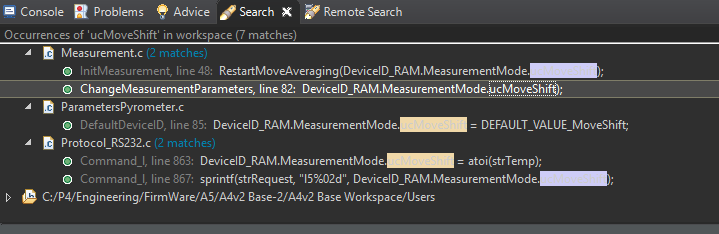
still highlighted and can't be viewed properly, as appears in the image below.

How can I solve this issue?

Thanks,

Amitai
e2e.ti.com/.../2134546

  • Amitai,

    Does it look the same in the source code editor?  i.e. is it just the search results window that is not picking up the formatting?

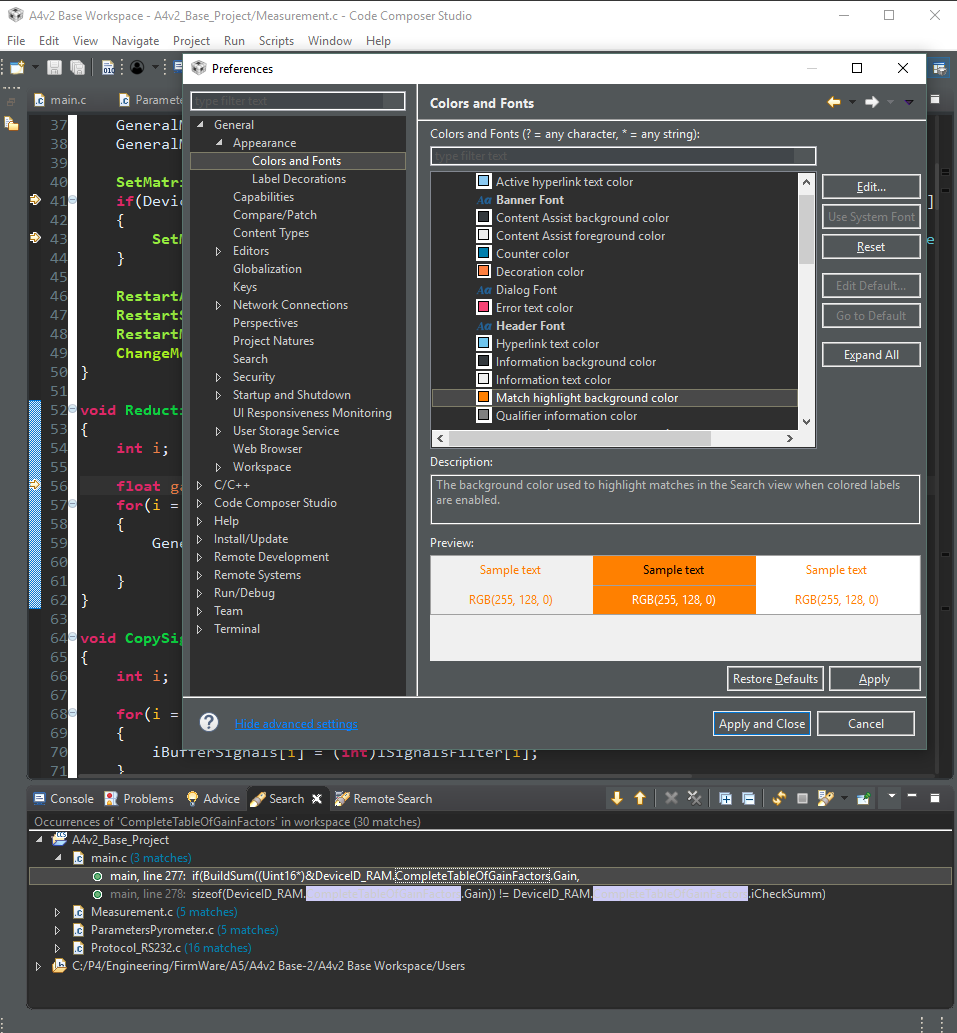
    I can control the colouring of occurrences in the editor here:

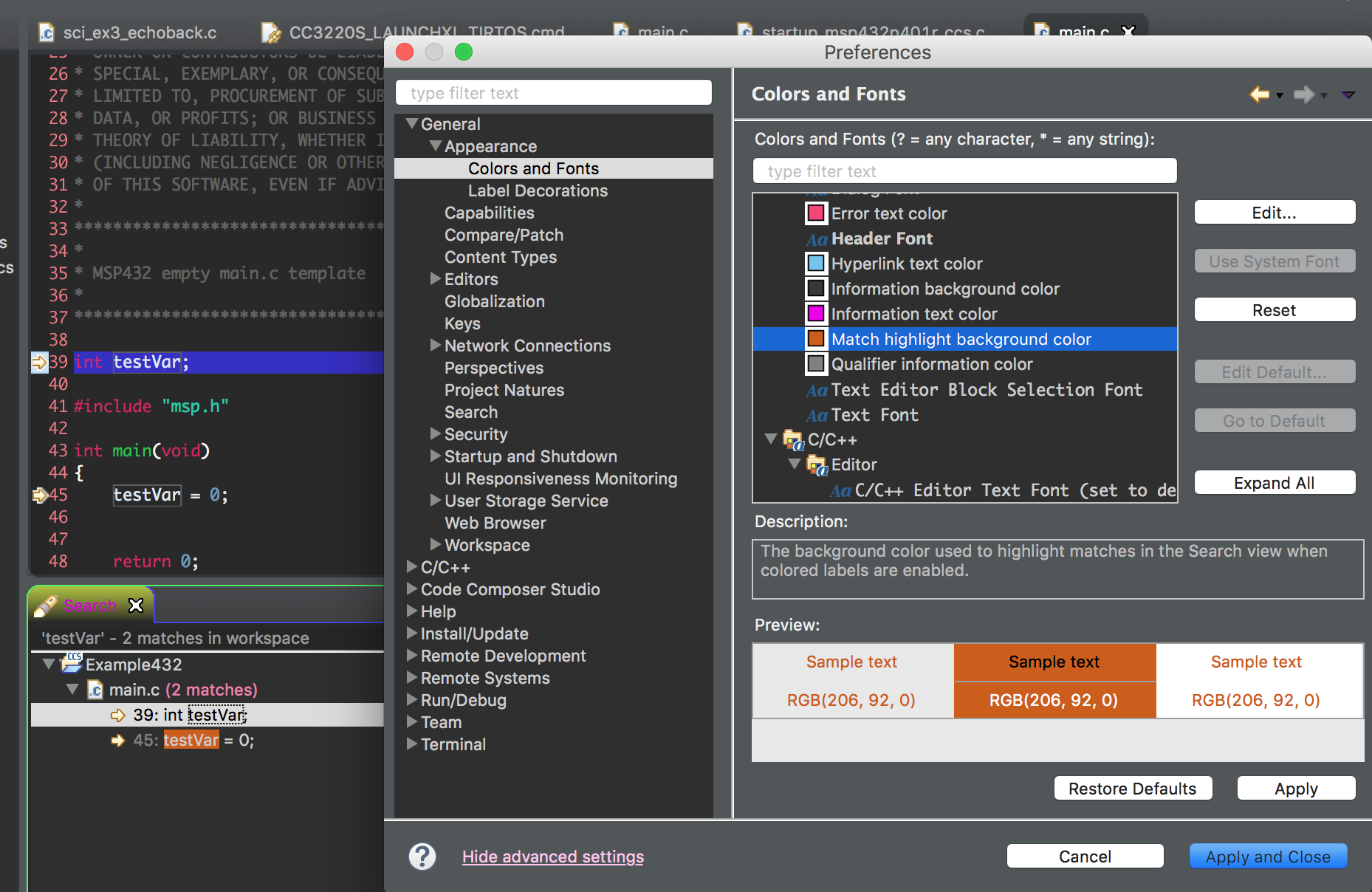
    However the search window doesn't use those settings.  It looks like it uses this one:

    The first time I changed that I had to restart CCS for it to pick up the change but afterwards I could change on the fly and just hit apply.

    Regards,

    John

  • Thanks John,

    I've tried again following your instructions.

    After choosing the desired color I have applied the changes, closed the software and added clean while

    re-starting the software again, still the color stays the same, which doesn't enable viewing the text - see figure below.

    Regards,

    Amitai

  • I just tried again in a different workspace.  Here I just changed the colour and selected Apply and it changed.

    What version of CCS are you running?  I am running 8.0.  I can try to reproduce in whatever version you are using.  

    Regards,

    John

  • Try from General -> Editors -> Text Editors -> Annotations: "C/C++ Occurrences" and "C/C++ Write Occurrences"

  • For searching via "File search" this works properly, but not via "C/C++ Search"
  • Looks like this is a bug in the Eclipse CDT package.  I did a search and found a workaround.

    Basically you can control the setting via a preference file and then import that file into your preferences.  The attached file as the preference set and you can adjust the colour to whatever you like.

    https://e2e.ti.com/cfs-file/__key/communityserver-discussions-components-files/81/searchbackground.epf

    Go to File -> Import

    Expand General and select preferences.

    Point to this file and import the preferences from it.  

    The results should immediately apply.

    Regards,

    John

  • Thanks, indeed this works in C++ search.

    Note: I had to add "writeaccess_highlight" too in provided searchbackground.epf to get correct color for those refs. Before (without "writeaccess_highlight"):

    After (with added /instance/org.eclipse.ui.workbench/org.eclipse.cdt.ui.ColoredLabels.writeaccess_highlight=0,0,255):

  • Great. Thanks for posting the extra info on the write access highlighting.

    John