This thread has been locked.

If you have a related question, please click the "Ask a related question" button in the top right corner. The newly created question will be automatically linked to this question.

CCS/TM4C129XNCZAD: CCS 10 crashes when using SWO trace Event Trace

Part Number: TM4C129XNCZAD
Other Parts Discussed in Thread: EK-TM4C129EXL

Tool/software: Code Composer Studio

When using CCS 10.0.0.00010 under Ubuntu 18.04.4 LTS I have found that attempting to use SWO trace Event Trace is causing CCS to crash.

This is using:

  • A TM4C129XNCZAD target
  • A XDS110 or XDS200 probe
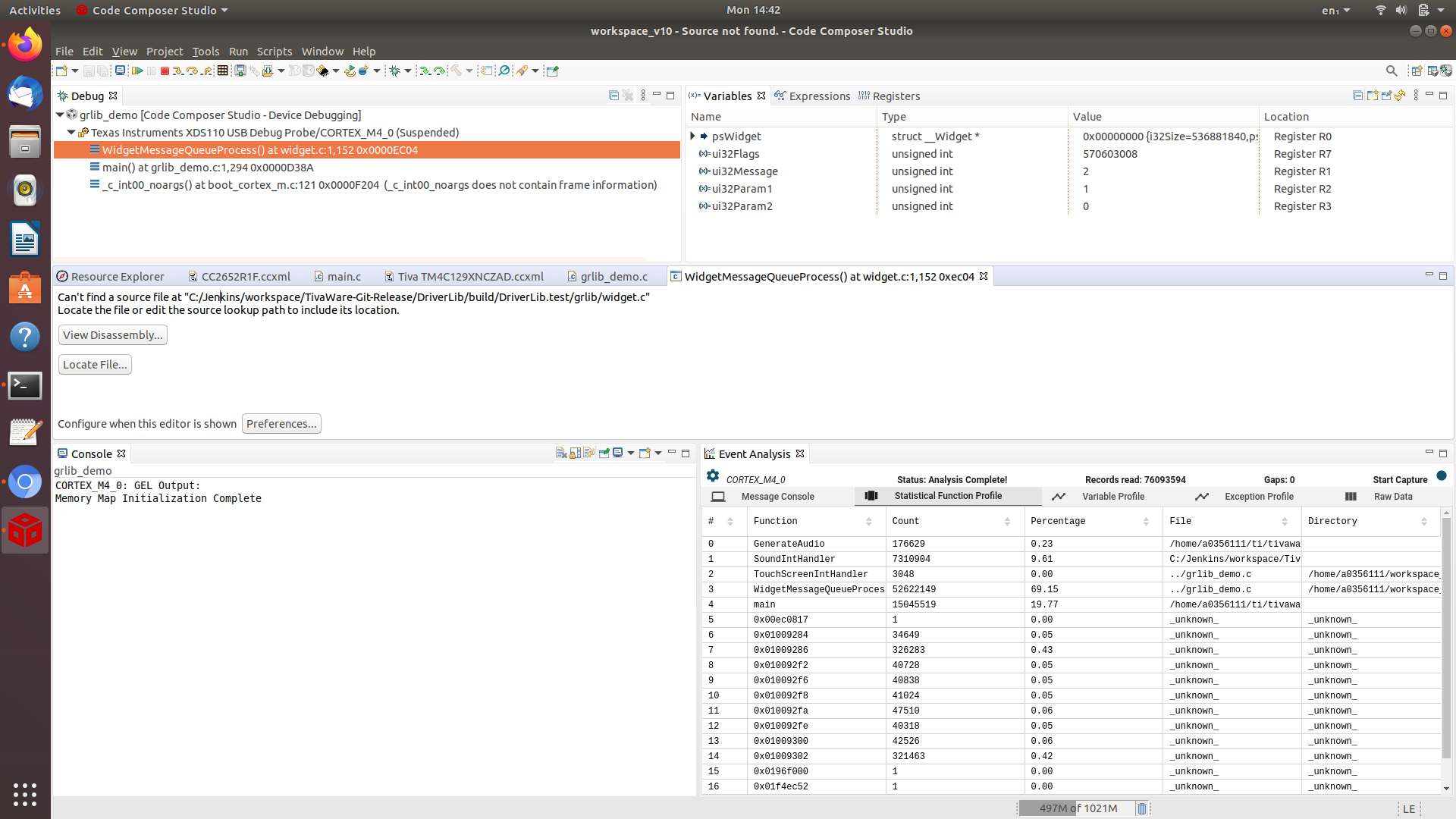
  • Using Exception Profiling or Statistical Function Profiling
  • TI Emulators 9.2.0.00002

Note that the crash is intermittent, in that can start/stop the Event Trace multiple times before CCS crashes.

The attached 0b3aa3ab-4c32-d701-55993aba-3fd18604.zip was a crash with a XDS110 and the 0118e34b-0c9e-233c-28ee01a9-468830d9.zip was a crash with a XDS200.

0118e34b-0c9e-233c-28ee01a9-468830d9.zip0b3aa3ab-4c32-d701-55993aba-3fd18604.zip

  • Chester Gillon said:
    When using CCS 10.0.0.00010 under Ubuntu 18.04.4 LTS I have found that attempting to use SWO trace Event Trace is causing CCS to crash

    Trying the same test under Windows 10, the crashes are less frequent.

    The attached 0b66e63c-acbe-47a4-9959-846e7fae0665.zip is a crash using a XDS200 and 8a026007-b827-444d-b057-b7262312ca45.zip is a crash using a XDS110. These crashes happened when went to stop debugging.

    Also, if the software is left running with Statistical Function Profiling running then:

    a. With a XDS110 the Statistical Function Profiling results continue to be updated for several minutes, until the program was paused.

    b. Whereas with a XDS200 the Statistical Function Profiling results stop being updated within about 10 seconds, but there was no obvious error reported on the Event Trace user interface.

    0b66e63c-acbe-47a4-9959-846e7fae0665.zip8a026007-b827-444d-b057-b7262312ca45.zip

  • Chester,

    Thanks for the detailed report. One of the teams looked at the logs for both OSes but unfortunately did not find a "silver bullet". On the Windows version it seems to be originated in a component responsible for the advanced trace (cTools), but no further debug information is available. For Linux, the dump collapsed at an unallocated address but no log as to where this bad address came from.

    I naturally tried to reproduce the issue here - I am using my DK-TM4C129X and Ubuntu 18.04.4 on both CCSv10.0.0.00010 and a beta release of CCSv10.1.0. All this is running on a native install of Ubuntu 18.04.4 on a Intel® Core™ i7-2620M CPU with 8GB RAM. 

    Unfortunately I couldn't get any fault on the tools, and I captured several runs with millions of records with no problem.

    Since you mentioned this is intermittent, I will keep trying to reproduce this. I am using the grlib_demo code (quite complex and full of different threads, but no TI-RTOS) on my system here. Please let me know if there is something else that you think may trigger the problem.

    Regards,

    Rafael

  • desouza said:
    Please let me know if there is something else that you think may trigger the problem.

    I have just tried the following sequence, and got a crash 4 times in a row:

    • CCS 10.0.0.00010 under Ubuntu 18.04.4 LTS.
    • An EK-TM4C129EXL connected to a XDS200.
    • Running an unmodified tcpEcho_EK_TM4C129EXL_TI example from TI-RTOS for TivaC 2.16.00.08.
    • After loading the program, set running.
    • While the target continues to run open Tools -> Code Analysis -> Event Analysis. On the Configure Event Profile select Statistical Function Profile and under the Export Interface Configuration manually specify the System Clock as 120000000 Hz.
    • Select Start Capture, and then after a few seconds Stop Capture. After repeating this 3 times CCS crashes.

    I have attached the crash dump files from the above test.

    XDS200_statistical_function_profiling_CCS10_crash.zip

  • Chester,

    Thanks for sending the additional information - I was missing the fact you were start and stopping the data capture with the Trace view opened.

    I can reproduce this here and noticed an interesting detail: the Trace data analysis seems to complete (shows the message Analysis complete!) only on the first time for me. A bug report will be filed. 

    I apologize for the inconvenience, 

    Rafael

  • Chester,

    The bug report EXT_EP-9830 was filed. Please check its status in the link SIR in my signature below. 

    At this point I don't have a practical workaround, but I will keep investigating. 

    I apologize for the inconvenience,

    Rafael

  • desouza said:
    I can reproduce this here and noticed an interesting detail: the Trace data analysis seems to complete (shows the message Analysis complete!) only on the first time for me.

    Not sure if this is related to the issue in CCS10 usability comments on SWO trace Event Analysis whereby if I try and start/stop the capture while the target is running that couldn't seem to capture any data, even if CCS didn't crash.

  • Chester,

    Indeed. I actually am in conversations regarding the whole Start//Stop sync and manual operation mechanism. It seems quite unstable. 

    Regards,

    Rafael