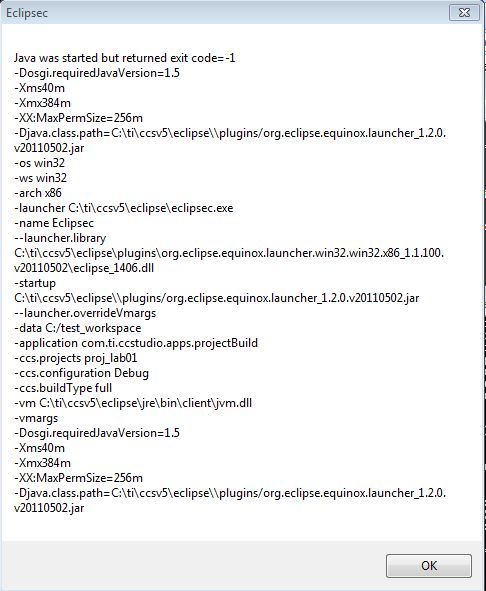
I'm using the command line interface to do a build. However, if I get compiler errors, a dialog box pops up. I don't want this since I am trying to automate the build process and want my script to handle the issue and continue on.
eclipsec -noSplash -data C:/test_workspace -application com.ti.ccstudio.apps.projectBuild -ccs.projects "proj_lab01" -ccs.configuration Debug -ccs.buildType full
Is there a way to suppress the dialog box popup?