Hi,
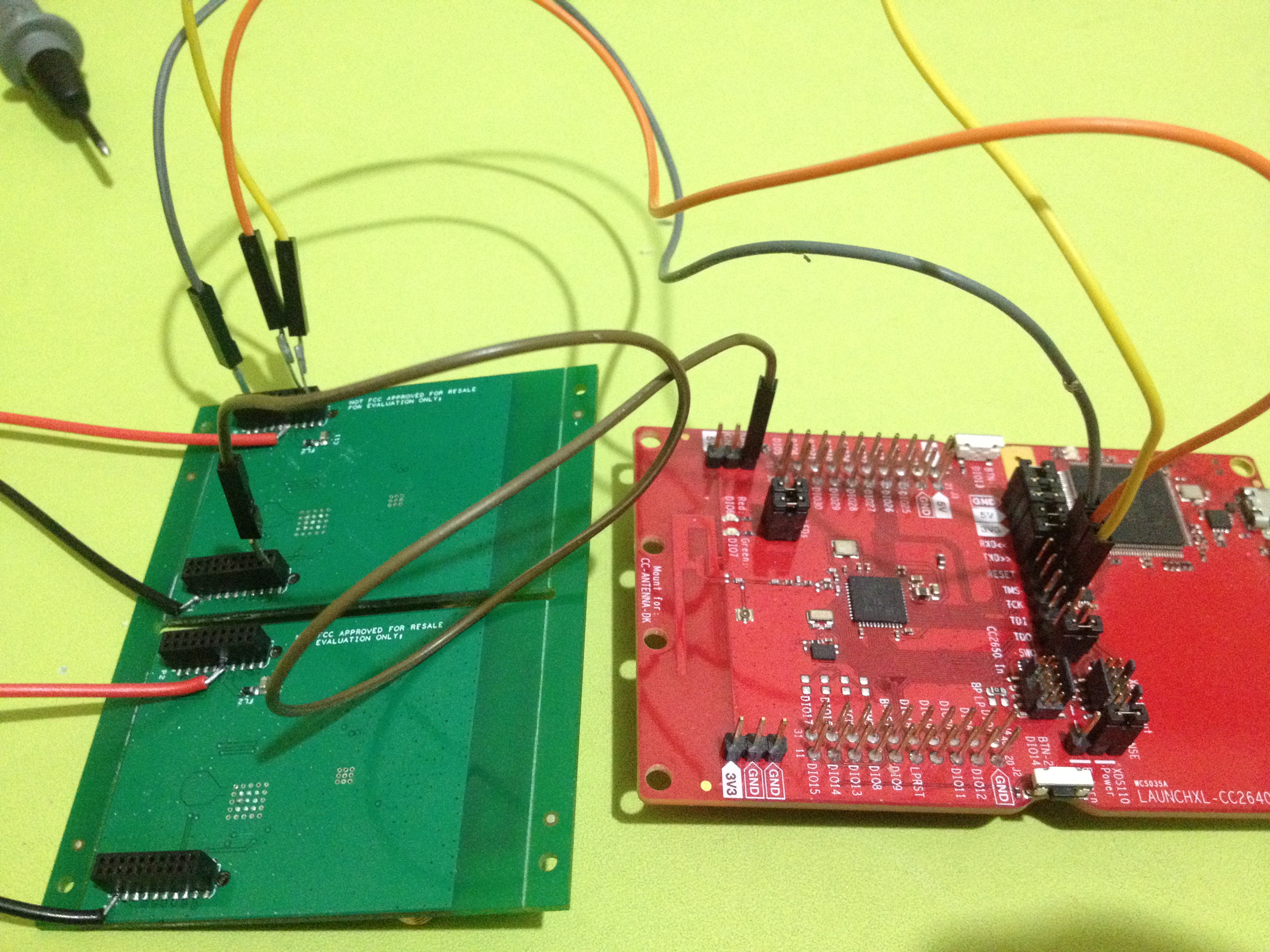
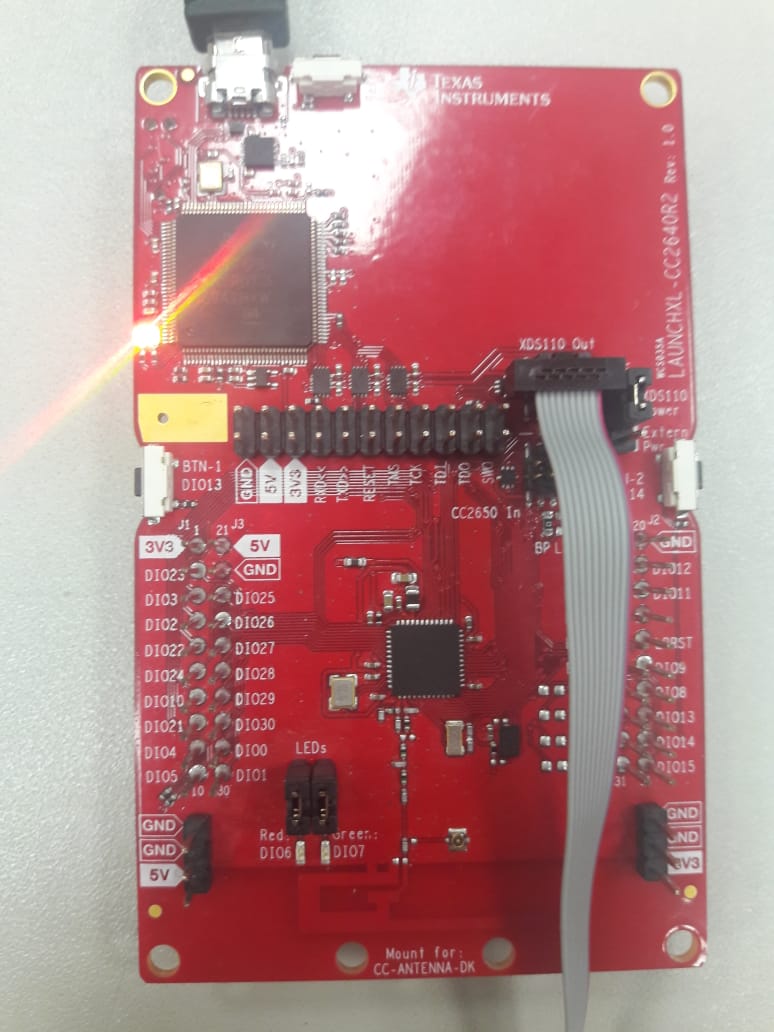
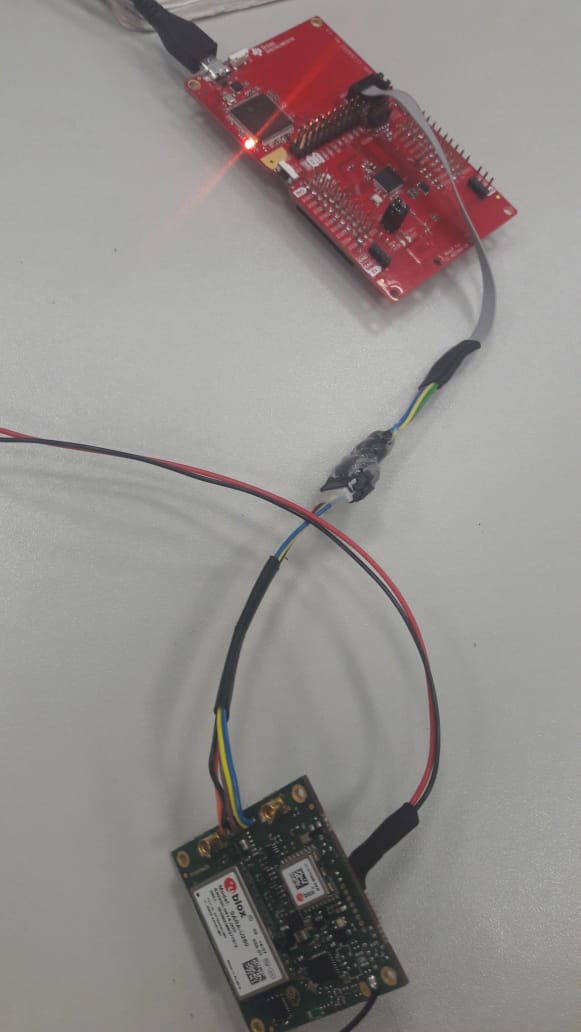
I have the CC2640R2F launchpad. Now I am trying to program an external CC2640R2F but instead a 7x7, it is a 5x5 package. I am using the XDS110 Debug Probe tools but I can not program the device.
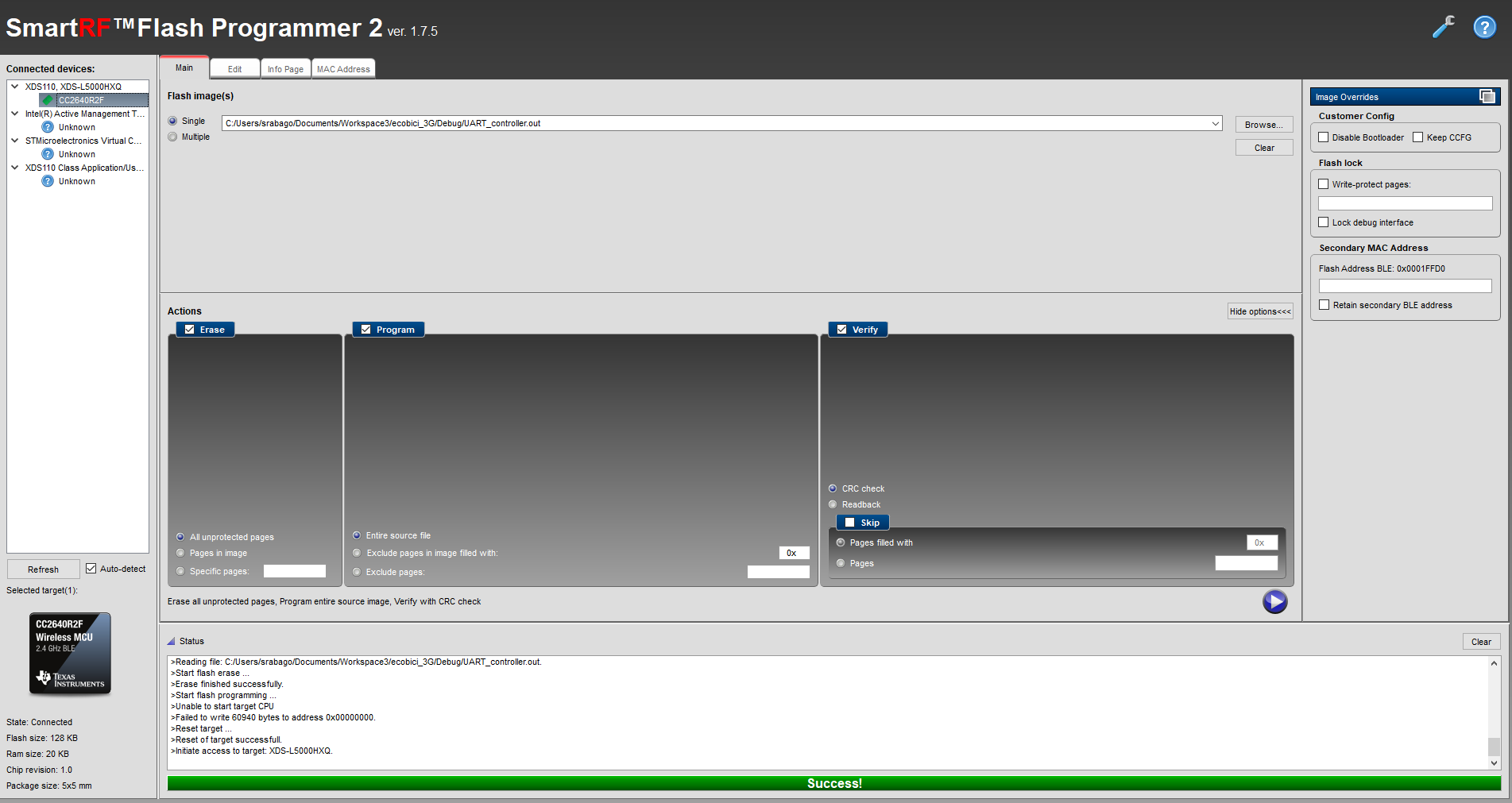
I am using FLASH PROGRAMMER APP
AND this is the error:
>Initiate access to target: XDS-L5000HXQ.
>Reading file: C:/Users/srabago/Documents/Workspace3/ecobici_3G/Debug/ecobici_3G.out.
>Start flash erase ...
>Erase finished successfully.
>Start flash programming ...
>Unable to start target CPU
>Failed to write 60912 bytes to address 0x00000000.
>Reset target ...
>Reset of target successfull.
Also when I try to test the scan connection for CTAG mode, my probe is not successful:
C:\ti\ccsv7\ccs_base\common\uscif>dbgjtag -f @xds110cjtag -S integrity
An error occurred while hard opening the controller.
-----[An error has occurred and this utility has aborted]--------------------
This error is generated by TI's USCIF driver or utilities.
The value is '-260' (0xfffffefc).
The title is 'SC_ERR_XDS110_OPEN'.
The explanation is:
An attempt to connect to the XDS110 failed.
The cause may be one or more of: no XDS110 is connected, invalid
firmware update, invalid XDS110 serial number, or faulty USB
cable. The firmware and serial number may be updated using the
xdsdfu utility found in the .../ccs_base/common/uscif/xds110
directory of your installation. View the ReadMe.txt file there
for instructions.
Does somebody know what is happening?