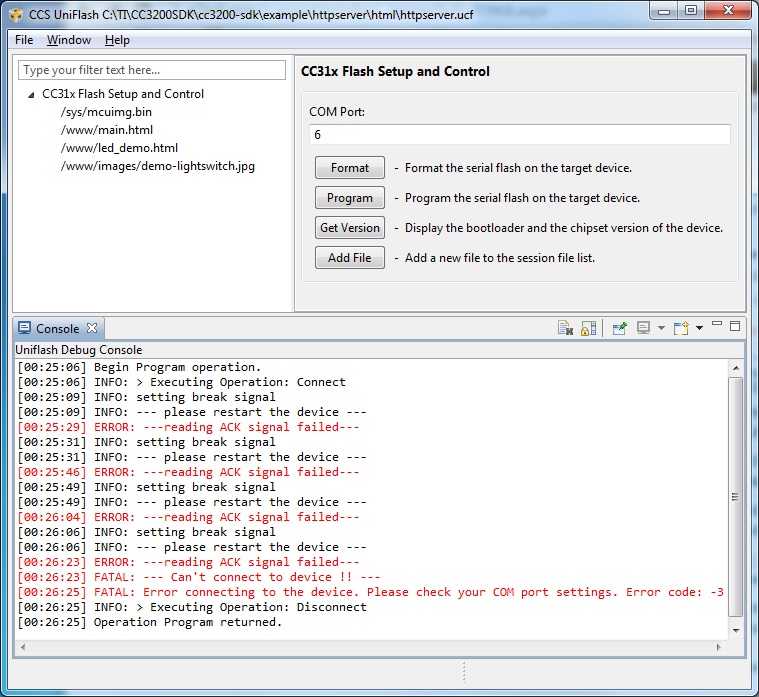
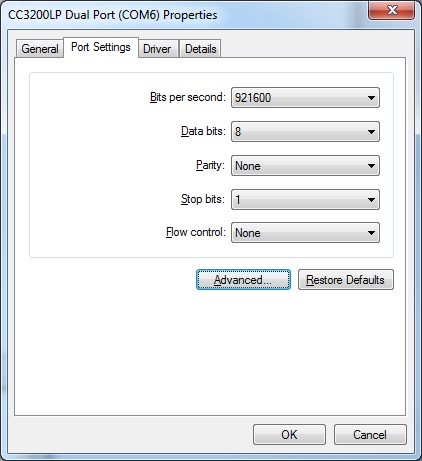
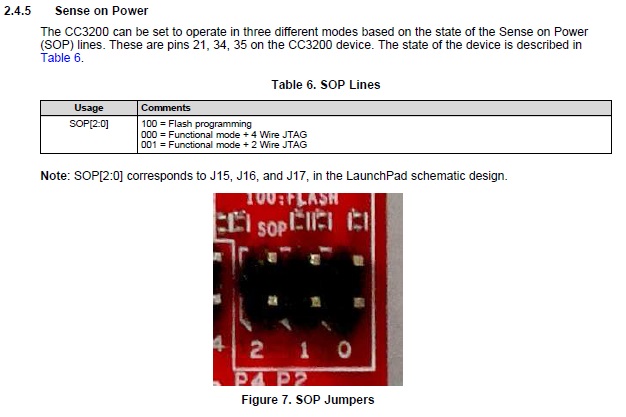
I am having issues getting UniFlash to connect and update the Flash on my CC3200 LaunchPad, it is the latest revision (Rev 3.2). UniFlash is also the latest version (Version: 3.2.0.00019)
I am experienced with TI tools and development boards, and the computer has a completely newly installed Windows 7 operating system.
I am using the CC32xx HTTP Server Example that comes with the CC3200 SDK. And am following the steps as outlined below.
Flash Example Content(html,image,Application binary)on serial flash by following below steps.
1. If CC3200 SDK is installed at default location C:\ti\CC3200SDK
• Open C:\ti\CC3200SDK\cc3200-sdk\example\httpserver\html\httpserver.ucf session file in Uniflash.
• Flash the files to the device. Detailed instructions at Uniflash User Guide.
When UniFlash asks me to INFO: --- please restart the device --- I press the reset button on the CC3200 LaunchPad board, and instead of connecting it returns the error message ERROR: ---reading ACK signal failed---
Here are some images