This thread has been locked.

If you have a related question, please click the "Ask a related question" button in the top right corner. The newly created question will be automatically linked to this question.

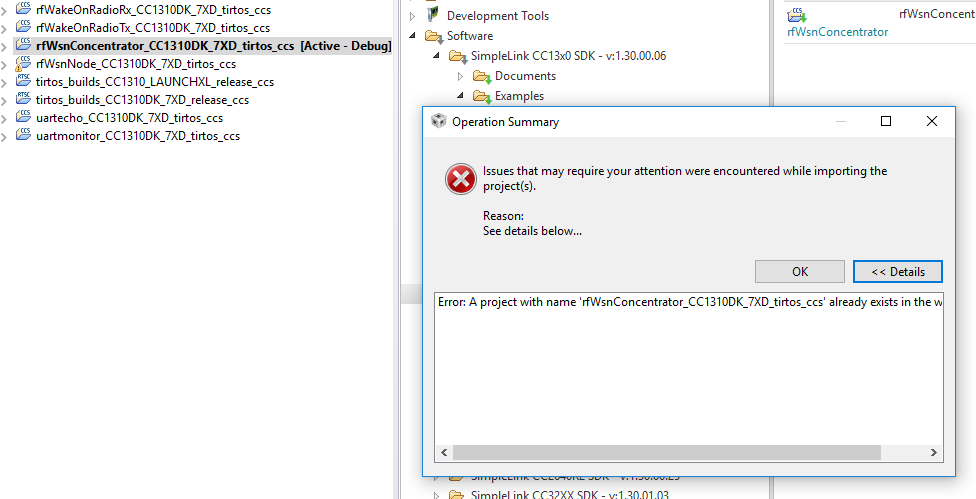
CCS/CC1310: I can't create the same example project in one workspace. What should I do ?

Part Number: CC1310


Tool/software: Code Composer Studio

I can't create the same example project in one workspace. What should I do ?   
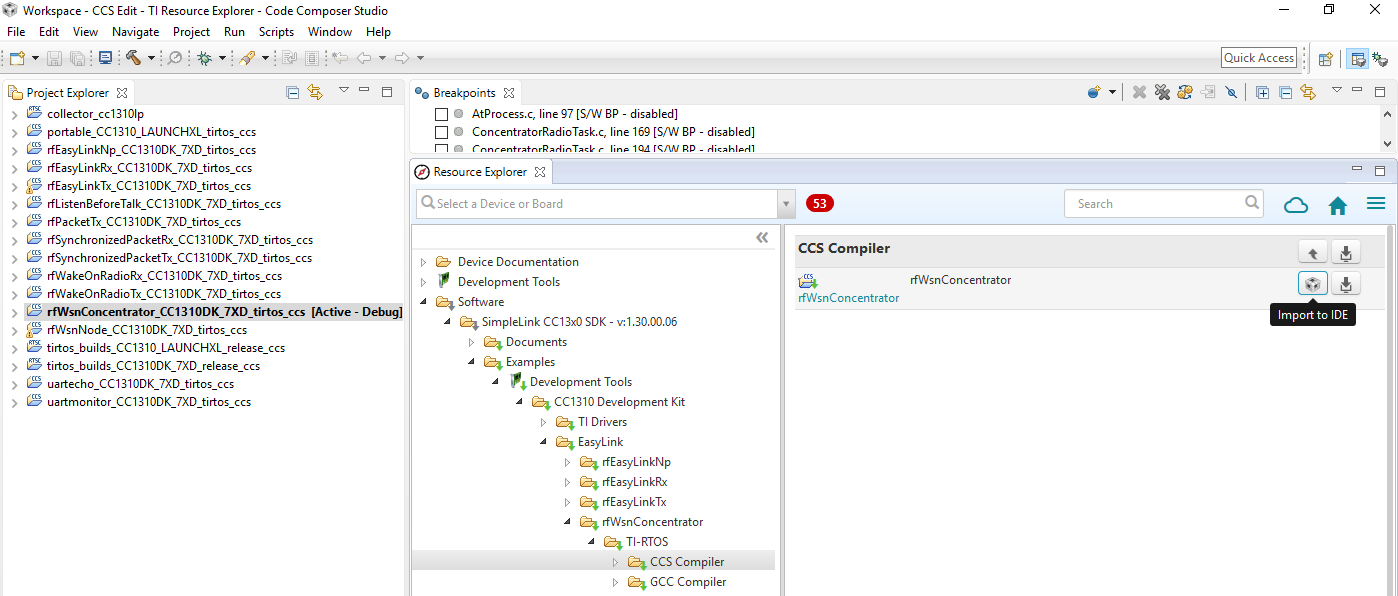
  • Rename the existing project to something else. If you modify an example it could be a good idea to give it a new name to show that it's no longer the same as the original.
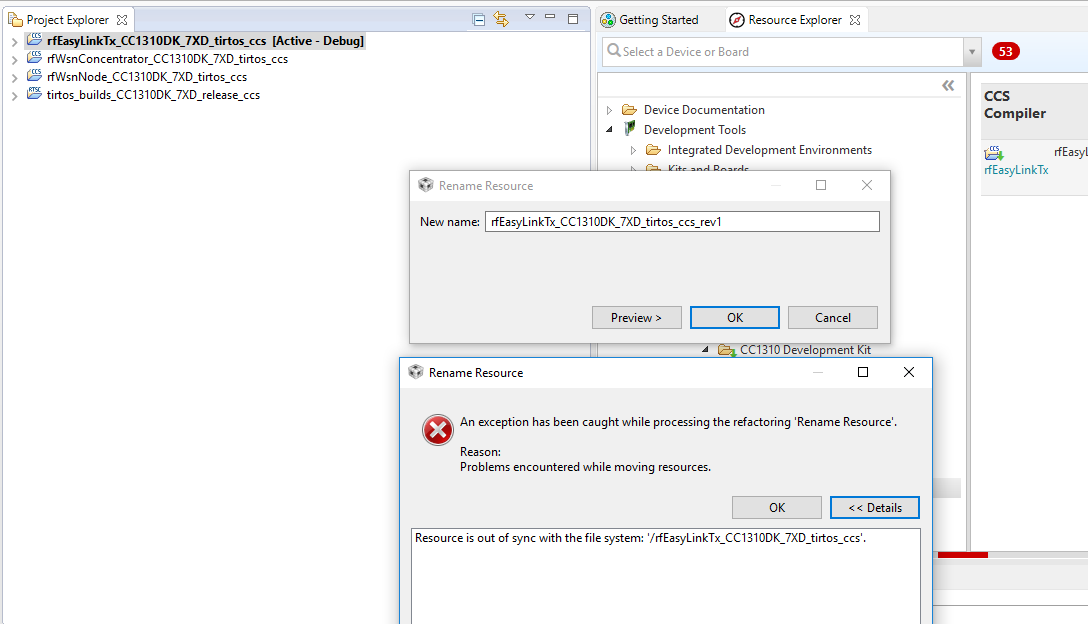
  • I try to follow your advice but it can't rename. 

    Now if I want new project, I am going to use menu switch workspace to new workspace before create new project.

  • It looks like it's a bug in CCS 7.1 that affect the ability to rename. Feel free to post this question in the CCS forum to check if they have fixed this.

    A work around: Go to the following folder (dependent on which example you want to use):
    C:\ti\simplelink_cc13x0_sdk_1_30_00_06\examples\rtos\CC1310_LAUNCHXL\easylink\rfEasyLinkTx\tirtos\ccs

    Copy and paste the following file (dependent on which example you want to use):
    rfEasyLinkTx_CC1310_LAUNCHXL_tirtos_ccs.projectspec

    rename this file to what you want to call the project.

    Go to File -> Import -> CCS project and browse to C:\ti\simplelink_cc13x0_sdk_1_30_00_06 and your new nenamed project will pop up.