This thread has been locked.

If you have a related question, please click the "Ask a related question" button in the top right corner. The newly created question will be automatically linked to this question.

TAS2781: About PPC3 speaker characterization

Part Number: TAS2781


Hi TI team

I am using PPC3's Characterization function, But I can not find the step like Preparateion, Speaker Selection.... like the slaa757 doc shows like below
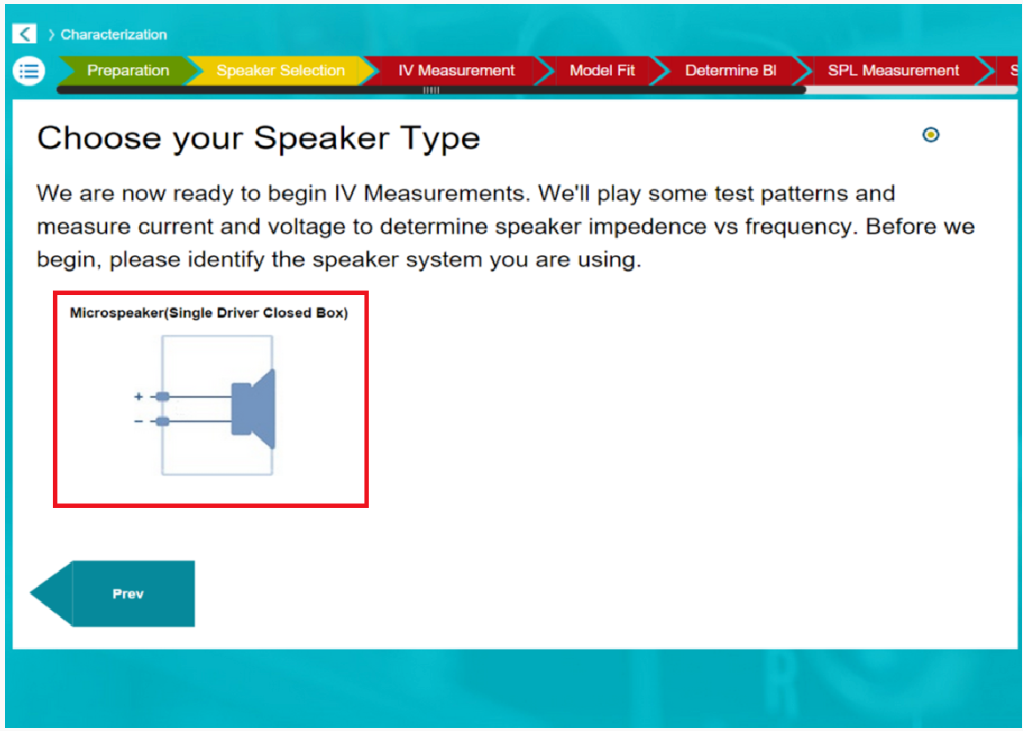
image.png
and in my ppc only shows below:
image.png
TAS2781 App version is 3.0.2. Could you tell me what I miss? 

Best Regards
keith

  • Hi keith,

    normally, lower version of TAS2781 like 3.0.1 will follow the guide of slaa757, and it should connect  the learning board first and then connect the PC to TAS2781EVM, it will show the characterization process.

    but as your are using the new version, the characterization had been updated to new version. but you still need connect to EVM board first, and then go into " tuning and audio processing" first and then go into "Characterization", it will show the steps.

    Br,

    Wenbin


  • Hi Wenbin

    Thanks, PPC3 can shows the process when I connnect to the EVB.

    And, If I want to calibration the custom PCBA 's speaker, it should be done using the FTC process, right?

    I find that there has driver code from TI git for linux kernel, It seems, the FTC can running in DUT itself if import the FTC driver code. Including play test singnal, and the calibration data generation.

    But unfortunately, in our project, the TAS2781 chip is connect to a MCU through I2C, and the I2S signal is connect from another DSP, In this case, 

    If there have start guide or driver code for mcu to process the FTC ?


    Best Regards
    keith

  • Hi Keith,

    there is FCT code for MCU platform. if possible, please submit a new ticket for the SW related issue.

    Br,

    Wenbin


  • Hi Wenbin

    Sure, I will submit a new ticker for this issue.

    Thanks.

    Best Regards
    keith


  • This thread will be closed.