A related question is a question created from another question. When the related question is created, it will be automatically linked to the original question.
If you have a related question, please click the "Ask a related question" button in the top right corner. The newly created question will be automatically linked to this question.
After review of the schematic, I have some comments:
Boost inductor has current rate of 3.5A. Please make sure to set BST_ILIM accordingly.
VBST/PVDD capacitors are rated for 10V, this voltage rating should be increased. Please take into consideration that derating capacitance due to DC offset at the boost voltage level (11.5V) should not go below 4uF
It seems VBAT pin and the boost inductor are supplied from different supplies, the supply voltage for these should be at least the same potential.
You can check out or EVM and this app note for the layout process;
Please let us know if you have any questions.
Best regards, -Ivan Salazar Applications Engineer - Low Power Audio & Actuators
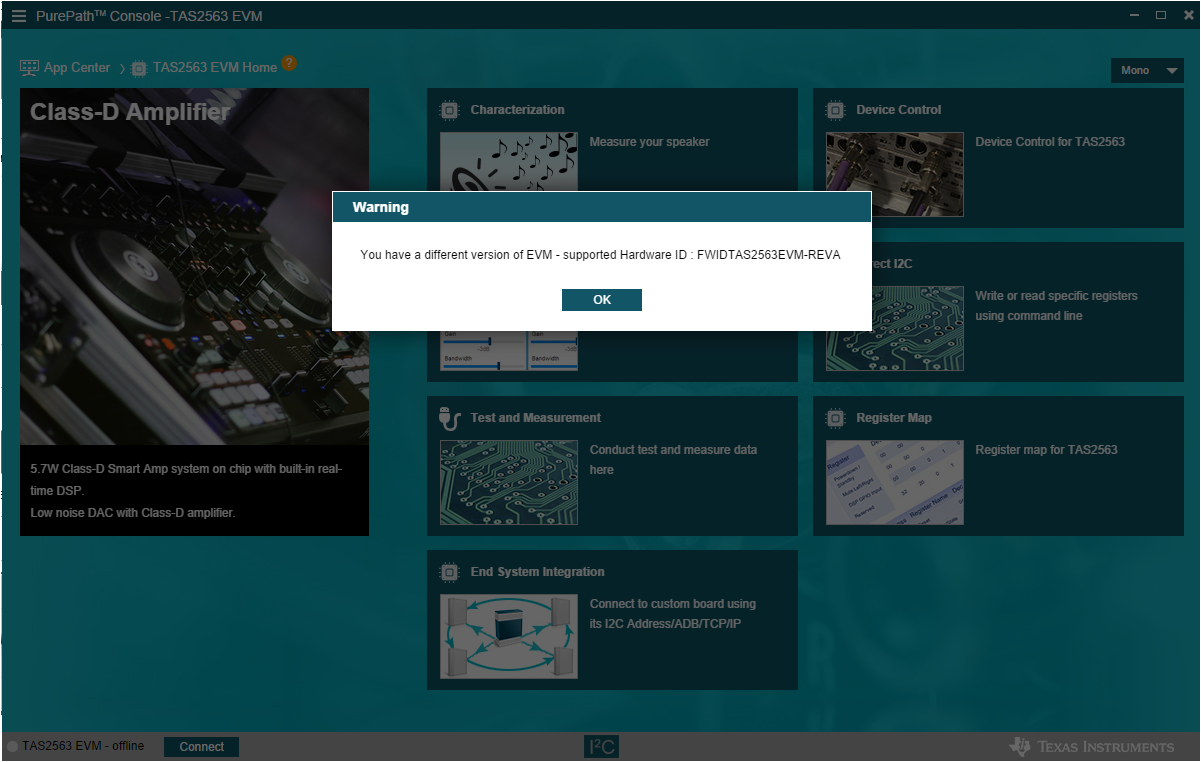
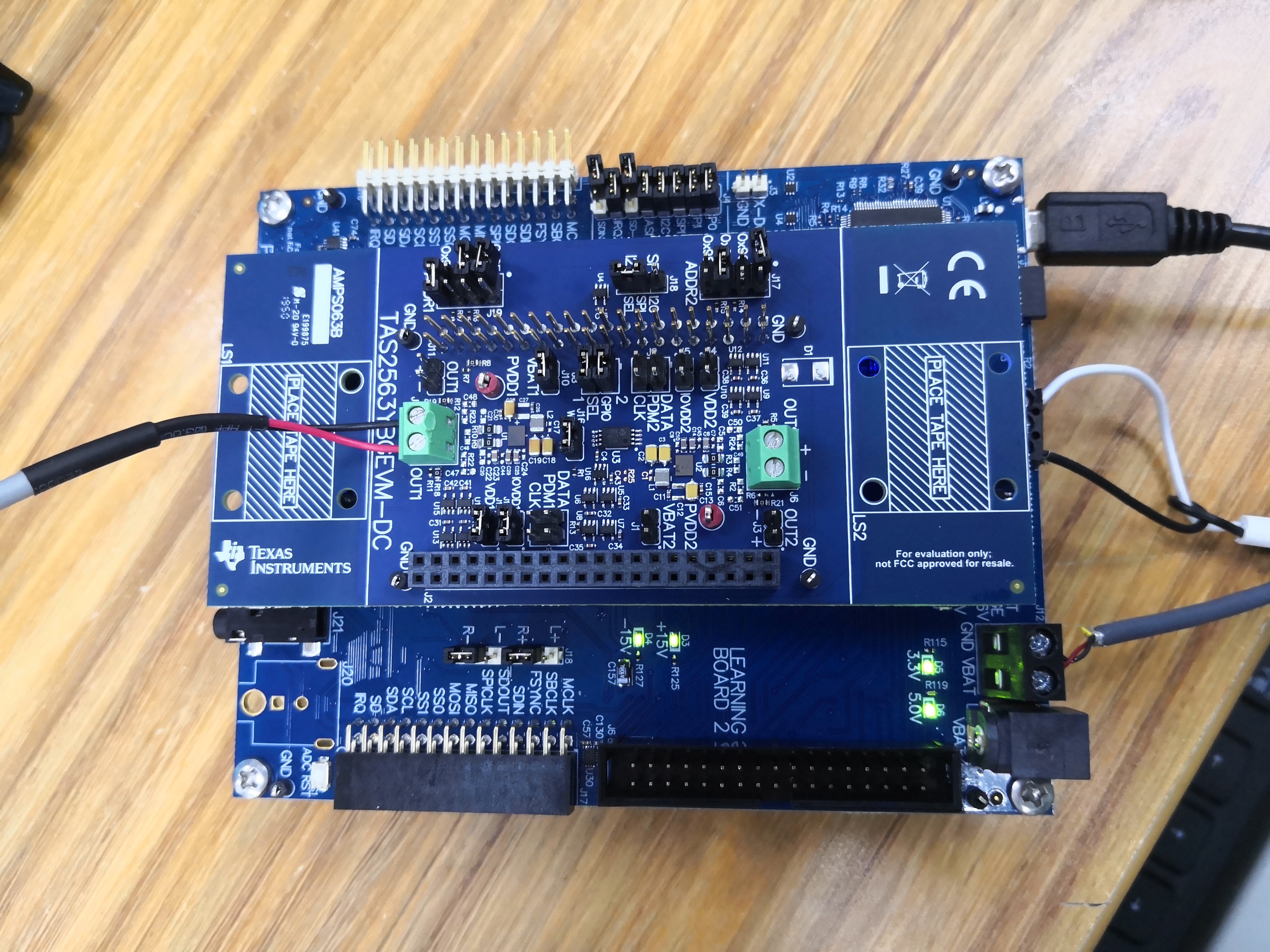
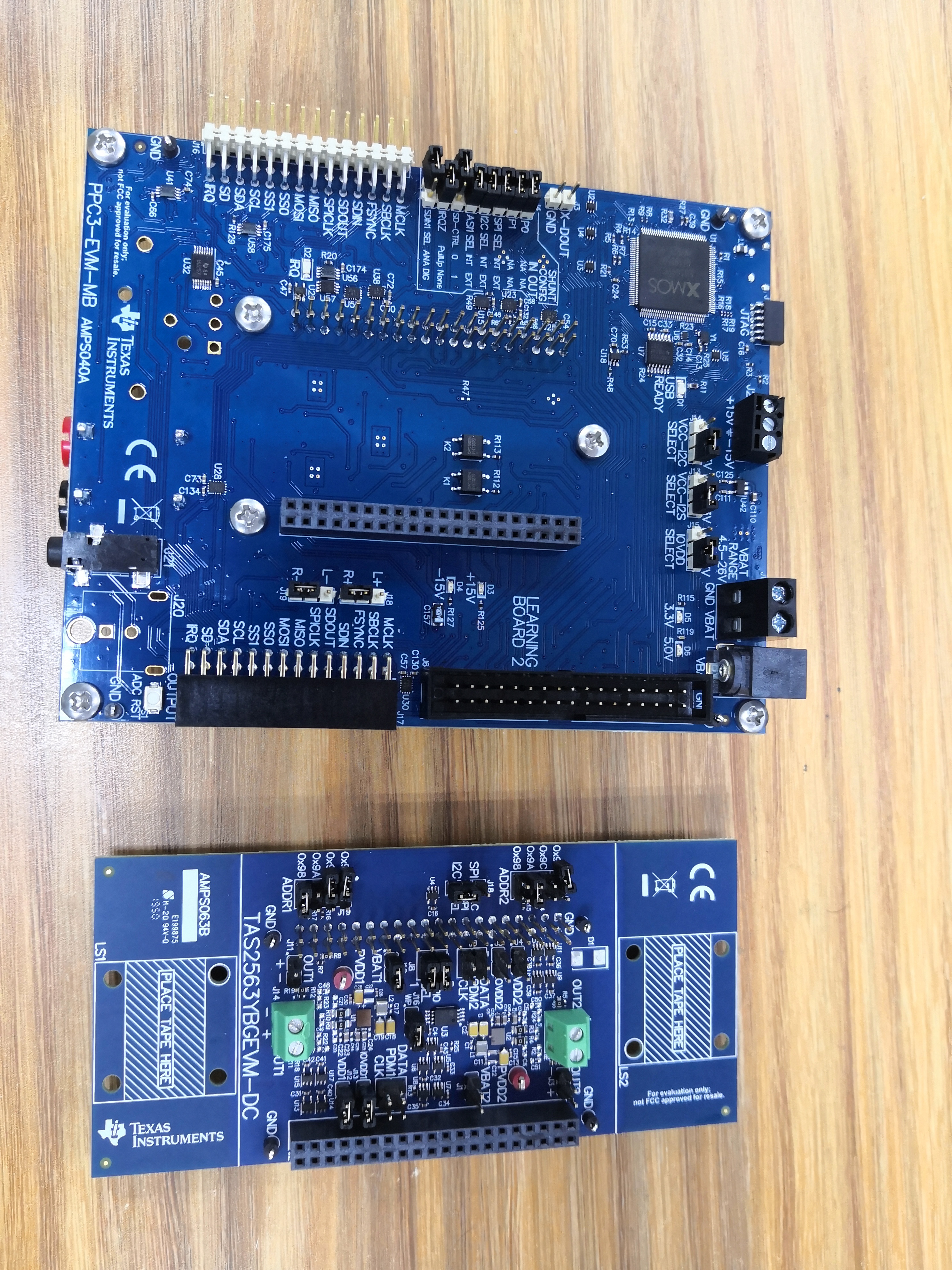
This warning message can be ignored, but could you please explain what is the procedure you follow to test the device? If you can also share a picture of your hardware setup it would also help to make sure everything is setup correctly.
A procedure you can follow is:
Connect EVM to PC through USB
Open PPC3 and TAS2563 app
Power up EVM
Click on "connect" button at the bottom left corner
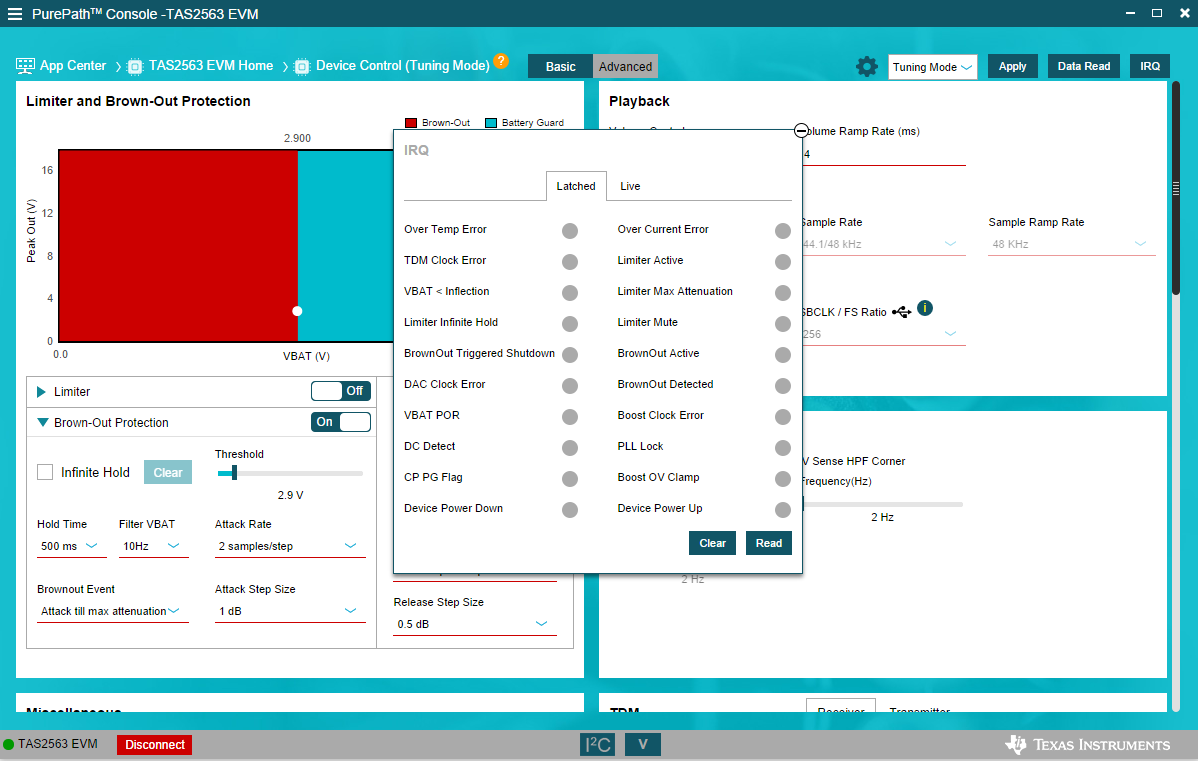
Open Tuning and Audio Processing panel (this step should initialize the device)
Play audio through the EVM, it works as a sound card so you must make sure it is set as your default playback device
Best regards, -Ivan Salazar Applications Engineer - Low Power Audio & Actuators
To help debug this, can you take an oscilloscope capture of VBAT as you power on the EVM? Also, what happens if you try using the second device on the EVM?
Additionally, this shouldn't have an impact but, you can remove the +/-15V supply to the board. You only need to do this if you are using the differential to single ended filter while doing a THD+N measurement.