


Part Number: AFE11612EVM
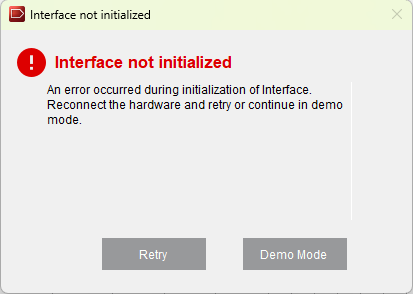
Attempting to establish first connection with the AFE11612EVM board using the GUI. but running into interface error.
Software was installed following the user guide. Board was not connected. Re-installed the latest W11 compatible drivers and still no connection. SPI is selected in the config setup.
PC can detect it is plugged in as it shows up in the device manager in the USB connections.
Hardware configuration for USB SPI:
- AFE VCC Source(J5) Closed(Connects onboard VDD to AFE)
- VDD Supply(J6 1-2) Closed(Connects 5V USB supply to VDD)
- VIO Supply(j6 3-4) Closed(Connects 3.3V USB supply to VIO)
- I2C/SPI Selection(J10, J11, J12, J14, J15) Set to 1-2 positions to enable SPI protocol.
Not sure if I am just missing something in setup process or if maybe our sysadmins have something setup that would be blocking outgoing communication on the usb interface.
Any help is appreciated.
