Part Number: BP-DAC11001EVM
Hello,
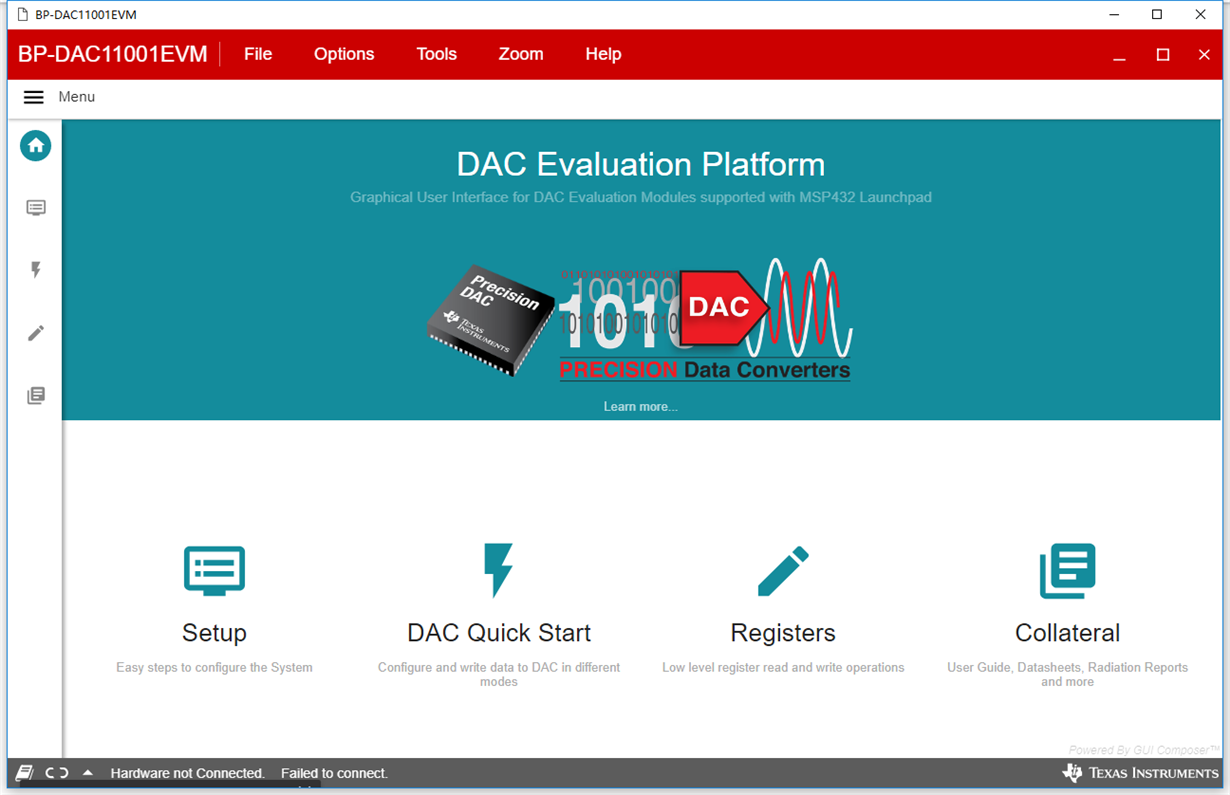
Our customer used BP-DAC11001EVM and MSP-EXP432E401Y for his application, but the GUI appeared the hardware couldn't connect it.
Connect the USB cable from the lauchpad OTG USB port (U7) to the PC . “Hardware not connected. Failed to connect “ is displayed at the bottom of BP-DAC11001EVM software. His operation systerm is Win10 and he has been upgrade the firmware according to the EVM user's guide.