This thread has been locked.

If you have a related question, please click the "Ask a related question" button in the top right corner. The newly created question will be automatically linked to this question.

AFE4490 Continuous Data Acq with Labview

Other Parts Discussed in Thread: AFE4490, AFE4490SPO2EVM

Hello,

I am looking for help from someone who knows how to continuously acquire data from the AFE4490 with LabView. Can anyone help me with this?

Thanks!

  • Hello Ben,

    We have received your inquiry regarding the AFE4490 and will get back to you shortly.

  • Hi Ben,


    To continuously acquire data, the ‘finite’ option should be changed to ‘continuous’. This can be done under the ADC Capture & Analysis tab,  in the Capture Mode section.

    To save the captures, click on Stop and then go to the Save tab. All the captures can then be saved within a file.


    Best Regards,

    Lakeishia Brown

  • Hello,

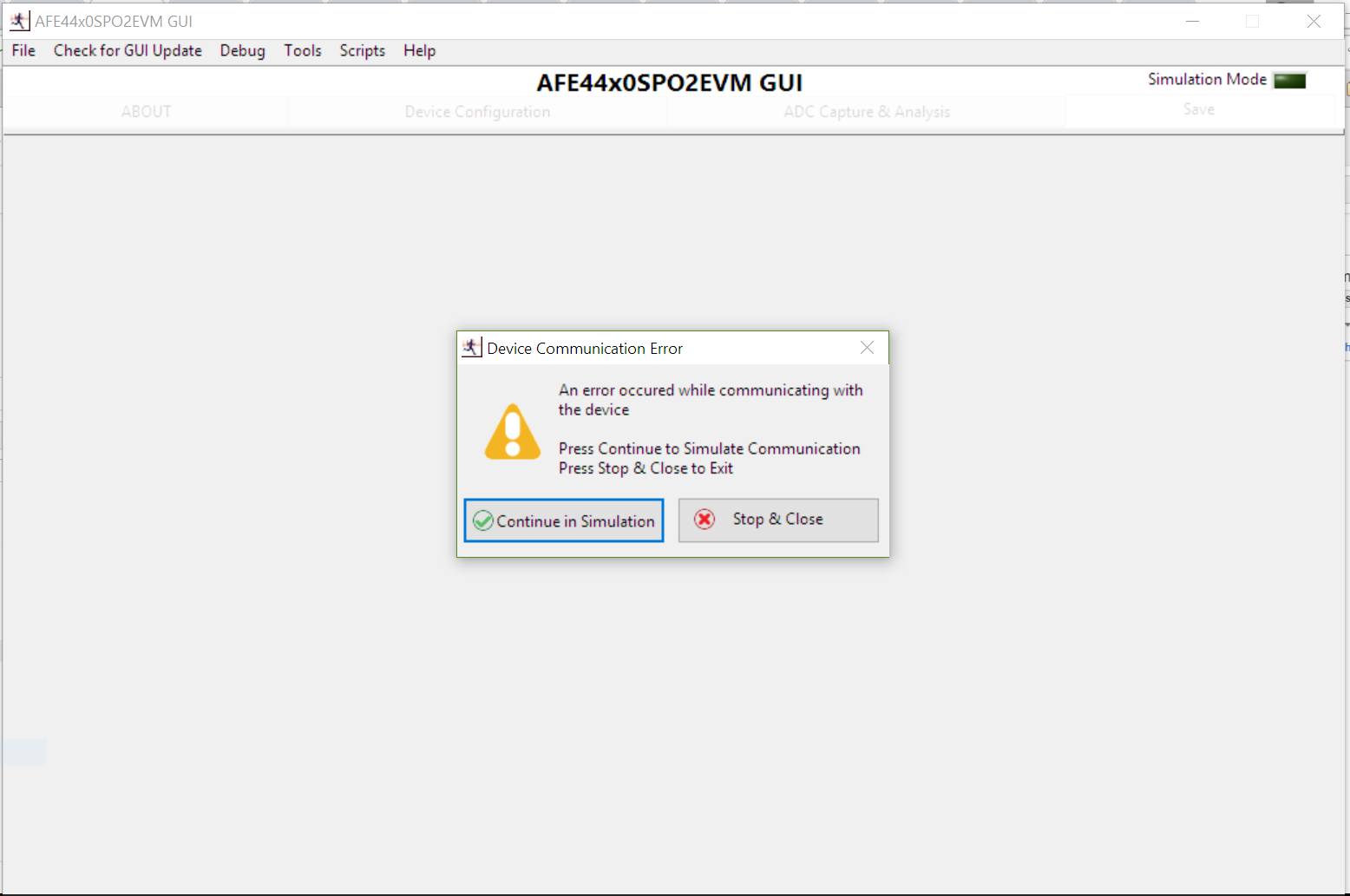
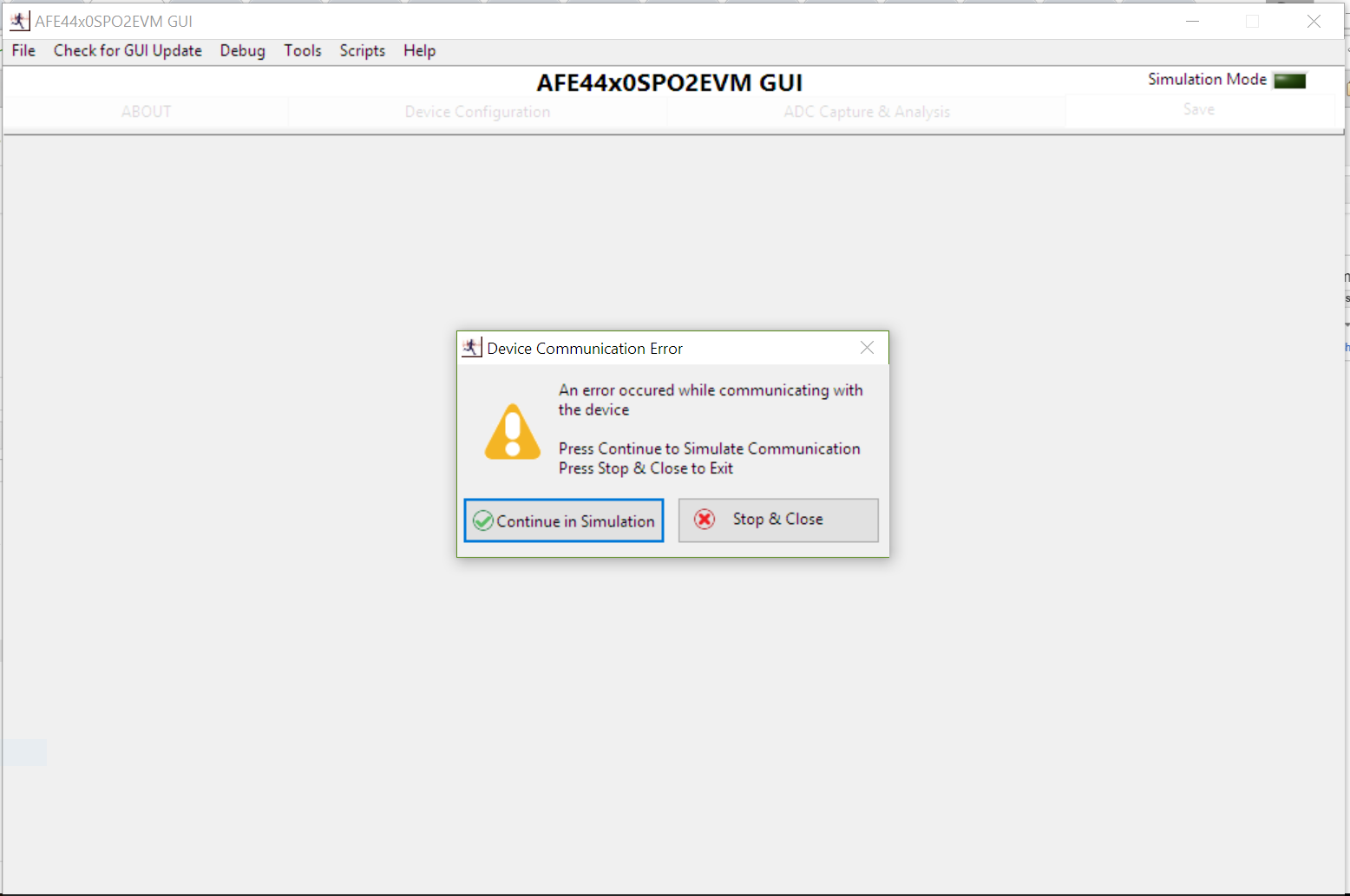
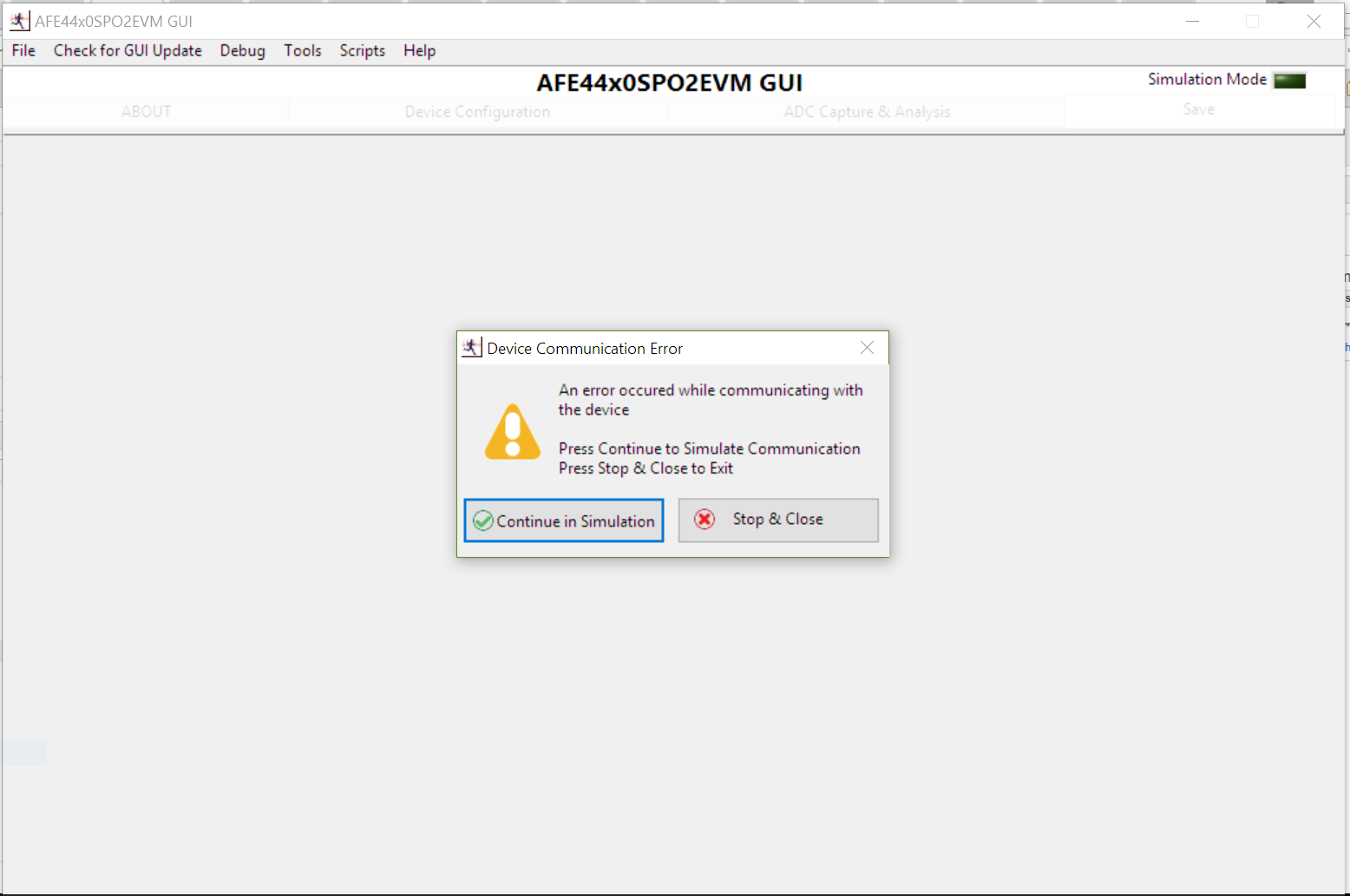
    Every time I start the GUI I receive the message "An error occurred while communicating with the device." I have checked in my Device Manager and the board registers until Ports as USB Serial Device (COM3). I also followed instructions in the User Manual to make sure the firmware and software was up to date. However, I still receive this message every time.

    Pressing "Continue in Simulation Mode" causes the program to freeze until I force quit. Pressing "Stop & Close" successfully exits the program. Occasionally, if I press "Continue in Simulation Mode" and wait long enough, the program will start in Simulation Mode; however, this mode does not seem to interact with the device.

    Do you have any suggestions as to how I can successfully start the GUI and interact with the board?

    Thanks for the help,

    Ben

  • Hi Ben,

    The device should be listed as AFE44x0SPO2-FE EVM (COMxx) in the Port (COM & LPT) settings under Device Manager.
    You will need to uninstall the USB Serial Device driver and follow the instructions listed in section 3.3 of the AFE4490SPO2EVM users guide (www.ti.com/.../slau480c.pdf) for installing the AFE4490SPO2EVM USB drivers.