


Part Number: TMDSHVMTRPFCKIT
Other Parts Discussed in Thread: CONTROLSUITE
Background
Hey everyone, I recently got the kit to explore different motor controls, but running into problems from the get-go.
As seen from the "Get Started" section of this page, I've done the following:

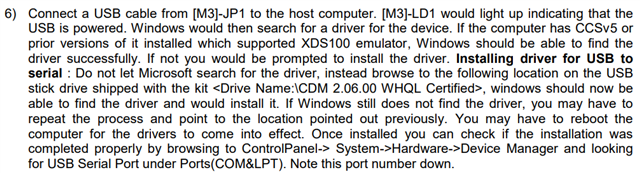
... and from the Quick Start Guide CCSv5, tried the following to install the driver:
The Problem
The USB stick that came along with the kit does not contain any folders that are named "CDM 2.06.00 WHQL Certified". Instead, pointed my laptop's device manager to look into <controlSUITE\development_kits\~Utilities\XDS100 Drivers v1.0>, but I'm getting this error:

I've successfully installed a driver for LAUNCHXL-F28377S by pointing my laptop's device manager to find a driver from C:/ti with no problems (verified communication as well). When I do the same with this motor kit, it does get past the update drivers portion, but "Test Connection" from "Target Configuration File" fails.
I'm lost.
Thanks,
Andy
