Other Parts Discussed in Thread: C2000WARE, TMDSCNCD28379D
Hi team
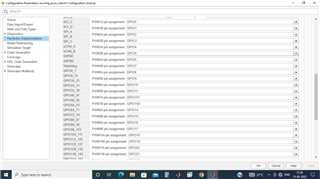
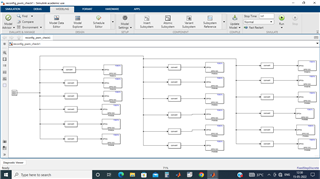
I want access all 24 epwms with GPIO out block using MATLAB/simulink/ Embedded coder support package for F28379D launch pad. I am able to get 17 epwm's from the F28379D. How to access the remaining? I am attaching the .slx file used for 18 pwm's. Where GPIO 19 is the pin number 3 in J1 which giving onl high. Not able to configure. Could anyone please suggest what are the GPIO pins and corresponding hardware pins in F@8379D of J1/J2/J3/J4/J5/J6/J7/J8.
reconfig_pwm_check1.rar
Thanks
Best regards,
Jiahui