This thread has been locked.

If you have a related question, please click the "Ask a related question" button in the top right corner. The newly created question will be automatically linked to this question.

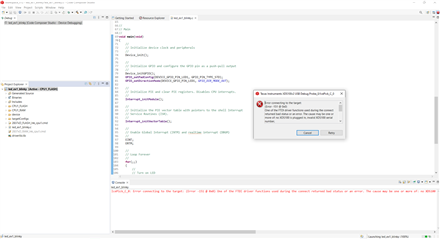
TMDSDOCK28379D:Error connecting to the target (Error - 151 @ 0x0)

Part Number: TMDSDOCK28379D

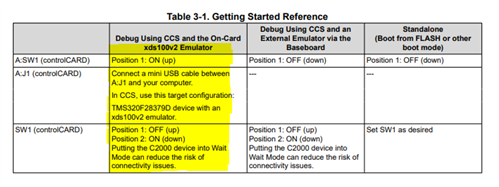
We are having trouble using our TMS320C2000 development tool. When trying to test with CCS the example "led_ex1_blinky.c" using the following configuration
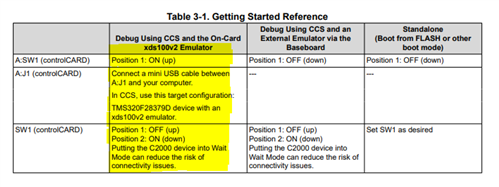
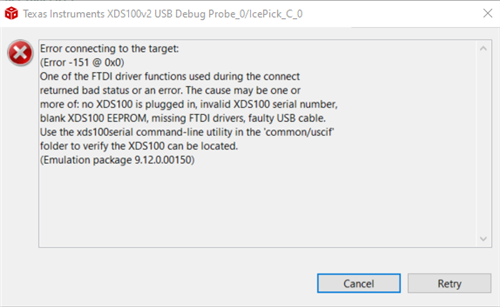
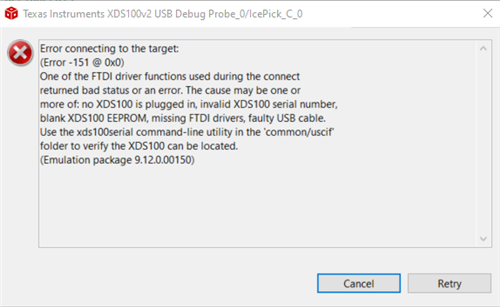
it gives us the following message:
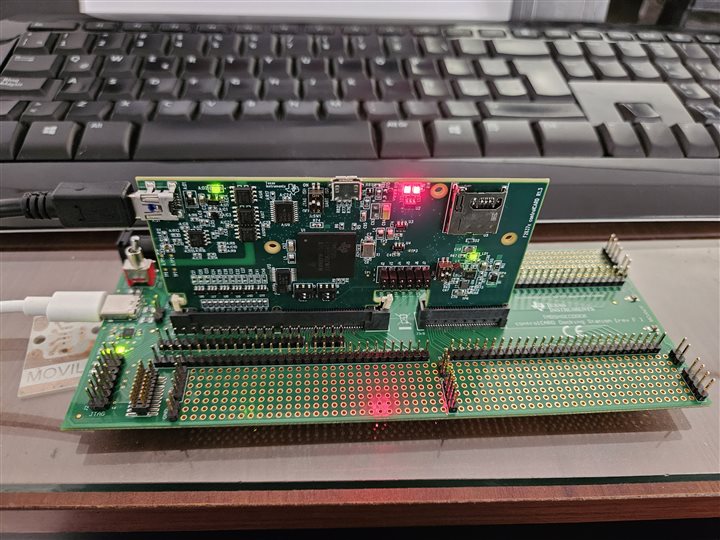
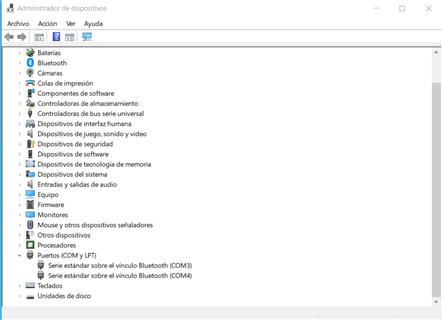
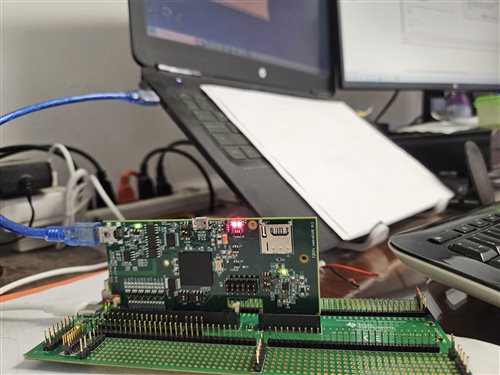
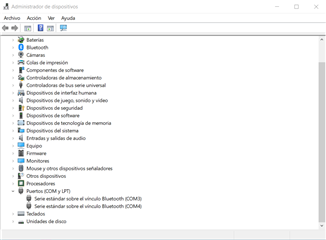
I attach a photograph of the connection and the device manager which does not detect the driver.
We already replaced the USB cables and we still have the same problem.
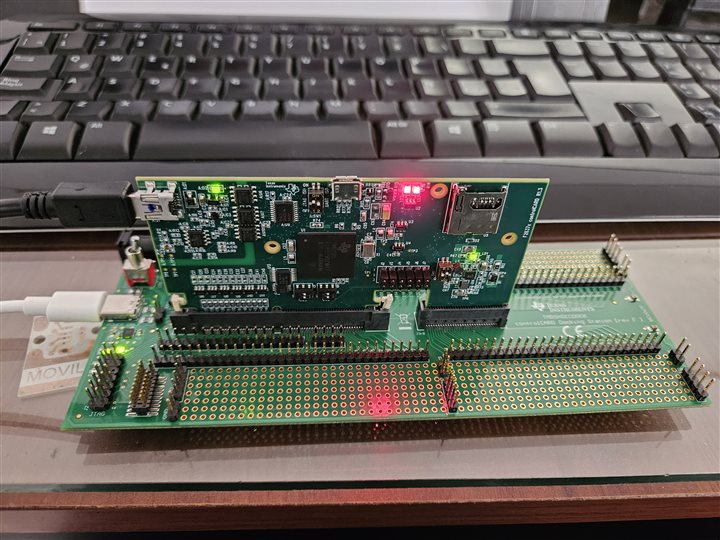
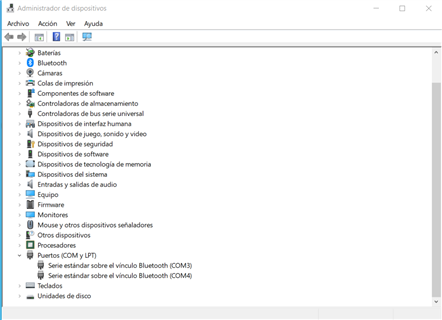
The product was purchased through Mouser Electronics and we already contacted technical support to validate a guarantee to which we obtained a response by contacting us by this means.

Thank you.

  • Part Number: TMDSDOCK28379D

    We are having trouble using our TMS320C2000 development tool. When trying to test with CCS the example "led_ex1_blinky.c" using the following configuration

    it gives us the following message:

    I attach a photograph of the connection and the device manager which does not detect the driver.
    We already replaced the USB cables and we still have the same problem.

    The product was purchased through Mouser Electronics and we already contacted technical support to validate a guarantee to which we obtained a response by contacting us by this means.

    Thank you.
  • Hello Daniel,

    Have you verified that the correct emulator is selected in CCS for the target configuration? Have you tested the cable as a possible source of the problem? Try changing out the cable connection, and the same for power just in case.

    Best regards,

    Omer Amir

  • Hello Omer, thank you for your response. I still have no success, I already changed the previously tested USB data cable with an Arduino Nano. The power cable also check that it is working correctly by connecting it to another device. The problem is that it still does not detect that my development kit is connected.

  • Hi, 

    Could you try disconnecting the USB cable from the docking station and try supplying power to the controlCard by connecting both USBs on the controlCard? Since the XDS100 is not visible in device manager, I am thinking that the on-board JTAG Debug Probe is damaged somehow, but I think it would be worth trying this configuration.

    Best Regards,

    Ben Collier

  • Hello Benjamín, I still have the same problem with the test you recommend. Thanks for your answer.

  • Hi,

    Do you have any other controlCards or launchpads? I think that your onboard JTAG Debug Probe is damaged, but you may still be able to connect to the F28379D device by using an external JTAG Debug Probe with the headers on the docking station.

    Best Regards,

    Ben Collier

  • Unfortunately I don't have any other control cards. It is the first card we have purchased of this type.

  • Daniel,

    I would recommend that you pursue a return through Mouser if you were never able to connect to the board. At the most basic level, windows needs to see a pullup on either the D+ or D- signal for something to show up in device manager. On this controlCard, this pullup is done through the FT2232 device. Since nothing is showing up in device manager, I believe this FT2232 device is malfunctioning.

    If you would like to see if the F28379D device is still operational, you could purchase a XDS100, XDS110, or XDS200 standalone JTAG debug probe and try to connect through the docking station.

    Best Regards,

    Ben Collier