Hello all,
is there a way to get a controlSUITE on Linux-based OS?
Best regards,
Peter
This thread has been locked.
If you have a related question, please click the "Ask a related question" button in the top right corner. The newly created question will be automatically linked to this question.
Hello all,
is there a way to get a controlSUITE on Linux-based OS?
Best regards,
Peter
Peter,
We don't currently have a controlSUITE installer for linux OS's. We do plan on providing one in the future, but I'm not sure when that will happen.
One way to get it now would be to install controlSUITE on a windows machine and just copy the files under C:/TI/controlSUITE to the linux machine. This should let you work with the controlSUITE projects under CCSv5. The actual controlSUITE application won't work though.
Regards,
Alvaro
it is only the controlSUITE "GUI" that won't run on Linux.
As mentioned, you can "install" (it's just a directory copy, no install .exe needs to be run) all of the content onto your Linux machine and then
browse yourself
browse graphically through CCSv5 "Resource Explorer"
you can download all of the content as a zip from
http://www.ti.com/tool/controlsuite#Related Products
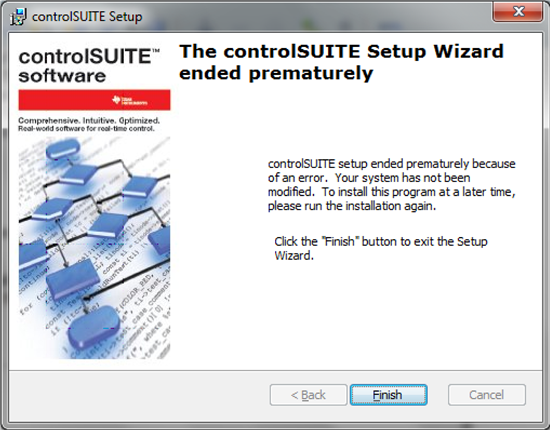
Actually this is my problem that I am not able to install controlSUITE under Windows 7, 32bit. I used three computers (all win7) and none can install controlSUITE. Error "Ended prematurely". I have Linux comp as well I am trying...
So I have problems to get dev. tool in order I am starting a new project and still no success. I am little bit disappointed. :)
Peter,
For windows 7, right click the controlSUITE installer and "Run as Administrator".
Let me know if that works.
Alvaro
or just download the .zip, extract, and run controlsuite.msi
all it does is put the folders onto your HD at c:\ti\controlsuite\
Just did as suggested - no success. "controlSUITE setup ended prematurely because of an error. "
No idea what is going wrong
Peter,
I'm trying to reproduce the error.
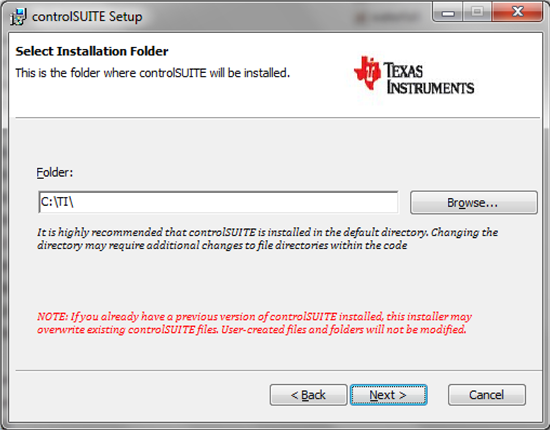
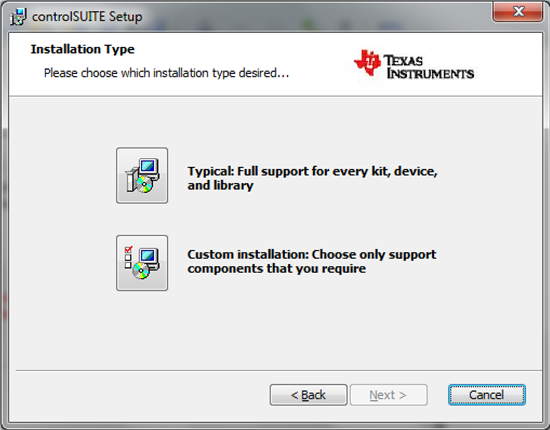
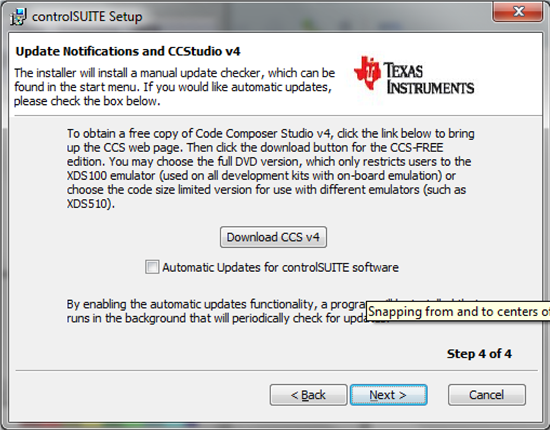
At which point in the installer does it crash? What settings did you use for the installation? (Typical, Custom, automatic updates, install path, etc...)
Alvaro
1) I just downloaded controlsuiteinstaller.exe (I have zip as well).
2) Run it as admin
3)
I was able to come up with a temporary workaround to install controlSUITE under linux. Once we have an actual linux installer, this won't be necessary.
You can read the instructions here: http://processors.wiki.ti.com/index.php/ControlSUITE_Linux_Installation