Part Number: TMS320F280037C
Tool/software:
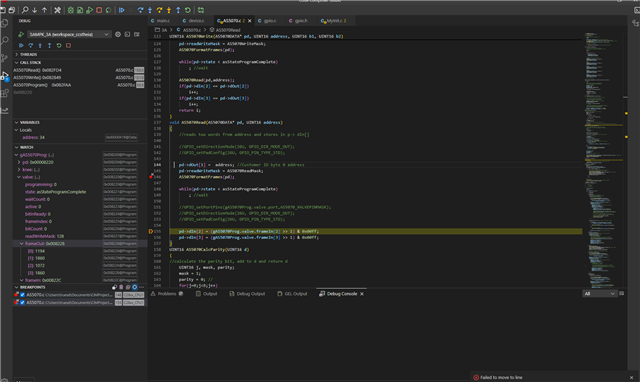
Move to line fails in CCS 20. Rebooted everything a couple of times, same result. Any fix?
This thread has been locked.
If you have a related question, please click the "Ask a related question" button in the top right corner. The newly created question will be automatically linked to this question.
Part Number: TMS320F280037C
Tool/software:
Move to line fails in CCS 20. Rebooted everything a couple of times, same result. Any fix?

This is a custom application.
What is the compiler optimization level of the project? Optimization can have a big impact on source level debug. If it is on, try turning it off and see if that helps.
Thanks
ki
I think I can reproduce this issue in the editor. Does "move to line" work fine in the disassembly view?
Do you also have the same issue with "run to line"? Do you get an error about unable to set a breakpoint at the line?
Run to line generates an "unable to set breakpoint" error.
Move to line and run to line both work in a disassembly window and the pointer follows in the source code view.
Jump to cursor does not do anything in the source code window and does not generate an error.
Thanks
Don
Engineering took a look and identified it as a bug on Windows for both "move to line" and "run to line". Also the "jump to cursor" is not implemented and it should actually be hidden from view. These will be fixed in the next CCS release.
Tracking link: https://sir.ext.ti.com/jira/browse/EXT_EP-12997
Thanks
ki