This thread has been locked.

If you have a related question, please click the "Ask a related question" button in the top right corner. The newly created question will be automatically linked to this question.

F28E120SB: Project wizard import not recognizing local c2000ware install

Part Number: F28E120SB
Other Parts Discussed in Thread: C2000WARE

Hello,

I was trying to show a customer the project wizard today, and for some reason even though I have C2000Ware 6.00.01 installed, it prompted me to re-install the SDK anyways:
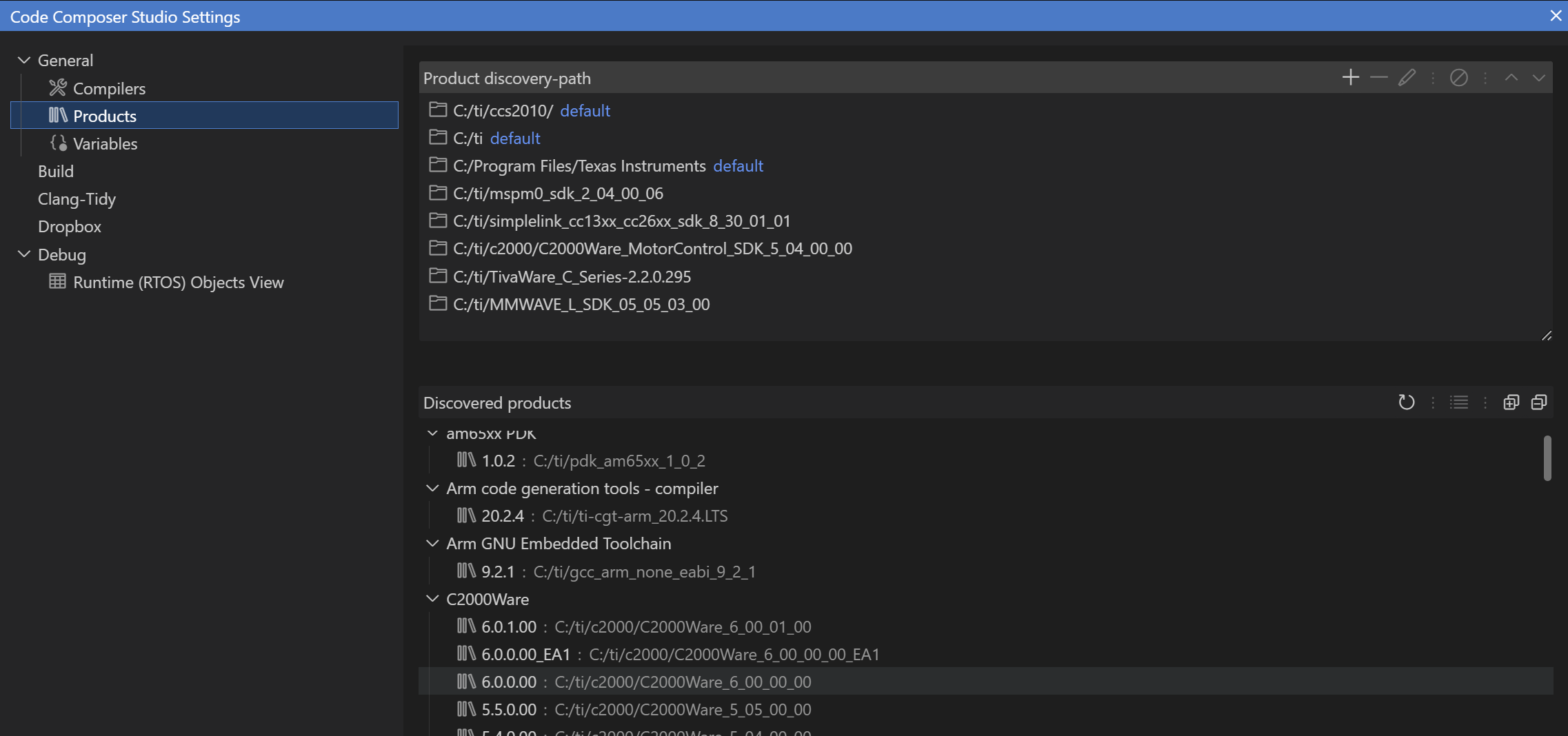
image.png

When I go to create a project, I still get the prompt to install C2000Ware:

Screenshot 2025-12-09 172734.png

Even if I do the install through resource explorer, the project fails to import:
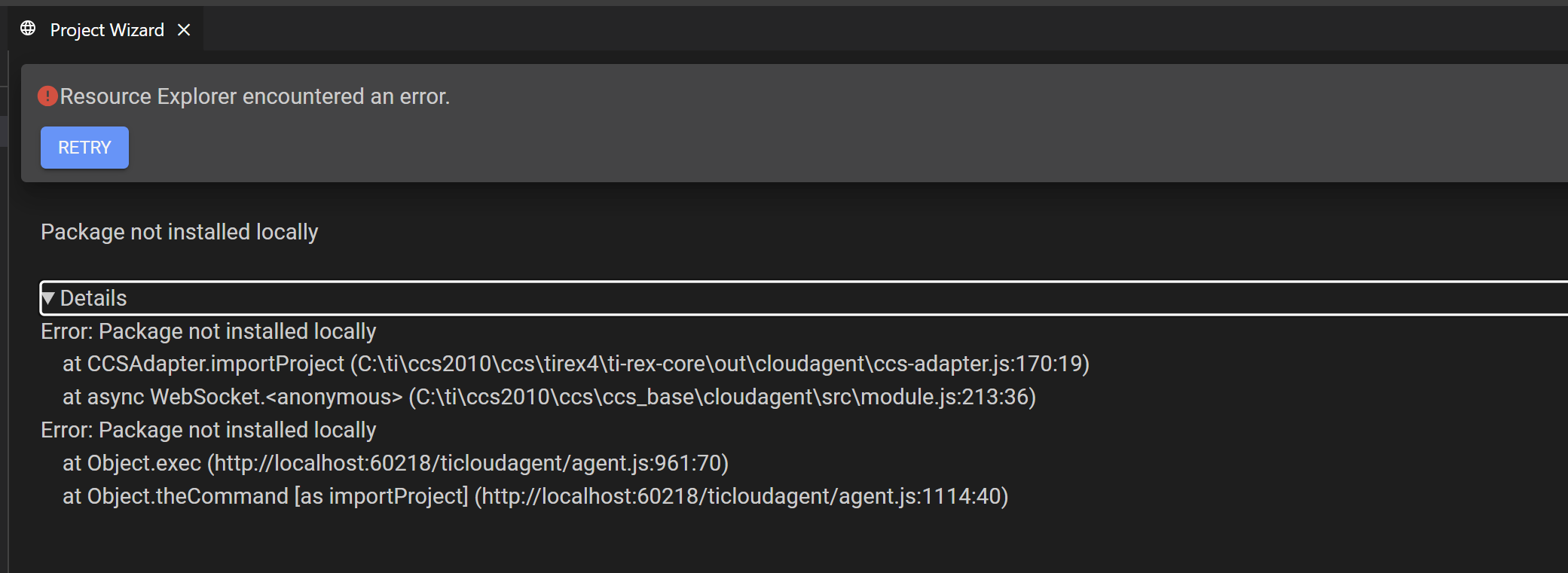
image.png

Is this a known issue? I know I can just import the project manually but the project wizard has been nice to avoid having to have customers manually traverse the SDK directory tree.

Munan

  • Hi Munan,

    It looks like you installed C2000Ware from ti.com and not from Resource Explorer. I suspect some mismatch in IDs between the two versions. I will need to investigate and keep you posted of my findings.

  • When inspecting the differences between the C2000Ware 6.0.1 from Resource Explorer and the one from ti.com, there are several differences, including the package metadata. We are looking into this.

    If you wish to use the new project wizard in CCS, I suggest uninstalling (or moving) the C2000Ware 6.0.1 you installed from ti.com so that it is no longer discovered, and the downloading/installing C2000Ware from Resource Explorer.

    Thanks

    ki