TMS320F28P550SJ: SysConfig Interrupt routines

Part Number: TMS320F28P550SJ
Other Parts Discussed in Thread: SYSCONFIG, C2000WARE, TMS320F28P550SG,

I am using a 28p550 with SysConfig to define the peripheals. I found that the interrupts were not working correctly. I downloaded the empty_driverlib_project to use for testing and found the same problem. When I single step through the main program and can reproduce the problem.

If I stop the program at the function Interrupt_InitModule and try to go to the subroutine, it goes to the wrong location. 
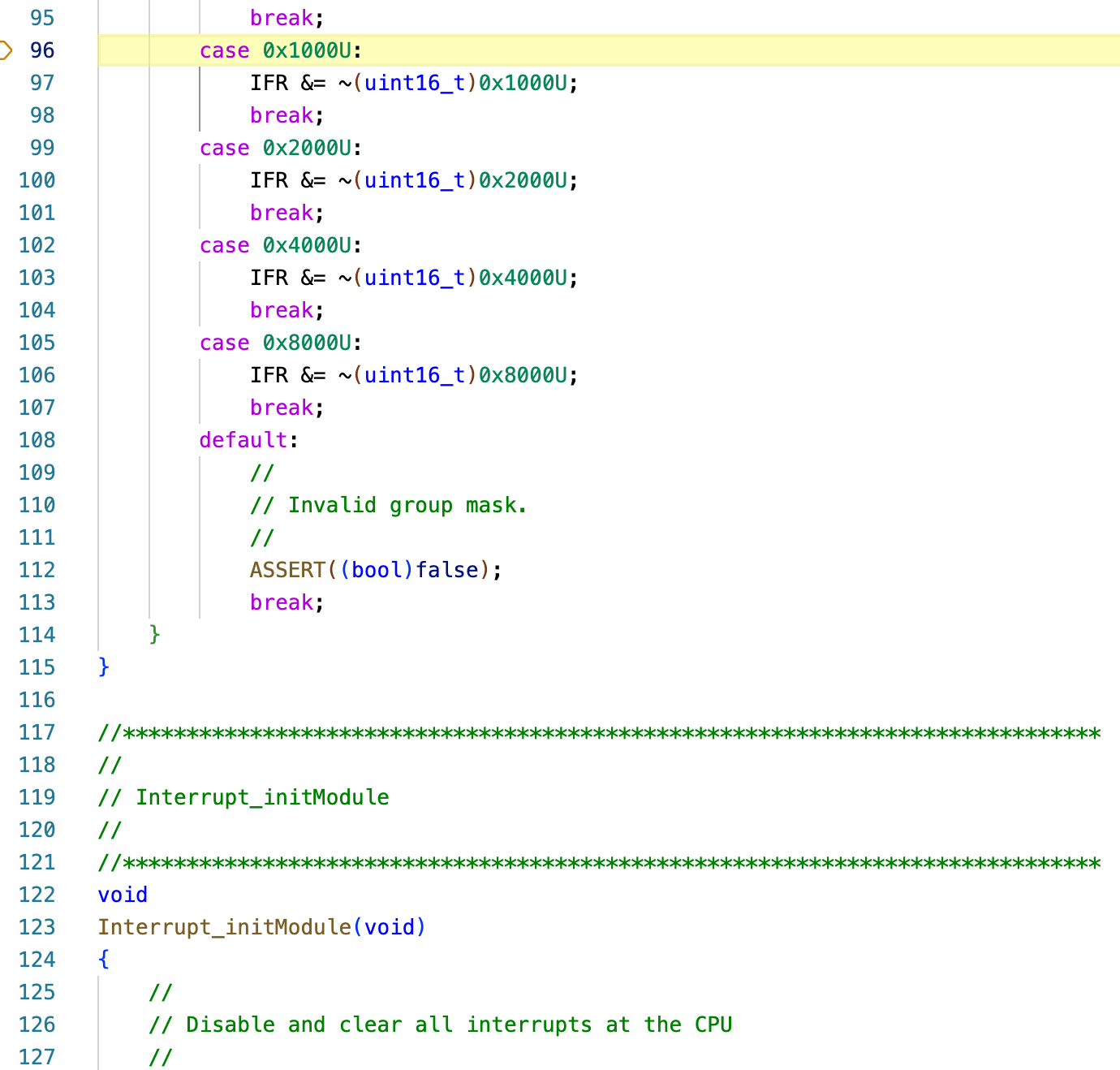
Interrupt_InitModule.png

If I stop the program at the function Interrupt_InitVectorTable and try to go to the subroutine, it gives an illegal operation. 
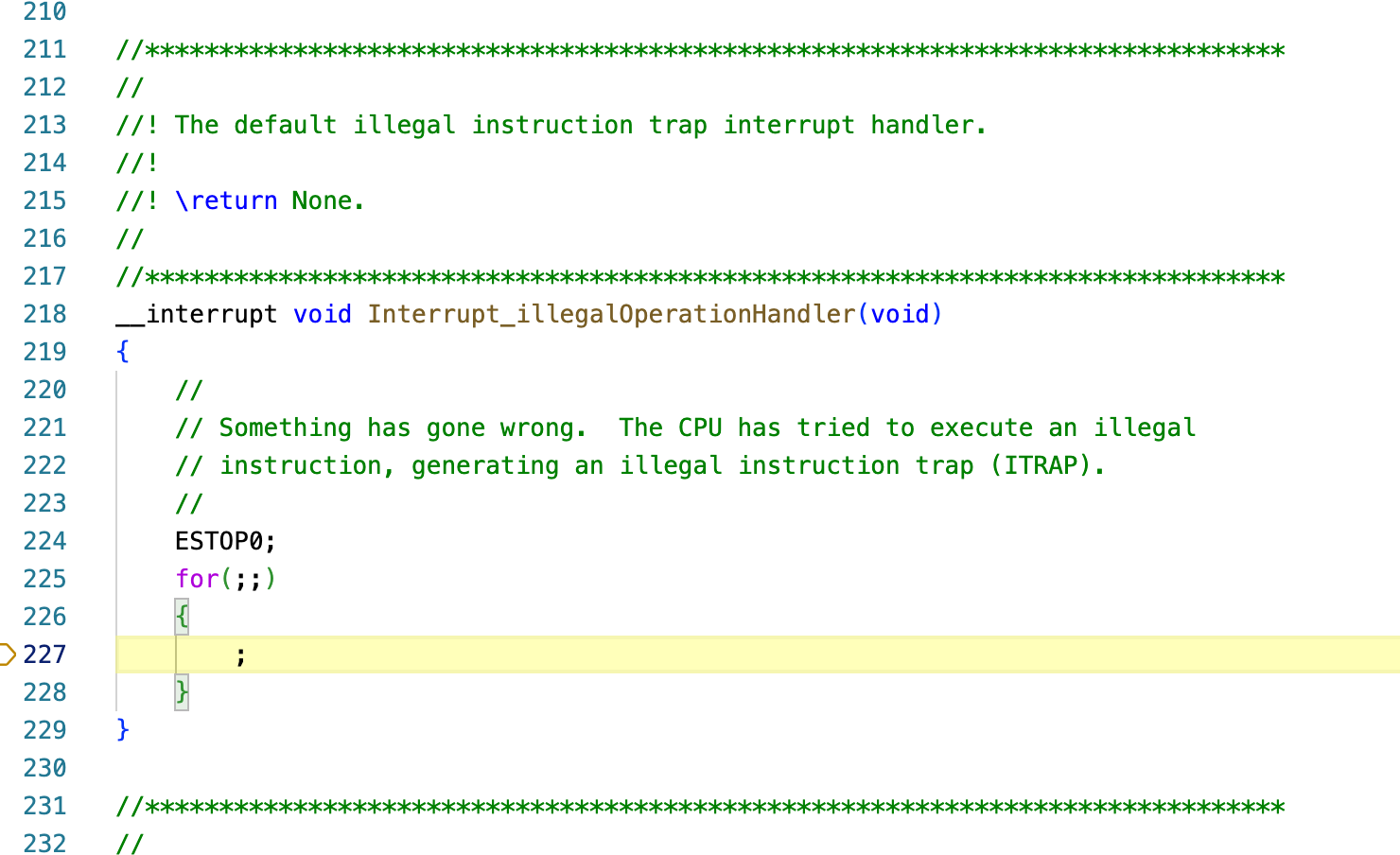
 Interrupt_InitVectorTable.png

These subroutines are in the driverlib interrupt.c program.There has to be some problem with configuration that I haven't found. Your help is appreciated.

Thanks

Dennis

  • Hi Dennis,

    Where you able to run the existing interrupt based examples in the SDK? Please try them and let me know if you are also facing issues in the SDK examples.

    You can find the interrupt examples at - C2000Ware_6_00_01_00\driverlib\f28p55x\examples\interrupt

    Thanks

    Aswin

  • Aswin,

    I downloaded the interrupt example - interrupt_ex4_epwm_realtime_interrupt.c. For your reference, I am using CCS 20.4.0 on a Mac.

    I was able to open the c2000.syscfg file but it automatically assigned the processor as TMS320F28P550SG with 128 pins. I am using a TMS320F28P550SJ with 100 pins. CCS will not let me change it. I wanted to change the GPIO to my LEDs but there was no GPIO settings in the syscfg. Only the Interrupt section in the syscfg was grayed out without any other settings.

    I ran the program and the interrupt timer increments. I did find that if I tried to step into Interrupt_initModule, it would go to line 96 just like before. The Interrupt_InitVectorTable would also go to the illegal operation handler.

    I don't understand how the program can run if it can't step into functions correctly.

  • Hi Dennis,

    You can change the device using the switch option in the sysconfig tool.

    Open the sysconfig tool > click on "show device view" > click on switch button > choose the correct device.

    Just for a clarification, did you install the entire SDK 6.00.01 and imported the example?

    Thanks

    Aswin