This thread has been locked.

If you have a related question, please click the "Ask a related question" button in the top right corner. The newly created question will be automatically linked to this question.

TMS320F28P550SJ: UNABLE TO DEBUG THE EPWM PROGRAM INTO THE LAUNCHPAD-TMS320F28P550SJ

Part Number: TMS320F28P550SJ
Other Parts Discussed in Thread: C2000WARE,

Dear Developers,

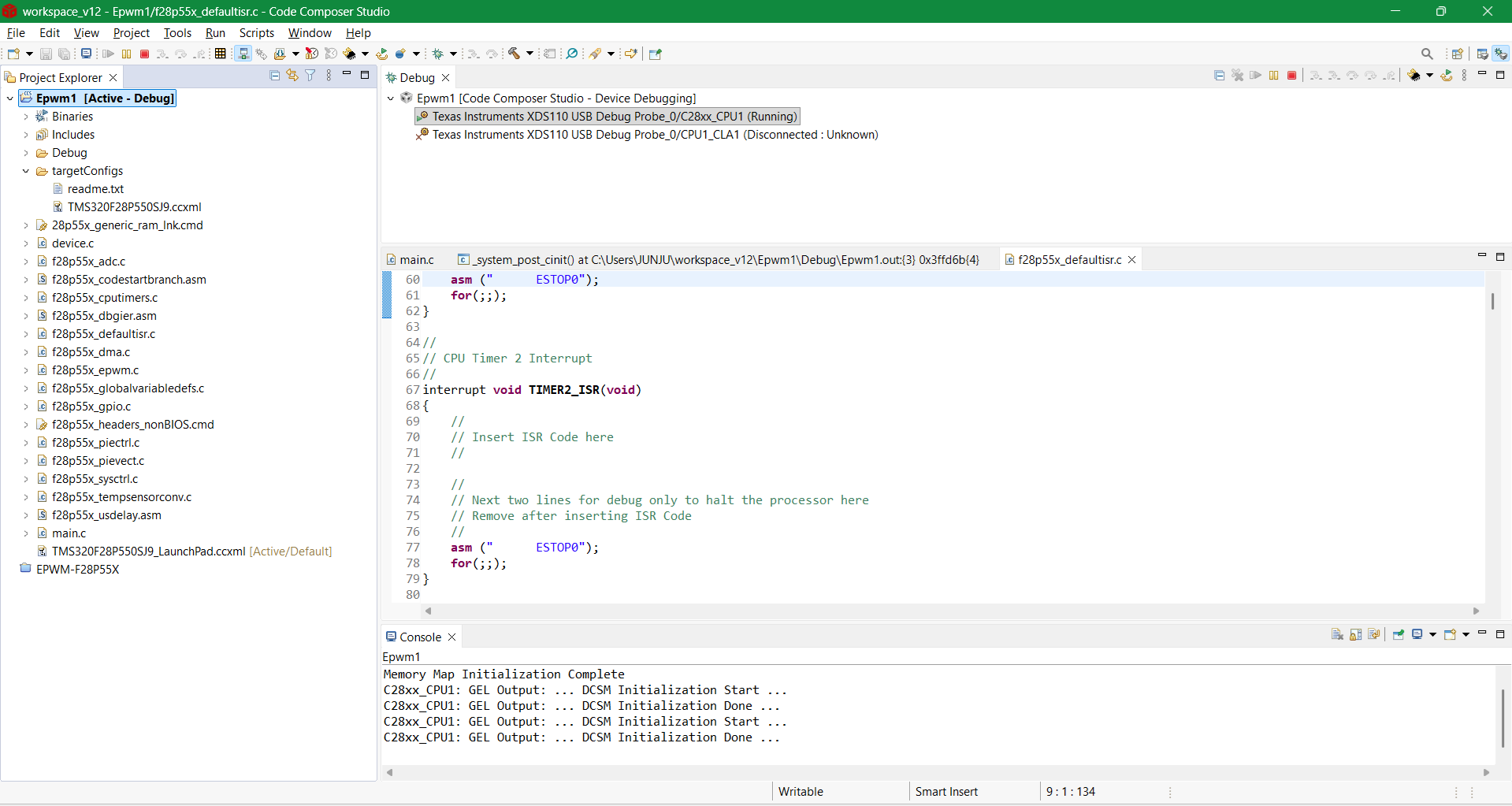
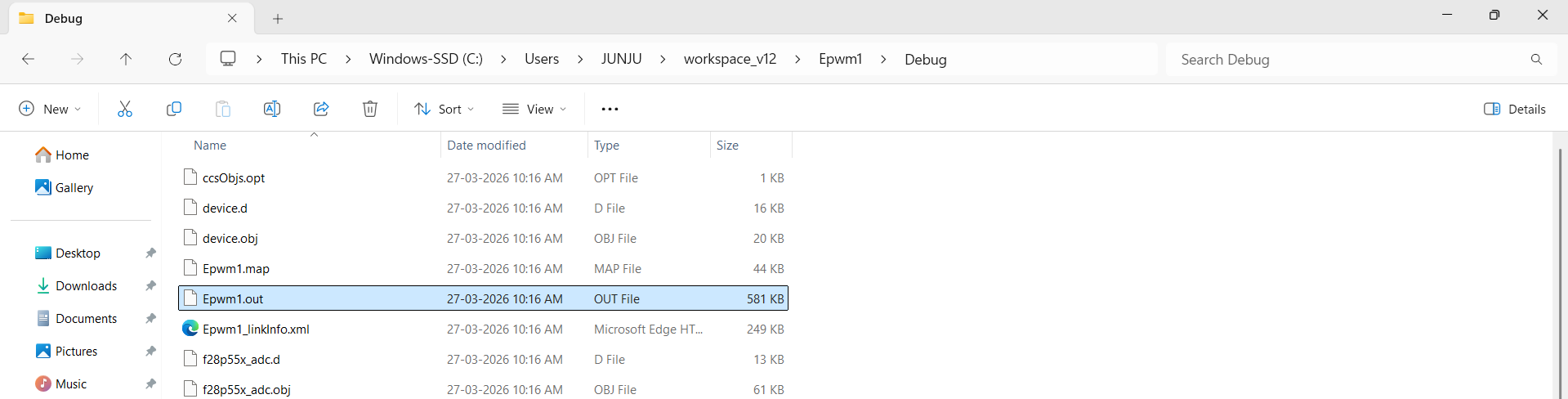
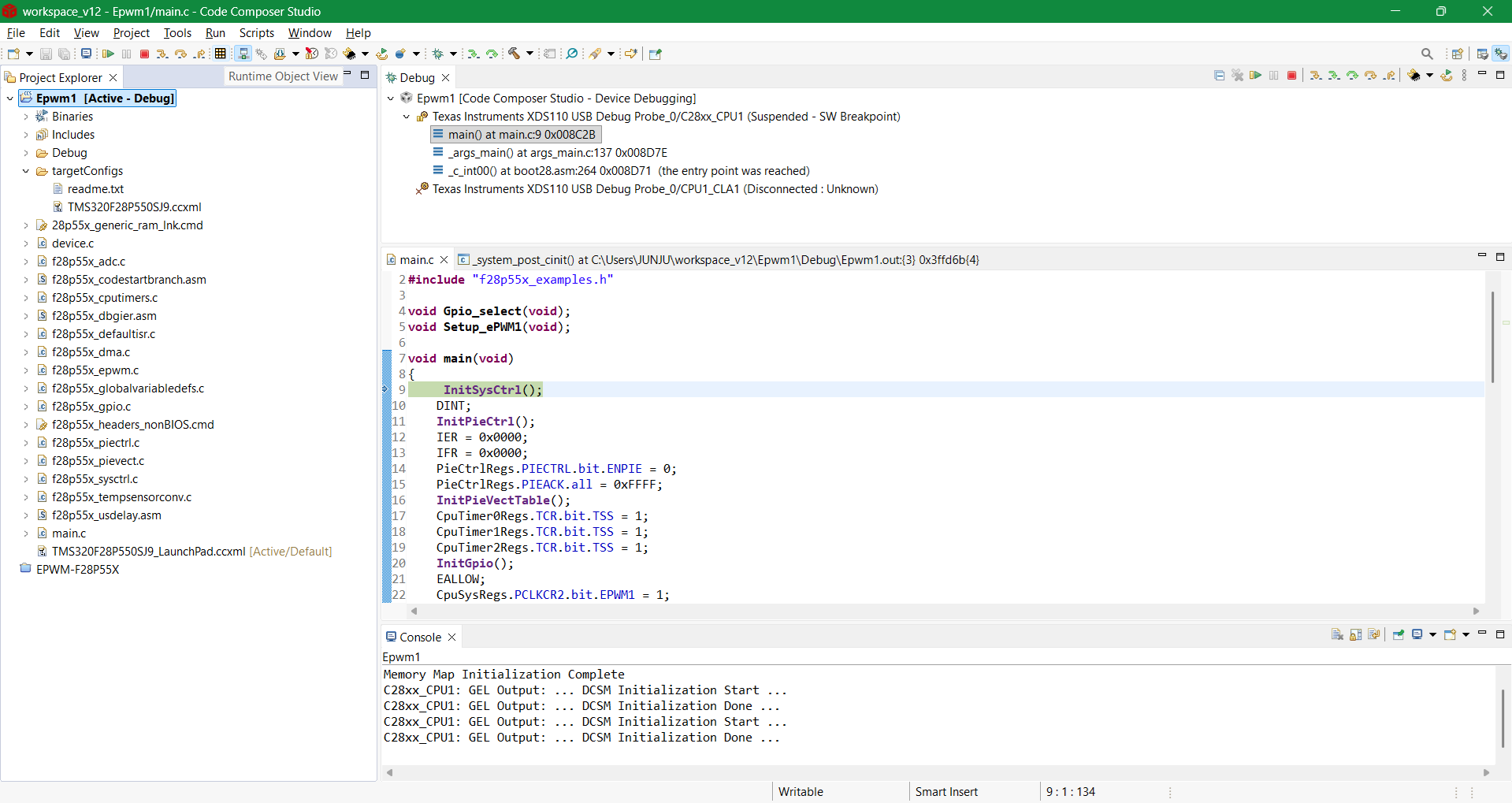
Iam new to use C2000 Microcontroller-TMS320F28P550SJ_Launch pad. I have been trying to debug a simple epwm program to generate pulses, but I couldn't. My lauchpad is well connected and is showing in the device manager. When I connect XDS110 probe to my laptop, LEDs 0,1,6 and 7 are ON in RED colour. LED-3 is ON in BLUE, whereas the LEDs 2,4 and 5 are OFF. The program(epwm.txt ) is builded successfully and created an .out file. When I try to debug the program, first it stops at the line InitSysCtrl() (see screenshot 1). When I press the resume button, again it stops at the memory location 0x3FFD6B (see screenshot 2) giving an error "failed to parse the previous frame FP". I tried to resume again, this time it stops at line 60 where asm(" ESTOP0") in f28p55x_defaultisr.c file.

I have included all the common, driverlib and header files in the compiler settings. Iam not knowing where Iam going wrong. I need your expertise help. please replicate my situation from your side and let me know the resolution. I request you to kindly do the needful.

Thanking You.

Regards,

Ramesh Junju,

+91-9177059397.
 

  1.png

ad606e94-6daa-4796-ae78-7a0b4400b31e.png

3.png

4.png

  • Hello,

    Which F28P55x silicon revision are you using (Rev 0 or A)? Can you single-step into InitSysCtrl() and see where it is getting stuck?

    Best,
    Matt
  • Hi,

    Thank you Mr. Matt for responding to my query.

    Iam using a lauchpad (F28P550 SJ9PZ 3L A - 53CC2SW G4) which is silicon revision A.

    No, I cannot single-step (step-over). I am getting the following error when i try to step-over.

    "C28xx_CPU1: Trouble Removing Breakpoint with the Action "Continue or Finish Stepping" at 0x8c2d: (Error -1066 @ 0x8C2D) Unable to set/clear requested breakpoint. Verify that the breakpoint address is in valid memory. (Emulation package 12.7.0.00105)"

  • Hello,

    Apologies, I am out of the office until Thursday (4/2). Please expect a reply then. 

    Best,
    Matt

  • Hello,

    Does this issue occur when running an example built for the flash? You can use any default example in C2000Ware to check.

    Also, what are your clock configurations? 

    Best,
    Matt

  • Hi Mr. Matt,

    Iam sorry for the late reply,.

    Yes, I am facing the same issue even with the default examples. My, TMS320F28P550SJ is having a clock frequency of 150 MHz.

    Moreover, When the connection of the JTAG  is tested ( .ccxml file / advanced settings tab/ test conncection.), the message says, the connection is succeeded. But when I test the connection of the same in the new project window (verify connection after selecting the target), Iam getting an error message that the JTAG connection is failed.

  • Hello,

    Which version of CCS are you using?

    But when I test the connection of the same in the new project window (verify connection after selecting the target), Iam getting an error message that the JTAG connection is failed.

    Are you attempting to test the connection after you're connected to the target? If so, the connection test is expected to fail.

    If not, please put the device in wait boot to rule out any possible application interference when attempting to connect.

    0x3FFD6B

    Once you're able to connect and observe the issue again, please load the symbols for the boot ROM to see where in the device is executing in the ROM.

    Please follow steps in Chapter 5.3 of SPRUJH3

    Boot ROM symbols for F28P55x Rev A can be downloaded here: F28P55x_ROM_revA.zip

    Best,
    Matt