Part Number: LAUNCHXL-F28P65X
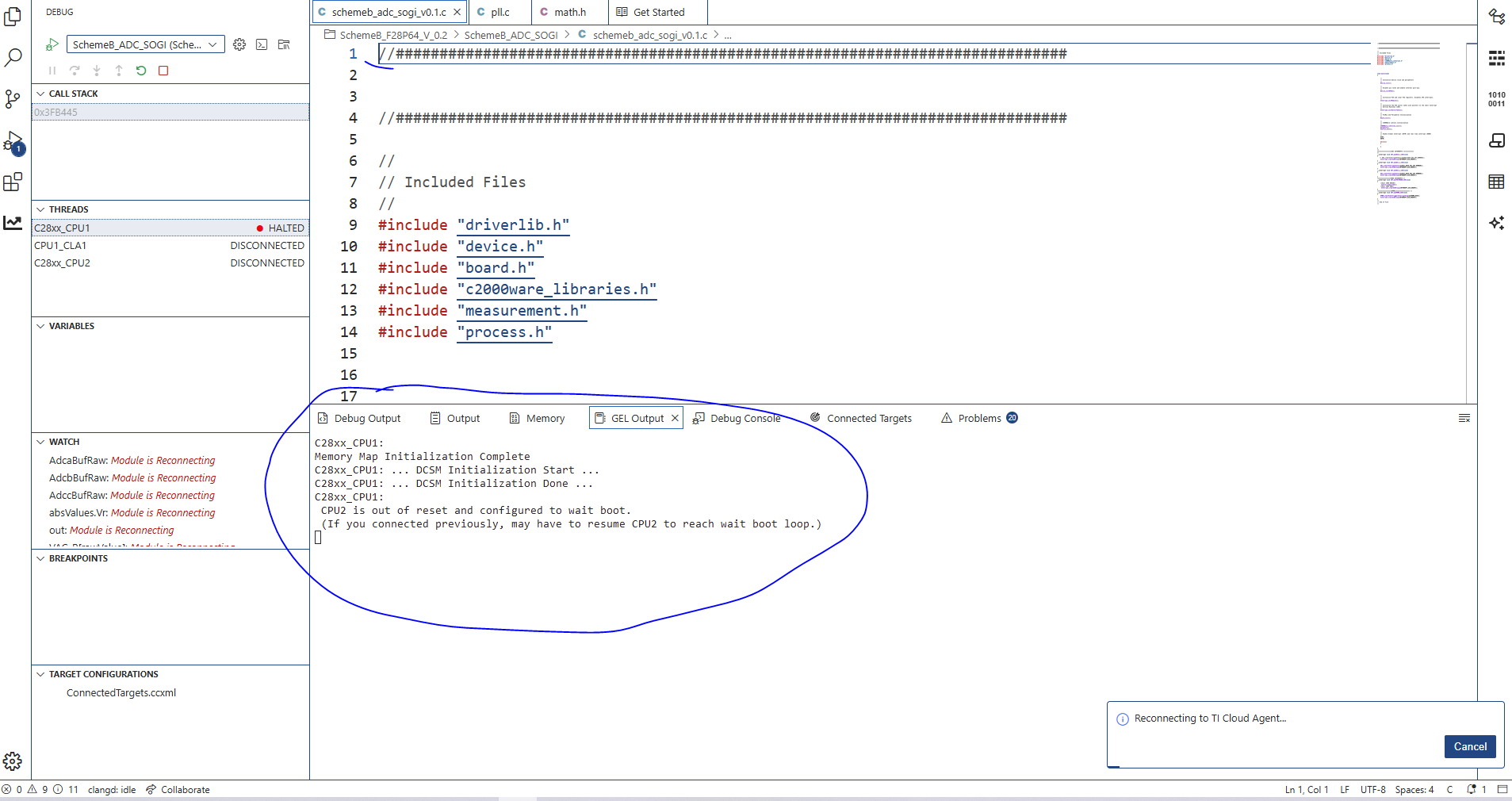
I am code composer studion 20.4.1 which is working fine when in the regular updates i updated the software to the 20.5.0 Iam unable debug the project this following screenshot about error.
This thread has been locked.
If you have a related question, please click the "Ask a related question" button in the top right corner. The newly created question will be automatically linked to this question.
Part Number: LAUNCHXL-F28P65X
I am code composer studion 20.4.1 which is working fine when in the regular updates i updated the software to the 20.5.0 Iam unable debug the project this following screenshot about error.

Hi Kayala,
Thank you for your question. Can you confirm that only one CCS instance (20.5) is running on your system? If both CCS 20.4 and CCS 20.5 are running it can throw such an error.
Also, can you try this in CCS 20.5
1. Right Click on your Target-Config (.ccxml) file -> Start project-less debug
2. You should see both CPU1 and CPU2 in THREADS window
3. Select CPU1 thread -> Go to Run tab in the top toolbar -> Load -> Select the .out file you want to load in CPU1.
4. Select CPU2 thread -> Go to Run tab in the top toolbar -> Load -> Select the .out file you want to load in CPU2.
Does this flow work properly for you or do you see an error?
Thanks,
Ira
Hi Kayala,
You can run the uninstaller at ccs2041\ccs\uninstall_ccs.exe to remove it. But there is no need to delete it for this issue, just make sure only one CCS instance is running at a time.
Thanks,
Ira