Part Number: TMS320F280049C
Other Parts Discussed in Thread: C2000WARE, SYSCONFIG,
Hello TI Experts,
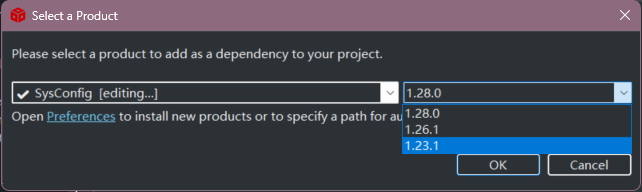
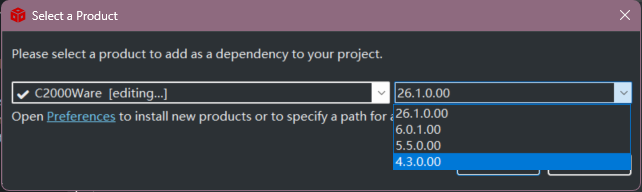
I am experiencing an issue where I cannot open the .syscfg file in the graphical editor within Code Composer Studio (CCS v12.0) after upgrading to the latest versions of C2000Ware and SysConfig.
Environment:
-
IDE: CCS v12.0
-
Device: F28004x (TMS320F280049C)
-
Project:
clb_ex8_external_signal_AND_gate(Imported from the latest C2000Ware path)
Symptom & Behaviors:
-
GUI Fails to Open: When I double-click the
.syscfgfile in CCS with the latest C2000Ware and SysConfig versions selected in the project products settings, the graphical editor window fails to open or remains unresponsive. Meanwhile, the Problems view outputs 5 specific warnings (listed below), particularly highlighting a Clock Tree Tool / Device Support module suggestion. -
Strange Workaround Behavior: Interestingly, if I change the project properties to point back to the oldest/lowest versions of SysConfig and C2000Ware available on my machine, the
.syscfgfile can be opened normally inside CCS. This happens even though the example project itself was originally imported from the latest C2000Ware installation path. -
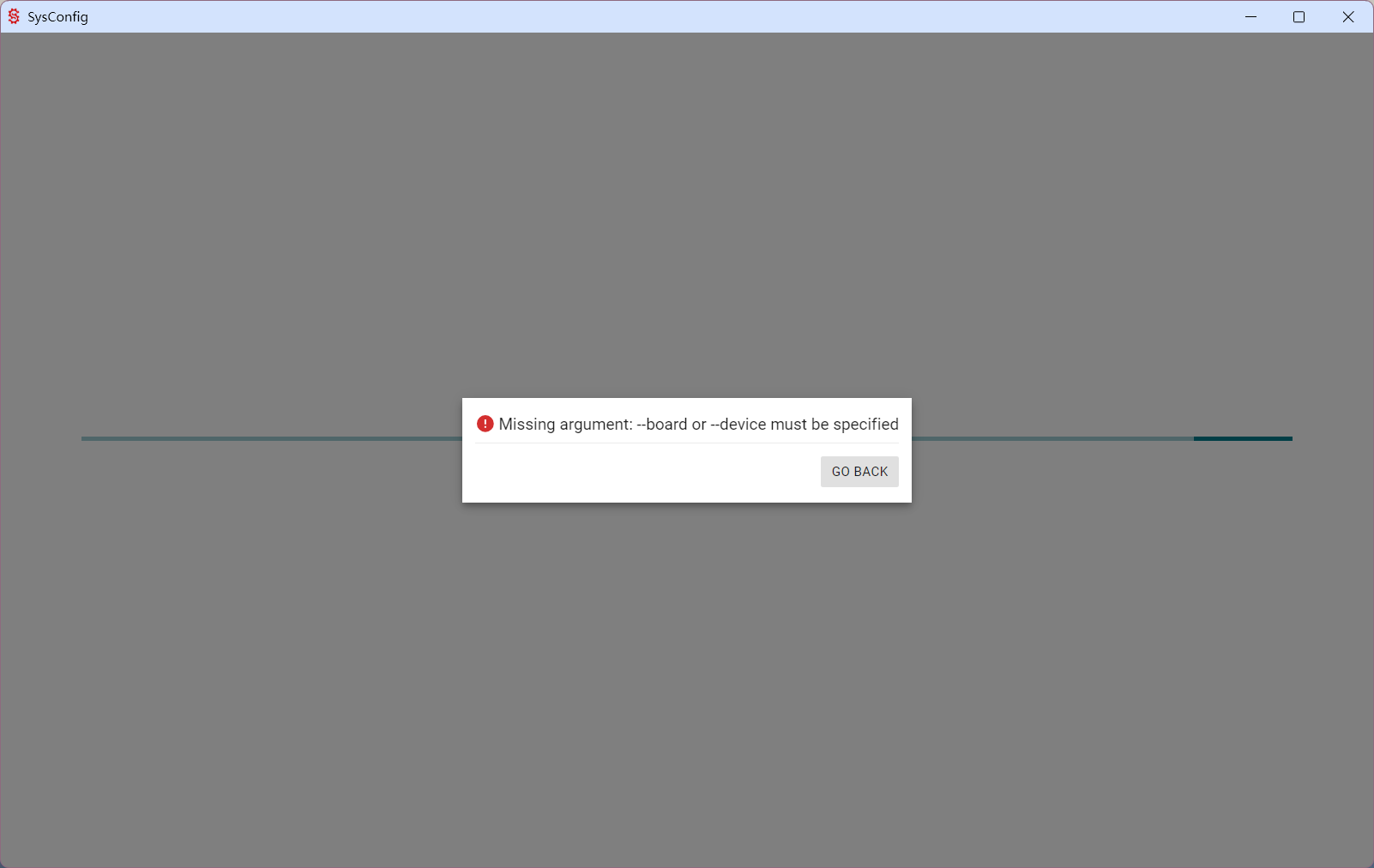
Standalone SysConfig Failure: I also attempted to bypass CCS by opening the
.syscfgfile directly using the standalone, external SysConfig GUI application. However, it throws an error and fails to load:Missing argument: --board or --device must be specified.
The 5 Warnings Captured in CCS:
1.Add the 'Device Support' module in order to use Clock Tree tool and generate device support files. This suggestion can be ignored if not using the Clock Tree tool. clb_ex8_external_signal_AND_gate.syscfg /clb_ex8_external_signal_AND_gate /driverlib/default_warning.js SysConfig Problem
2.Path-variable 'COM_TI_C2000WARE_SOFTWARE_PACKAGE_INSTALL_DIR' is deprecated. Please use 'COM_TI_C2000WARE_INSTALL_DIR' instead. driverlib.lib /clb_ex8_external_signal_AND_gate properties Problem
3.Synchronization is required for this signal to prevent metastability; this metastability can cause errors dependent on voltage, temperature, and wafer fab process (adds 2-3 cycle delay to input) clb_ex8_external_signal_AND_gate.syscfg /clb_ex8_external_signal_AND_gate myCLBTILE1(/driverlib/clb.js) synchronizeCLB_IN0 SysConfig Problem
4.Synchronization is required for this signal to prevent metastability; this metastability can cause errors dependent on voltage, temperature, and wafer fab process (adds 2-3 cycle delay to input) clb_ex8_external_signal_AND_gate.syscfg /clb_ex8_external_signal_AND_gate myCLBTILE1(/driverlib/clb.js) synchronizeCLB_IN1 SysConfig Problem
5.The value for Clock Period is in picoseconds; a value less than 1000 is less than 1 nanosecond clb_ex8_external_signal_AND_gate.syscfg /clb_ex8_external_signal_AND_gate /utilities/clb_tool/clb_syscfg/source/TILE clock_period SysConfig Problem