


Other Parts Discussed in Thread: DRV8301
Good day,
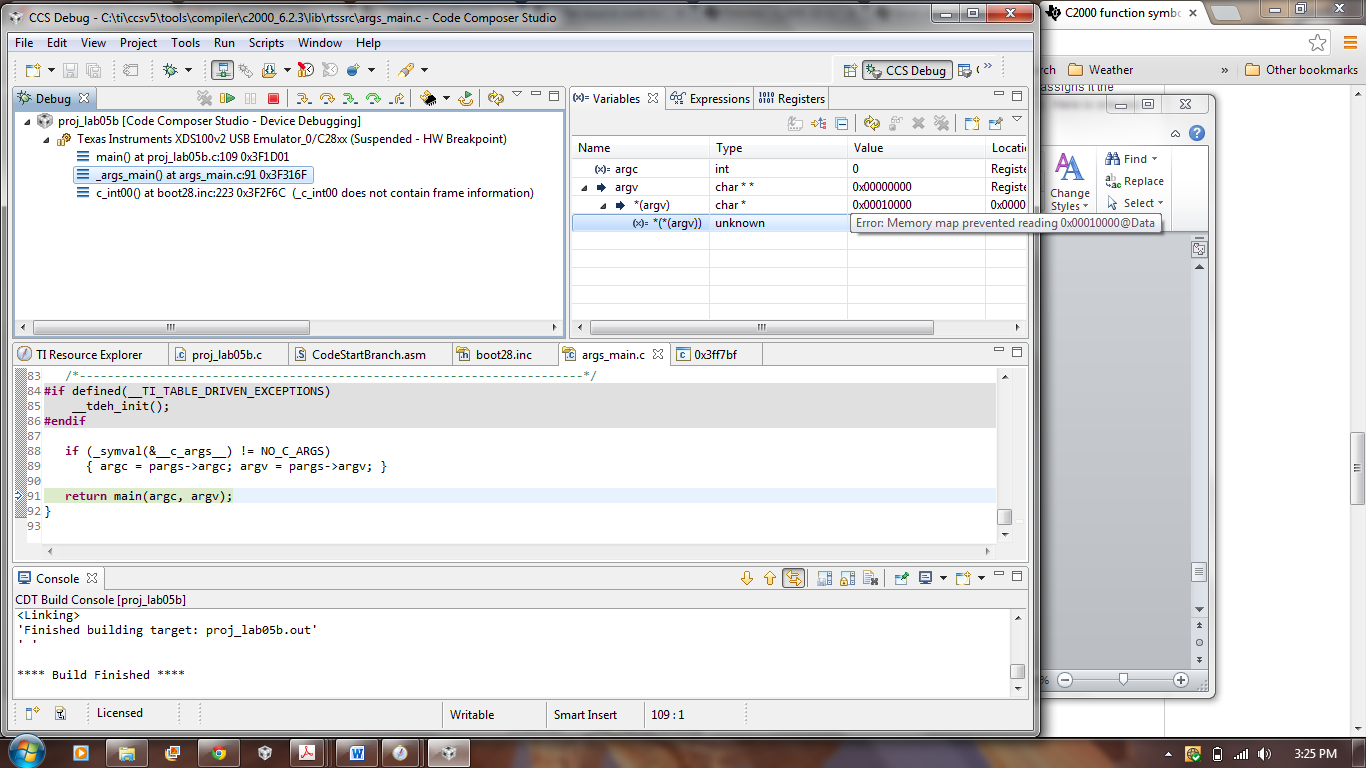
I've been trying to run the universal GUI, but have been getting error #14 when it tries to connect to the motor. I copied the appProgram.out file to C:\ti\guicomposer\webapps\InstaSPIN_F2802xF_UNIVERSAL. I am using the new F28027F launchpad and DRV8301 boostxl. I've set all of SW1 to ON, SW4 to OFF, and removed all the jumpers. However, when I try to debug any of the labs, I get these 3 errors. I've tried working on this for several hours but haven't been able to figure this out. I'm wondering if it's as simple as a folder not being pointed to. I've changed the boot28.inc link to C:\ti\ccsv5\tools\compiler\c2000_6.2.3\lib\rtssrc
If anyone could give me some solution/direction, it would be greatly appreciated.
This is a picture of what I see from the GUI:

These are some pictures of what CCS is displaying.

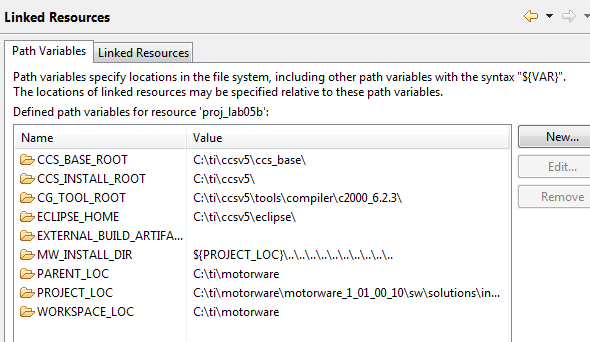
The linked resources:
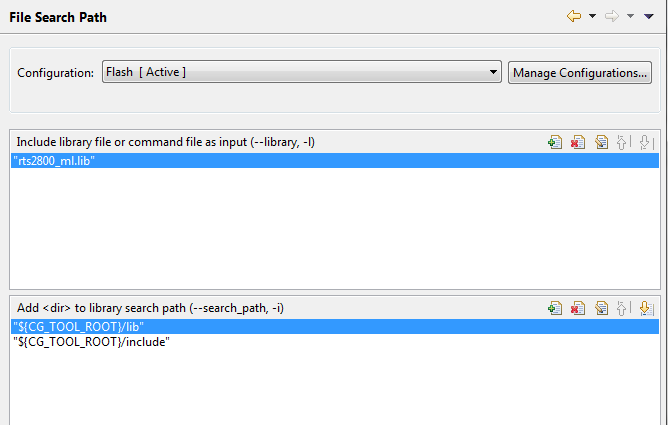
File search path:
Thanks,
Michael
