This thread has been locked.

If you have a related question, please click the "Ask a related question" button in the top right corner. The newly created question will be automatically linked to this question.

HVPM_Sensorless project problem on CCS v6

Other Parts Discussed in Thread: CONTROLSUITE

Hello,

I use the High Voltage Motor Control and PFC Developer's Kit and Permanent Magnet Synchronous Motor for TMDSHVMTRPFCKITI want to build the HVPM_Sensorless project. When I follow all the steps in CCS v6, I get these errors in debug session:

  • Hi,

    I would like to ask one question, inspite of this error your dev kit  might be functioning properly, right?

    Regards,

    Gautam

  • Yes it does as far as I know. I don't know if there is another method to check it out except the connectivity and the proper jumper connections.

  • try removing this file

    C:\ti\controlSUITE\development_kits\HVMotorCtrl+PfcKit_v2.1\HVPM_Enhanced_Sensorless_2803x\F2803x_FLASH\HVPM_Enhanced_Sensorless_linkInfo.xml

    This seems to be the culprit and I have no idea why it's in the project. It is the only project with this file and is completely unnecessary.


  • Well thanks for the reply but i don't use the project you mentioned. I use the

    C:\ti\controlSUITE\development_kits\HVMotorCtrl+PfcKit_v1.7\HVPM_Sensorless.

    Eitherway, I found a similar file you mentioned

    C:\ti\controlSUITE\development_kits\HVMotorCtrl+PfcKit_v1.7\HVPM_Sensorless\F2803x_FLASH\HVPM_Sensorless_linkInfo

    I'll try to delete this file and let you know.

    Thanks again for your reply.

  • Hello,

    The program still has the same "erros" as before. I searched online and some say that I can continue/resume the debug session ignoring those errors. I tried it but nothing happens. I also tried to flash the HVPM_Sensorless.out file, that was created by the build process, independently. Please help me out. 

    Thanks in advance.

  • Hello,

    Please confirm the following things:

    - What is your TMDSHVMTRPFCKIT version? Is it with green PCB or yellow PCB?

    If you are using the yellow one, please use the example code from v2.1 instead of v1.7.

    - What is your ControlCard for this kit? Is it F28035 or F28335 or other?

    - What is the BUILDLEVEL of your HVPM_Sensorless code? (you can find the BUILDLEVEL in HVPM_Sensorless-Settings.h)

    - And you said:

    TRIANTAFILLOS PIMENIDES said:
    nothing happens
    Can you be more detail about that? I think you can put some variables in Expressions window and also use Graph1.graphProp and Graph2.graphProp to check some graphical values. 

    Best regards,

    Maria

  • Hi,

    My PCB is green and I use 1.7 version. My control card is F28035. I haven't checked my BUILDLEVEL, I'll check it out tomorrow and let you know. About the "nothing happens" part, I was talking about the motor. It doesn't turn. As for the variables and the graphs I'll check them out.

    Thank you for your help, I appreciate it a lot. I'll keep you informed.

  • Hello again,

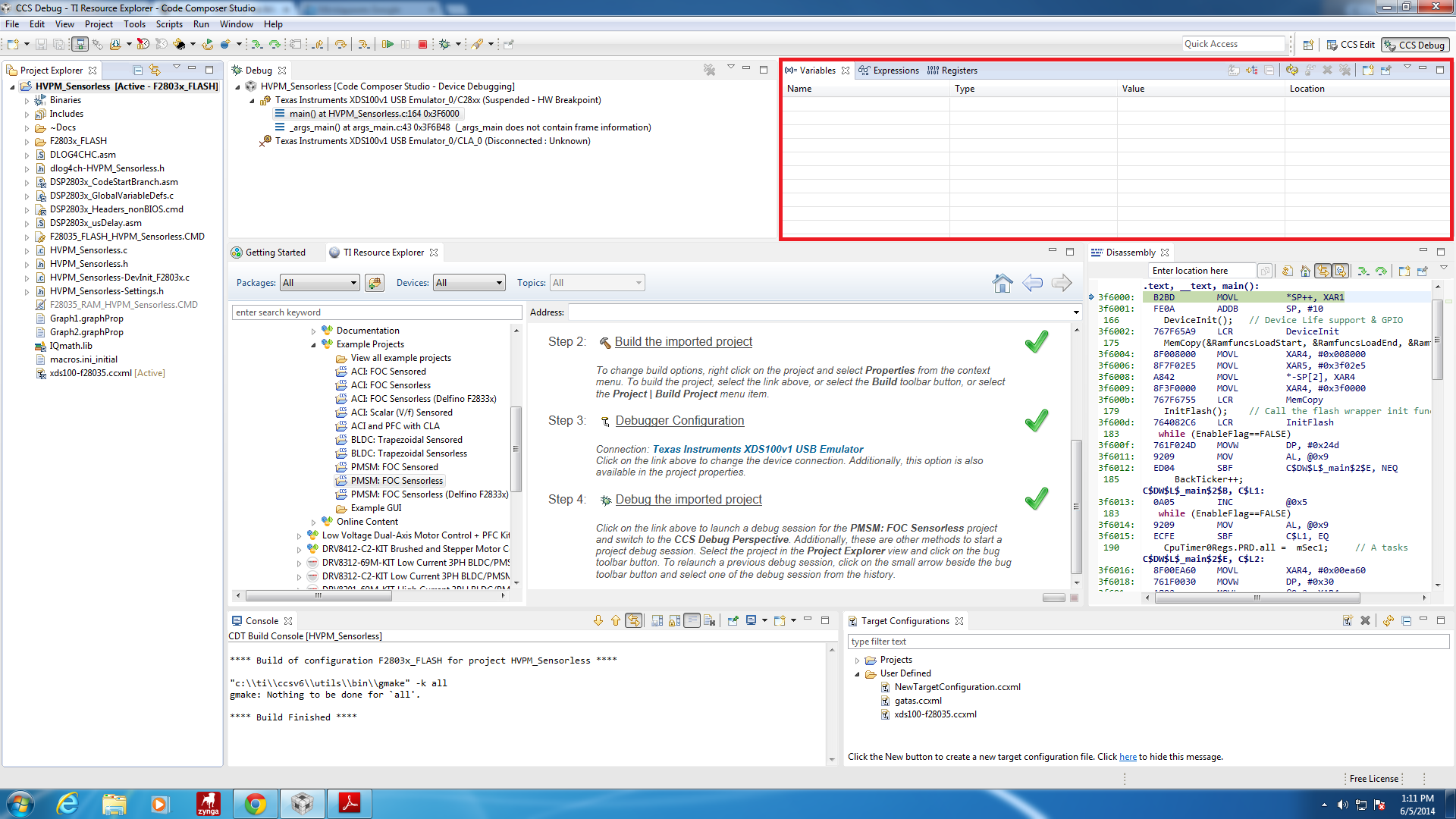
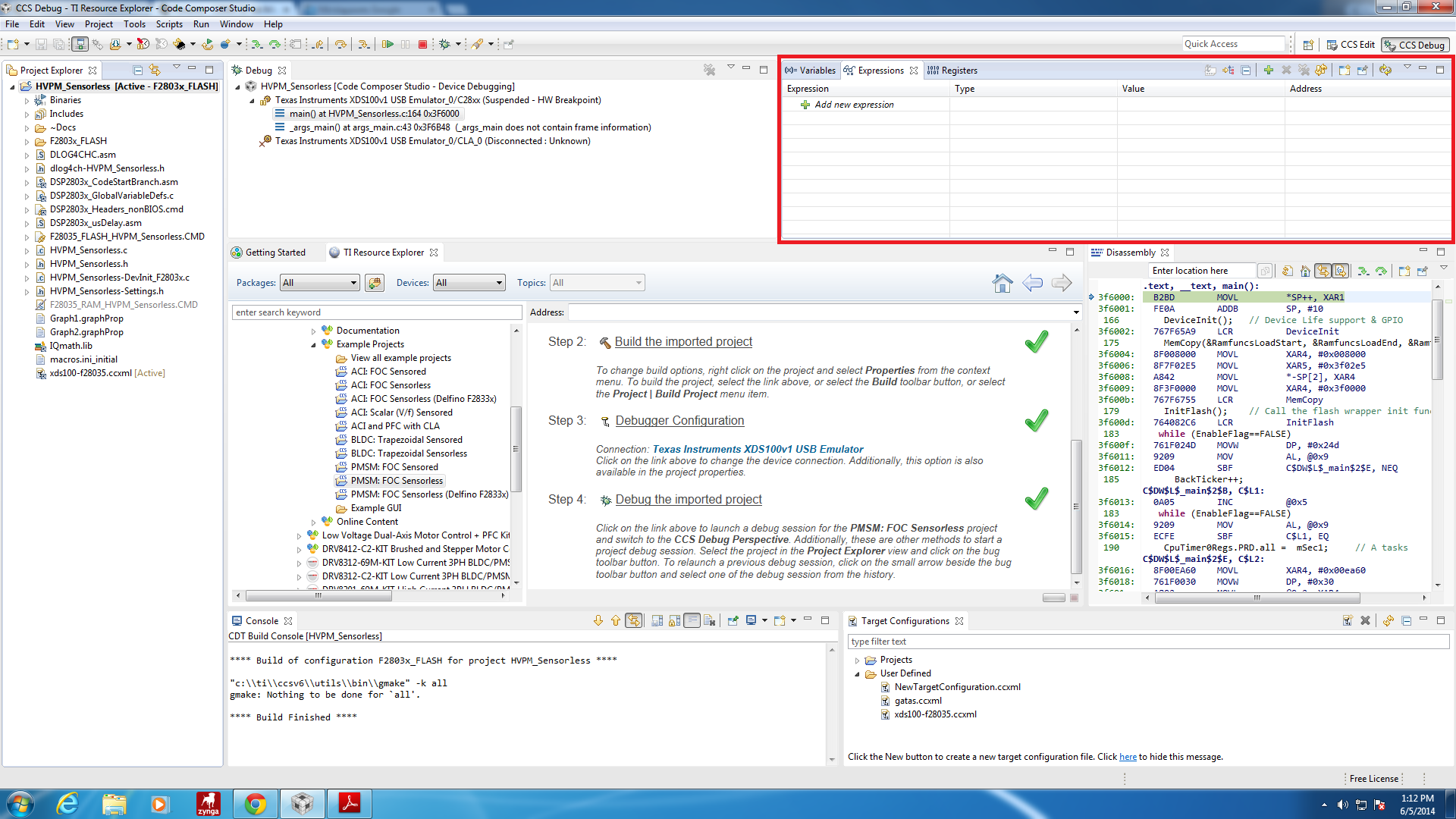
    I use BUILDLEVEL 1, as the Doc file says to start with. About the "Expressions" window, there is no variable there nor on the "Variables" one. There are only registers on the "Register" window. I put some pictures bellow:

    Here I've posted the Doc file I mentioned above, which I follow the instructions. 

    0576.Sensorless FOC of PMSM.pdf

    The Hardware part is correctly installed.

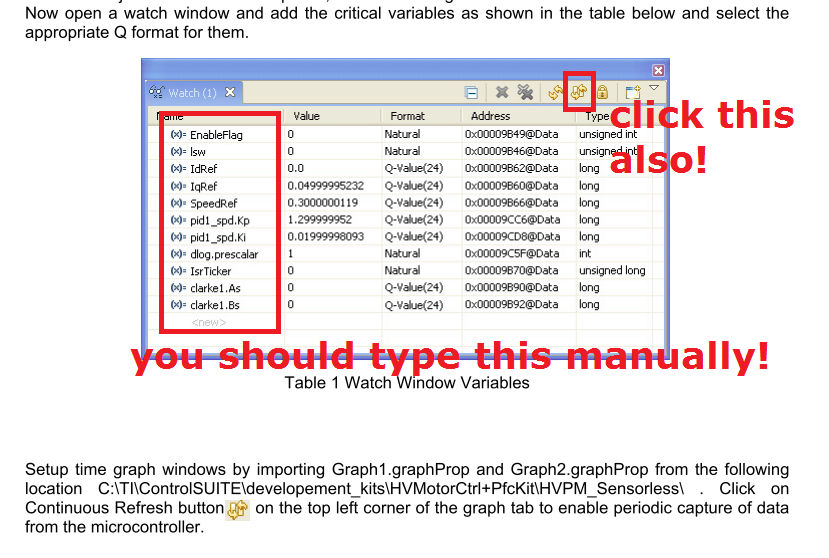
    The Software part starts from page 19 and I'm stucked on "Now open a watch window and add the critical variables as shown in the table below and select the appropriate Q format for them.".

    As you can see in the pictures I ran the F2803x_FLASH, but I assure you that I ran the F2803x_RAM as well and the same screens appeared, as those I've posted above.

    Excuse me for the large post but I try to give you as more details as I can.

    Thanks in advance for any help.

  • TRIANTAFILLOS PIMENIDES said:
    I use BUILDLEVEL 1,

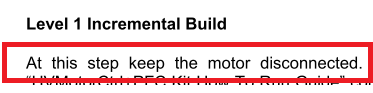
    Then it makes sense that your motor doesn't run because this level is for checking PWM (SVGEN time) and even the documentation says that the motor should not be connected while running this BUILDLEVEL.

    Please read the user guide carefully and do BUILDLEVEL step by step, start from page 21 (Level 1 Incremental Build).

    About the watch window (it should be Expression Window), you should type all variables manually! You also can add other variables that not mentioned in the table if you want to watch them in the debugger.

    Open the graph that provided and see the SVGEN time waveform, compared them with the documentation.

    If you passed this level, then you can continue to next step!

    Best regards,

    Maria

  • Hello again,

    I realized that my motor shouldn't start on BUILDLEVEL1 when i read the manual carefully. What I didn't know, nor anyone else could realize, is that by saying "open a watch window and add the critical variables" means "create the variables manually 'cause they don't exist". Well I'll try to do what you said and let you know by tomorrow.

    Thanks for your time and I'll keep you informed if I have any problems.

  • And watch window is actually Expressions window (for global variables).

    Good luck and cheers!

    Best regards,

    Maria