Other Parts Discussed in Thread: CONTROLSUITE
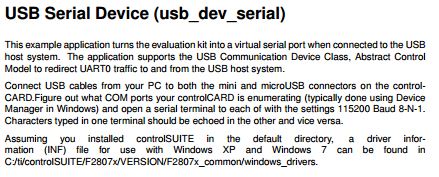
I am trying to run the example code usb_dev_serial_cpu01 on the F2807x controlCARD R1.1.
The comment in the code direct me to find the drivers in:
C:/ti/controlSUITE/F2807x/VERSION/F2807x_common/windows_drivers
That directory doesn't exists, so I assume it meant:
C:\ti\controlSUITE\device_support\F2807x\v160\F2807x_common\windows_drivers
The drivers in this directory refuse to install. When I try to install the drivers by right clicking on them, I get the error:
"The INF file you selected does not support this method of installation"
When I try to install the drivers using Device Manager, it fails to find the driver in the directory above.
Any help with this would be greatly appreciated.
Thanks,
Kerson.