This thread has been locked.

If you have a related question, please click the "Ask a related question" button in the top right corner. The newly created question will be automatically linked to this question.

LV Multi Axis + PFC Kit Errors while rebuilding project

Other Parts Discussed in Thread: CONTROLSUITE

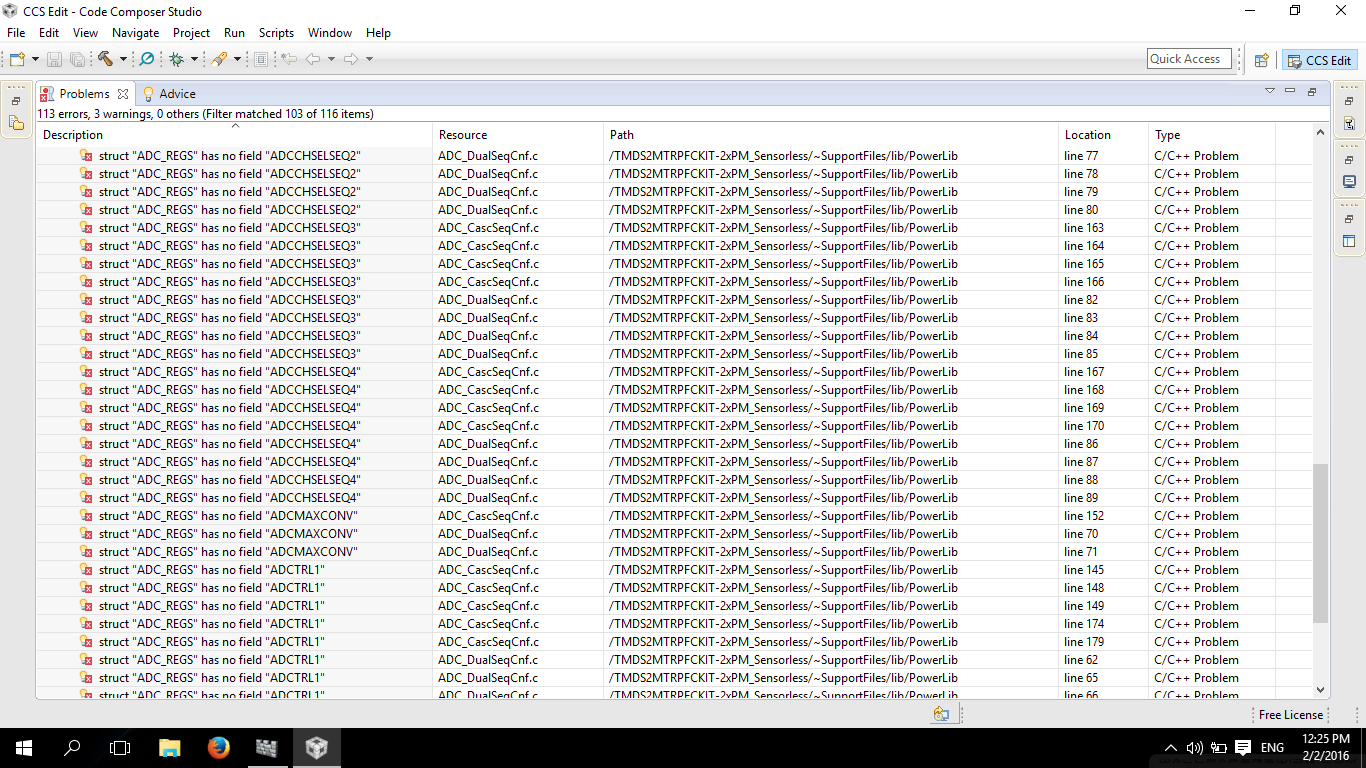
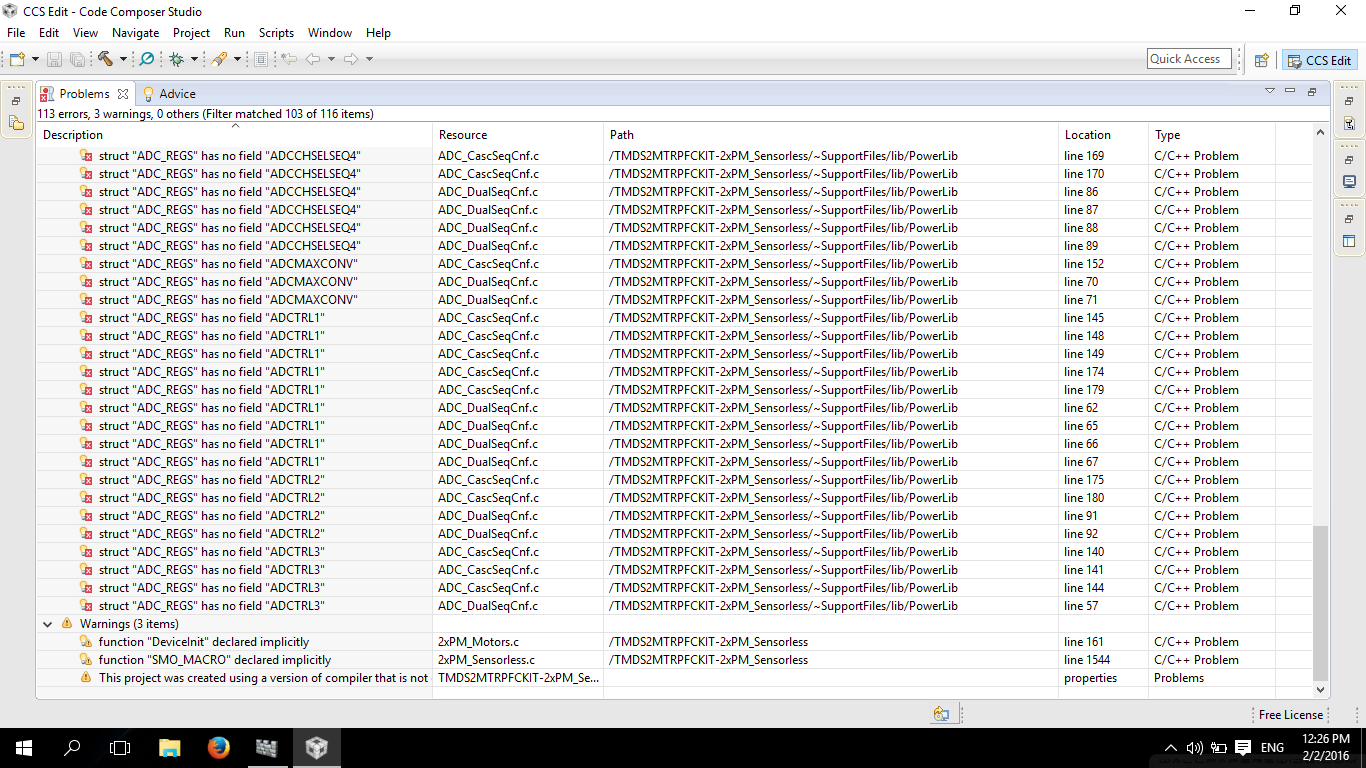
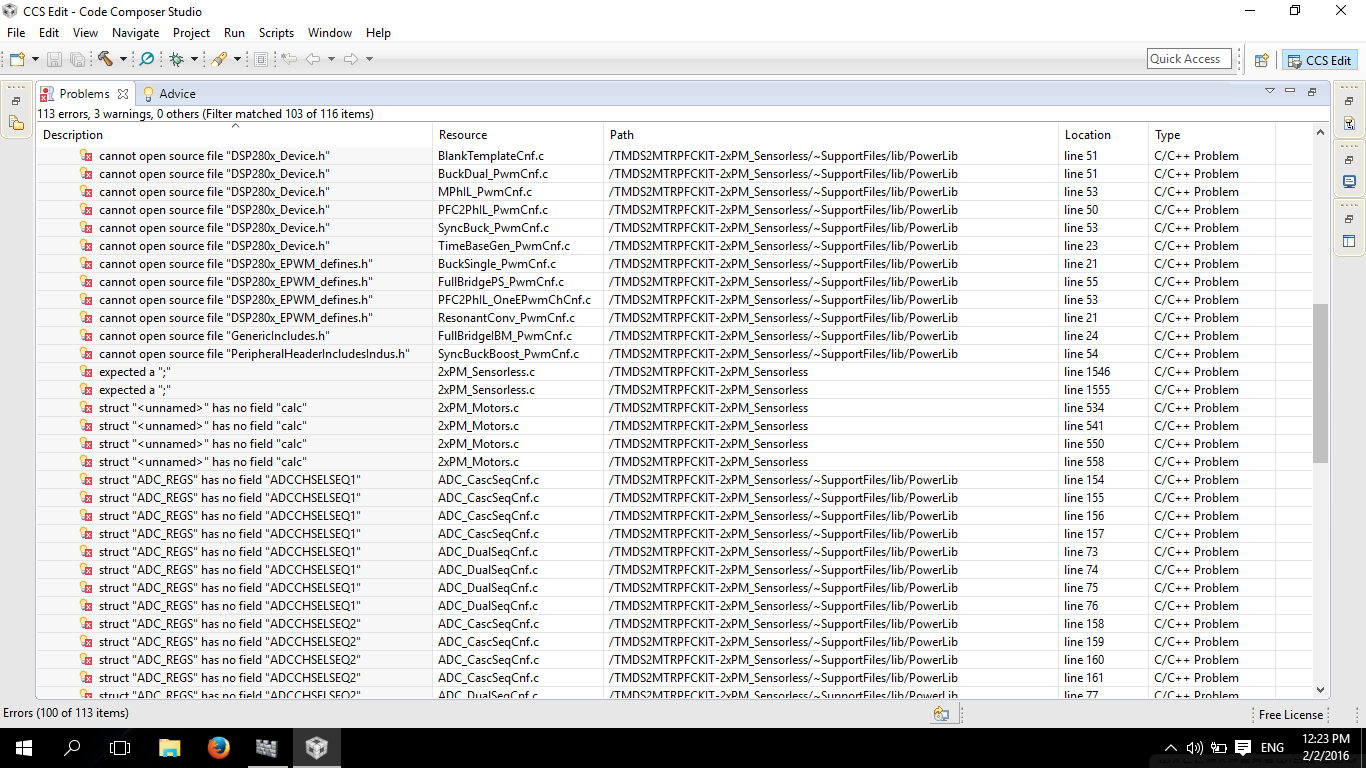
Hi, I have been working on the TMDS2MTRPFCKIT and when I imported and rebuilt the project from the control suite folder in the code composer studio I got the following errors. Can any one help me on that? And what do they mean? I tried to create a new work space or reinstall CCSv6 but i could not solve the problem. But everything works fine when I run it using the GUI.

Thanks In Advance,

Rohit K
  • Hi Rohit,

    I was able to browse to this directory and import this project and build it successfully. Can you explain how you are importing your files to CCS?

    Thanks,
    Ozino

  • Hi Ozino,

    I have a latest update. I have resintalled Code Composer and These errors donot appear may be It was the problem during the installation of code composer that triggered that fault. May be this might be the fault.
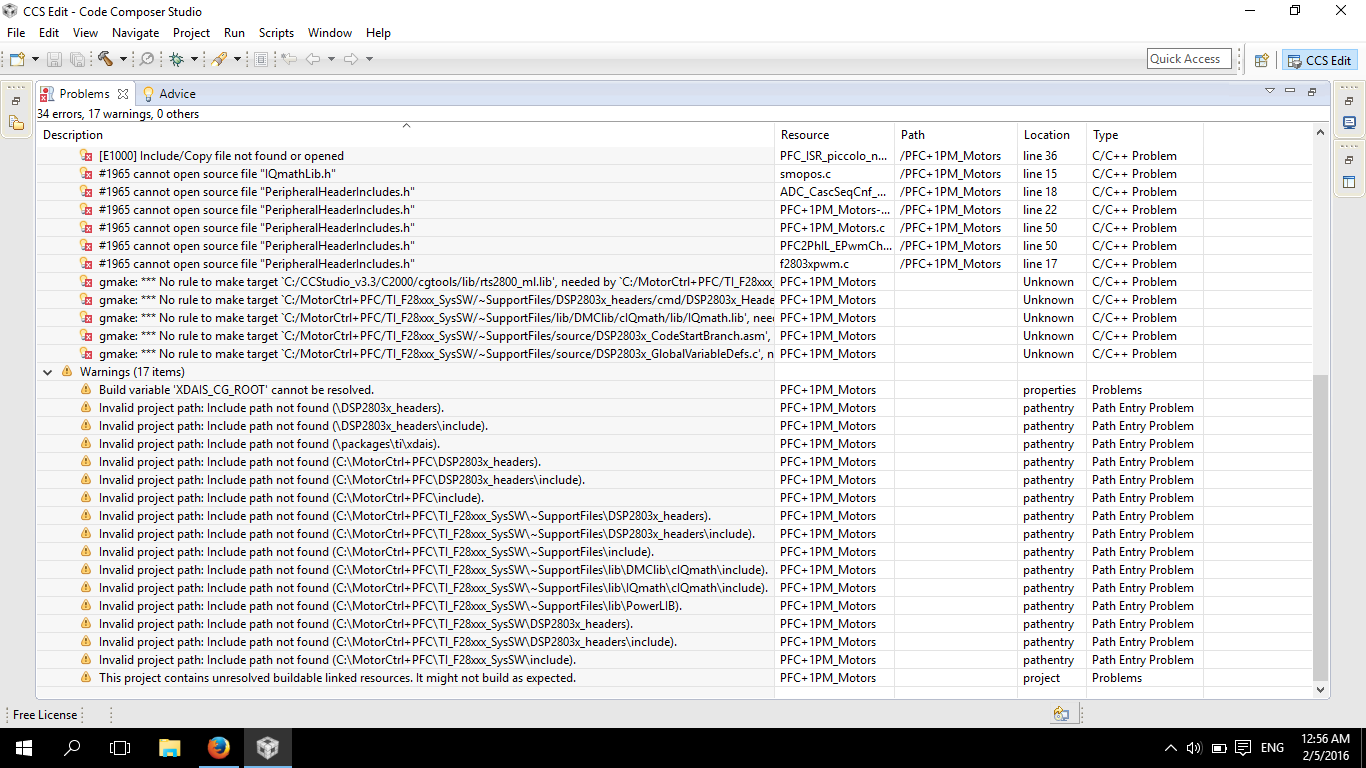
    Any ways this has been rectified but I still have issues when I run the program.

    The procedure that I am following is:

    1. Create New Target File.

    2. Import CSS Projects

    3. File name: 1PM+ PFC.pjt

    4. Make Target File Default and Link to Active Project

    5. Rebuild Project

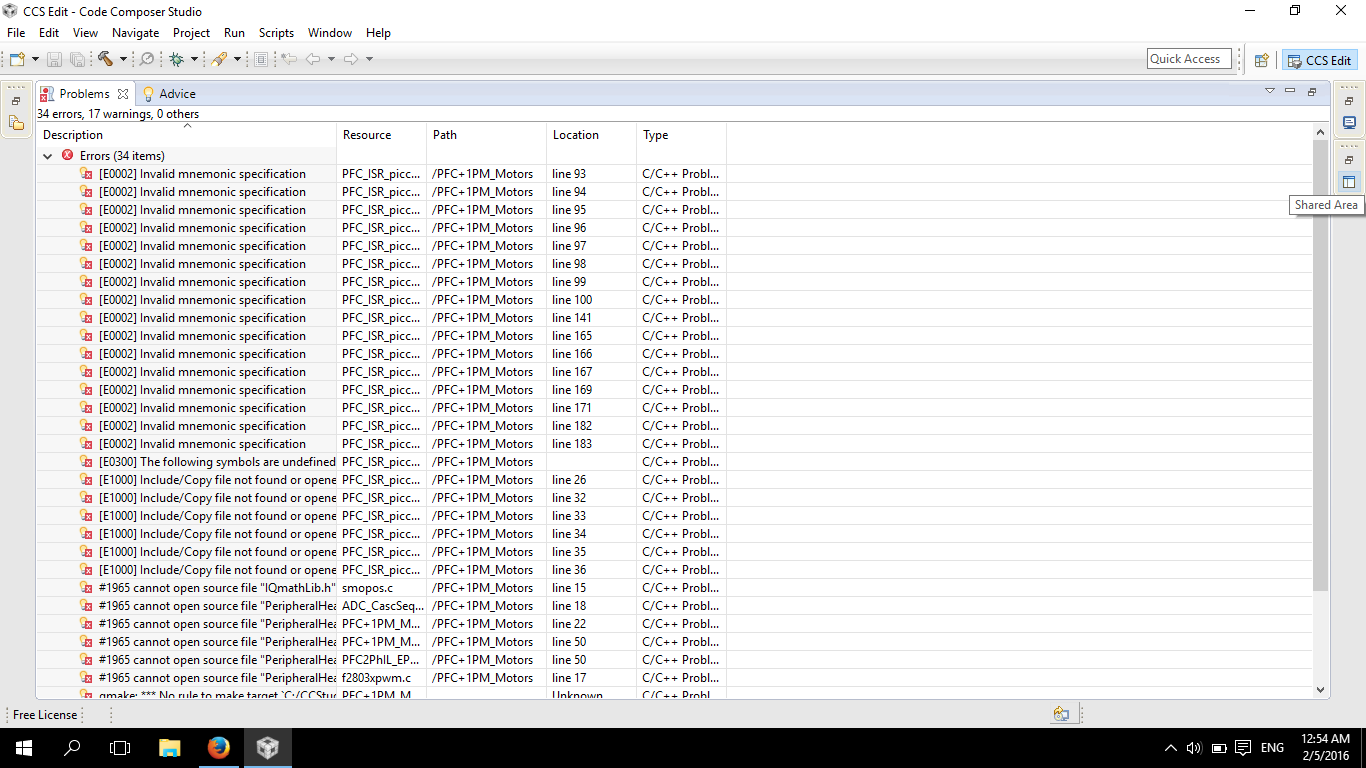
    after that Iam seeing the following errors.

  • Hi,

    Can you try using the FLASH build configuration?


    Thank you,
    Brett

  • Hi Brett,

    I have tried rebuilding using the FLASH build configuration but still could not build the configuration successfully. The same errors seem to appear every time. I have no clue about what is causing those errors.

    Thank you,
    Rohit
  • When importing the project into CCS, do you select the option to 'copy project into workspace'?  If so, can you try not selecting this option?

    -Brett

  • I have not selected the 'copy project into work space'. I still found those errors.
  • I just realized that you are using the (quite old at this point) PFC+1PM motor project.

    Can you try the following example located within controlSUITE at the following directory:
    \controlSUITE\development_kits\LVMultiAxis+PfcKit_v1.4\2xPM_Sensorless_v1_1\

    There is a known issue with the RAM configuration of the project above (there is really not enough RAM to effectively run the project - TI should delete out this RAM configuration), but the FLASH configuration works.


    Thank you,
    Brett

  • But I have been trying to rebuild the project in the flash configuration and I did not select the 'copy project into work space' but I am still finding those errors. I also tried reinstalling the software again but still found those errors. The 2XPM_Sensorless works fine but the PFC+1PM motors never worked and I want the motor to run using the PFC circuit, If it does not work out the board would be of no use to me. Please suggest me a solution.

    Thanks,
    Rohit K
  • Ok, After looking for 1 month I think I found some solution to the problem. All the errors that say the header files are missing, I found all of them in the baseline software given by TI. I copied them in the folder where my PFC+1motor sysSW files are located and linked them to the project now I have resolved over 40 errors as more than 15 header files went missing. Now I am left with 2 errors, This is the most difficult part as I think this involves actual errors in code.

    gmake: *** No rule to make target `C:/mc+pfc/TI_F28xxx_SysSW/~SupportFiles/DSP2803x_headers/cmd/DSP2803x_Headers_nonBIOS.cmd', needed by `C:/mc+pfc/TI_F28xxx_SysSW/MotorCtrl+PfcKit/PFC+1PM_Motors/PFC+1PM_Motors/../../../MotorCtrl+PfcKit/PFC+1PM_Motors/F2803x_FLASH/PFC+1PM_Motors.out'.

    gmake: *** No rule to make target `C:/mc+pfc/TI_F28xxx_SysSW/~SupportFiles/DSP2803x_headers/cmd/DSP2803x_Headers_nonBIOS.cmd', needed by `C:/mc+pfc/TI_F28xxx_SysSW/MotorCtrl+PfcKit/PFC+1PM_Motors/PFC+1PM_Motors/../../../MotorCtrl+PfcKit/PFC+1PM_Motors/F2803x_FLASH/PFC+1PM_Motors.out'

    Please Help me out on this.


    Thanks,
    Rohit K
  • Hi Rohit,

    I tried to get the software that you are interested in running (and this time with a bit more discipline) ...

    Here are the steps I followed to get the software running in CCS 6.1.2.00015:

    1. Install the "C2000 Baseline Software Package" (SPRC675) and the "Motor Control and PFC Software Package" (SPRC922).
    2. In CCS, now import the project as a legacy CCSv3.3 project.  Remember to have "Keep original location for each project" and "Create a subfolder..." checked.  Then click Finish.
    3. Replace the rts2800_ml.lib with one that is in CCS6.
      1. Right-click on the .lib and select properties.  Click on the Resource heading in the left-side window. 
      2. Next click on the Edit... button (to change the location).  Next browse to its new location.
        1. For me this was C:\ti\ccsv6\tools\compiler\c2000_5.2.15\lib\rts2800_ml.lib
    4. Add the iqDMC_ml.L28 library as a library that the project should include.  Right-click on the project.  Then browse to "Build->C2000 Linker->File Search Path".
      1. Choose to add a new library file (in the same box as rts2800_ml.lib)
      2. Browse to the location of the iqDMC_ml.L28 library on your machine and add it.


    Now try to compile.  It worked on my machine.

    Hopefully this helps.


    Thank you,
    Brett