This thread has been locked.

If you have a related question, please click the "Ask a related question" button in the top right corner. The newly created question will be automatically linked to this question.

UNLOCK THE 28027F


I´m using the LAUNCHX-F28027F to control an AC motor. The motor is working very well and I succesfully lock the device adding the f2802x_csmpasswords.asm to the project.

Now I want to modify the project. How can I unlock the device ?

  • Hi,

    Please follow following steps to unlock the device -

    • Change the BOOT MODE setting to "Wait" boot.
    • Reset the device.
    • Connect to CCS and open CCS Flash plug-in GUI.
    • Enter the correct password value in CSMKEY fields.
    • Unlock the device.

    You could also update the password value in Unlock_CSM() function with values programmed in device in CCS gel file to unlock the device.

    Regards,

    Vivek Singh

  • Hi Vivek,

    Change the BOOT MODE setting to "Wait" boot -> I have set S1  to OFF - ON - OFF

    • Reset the device.
    • Connect to CCS and open CCS Flash plug-in GUI.
    • Enter the correct password value in CSMKEY fields.
    • Unlock the device.

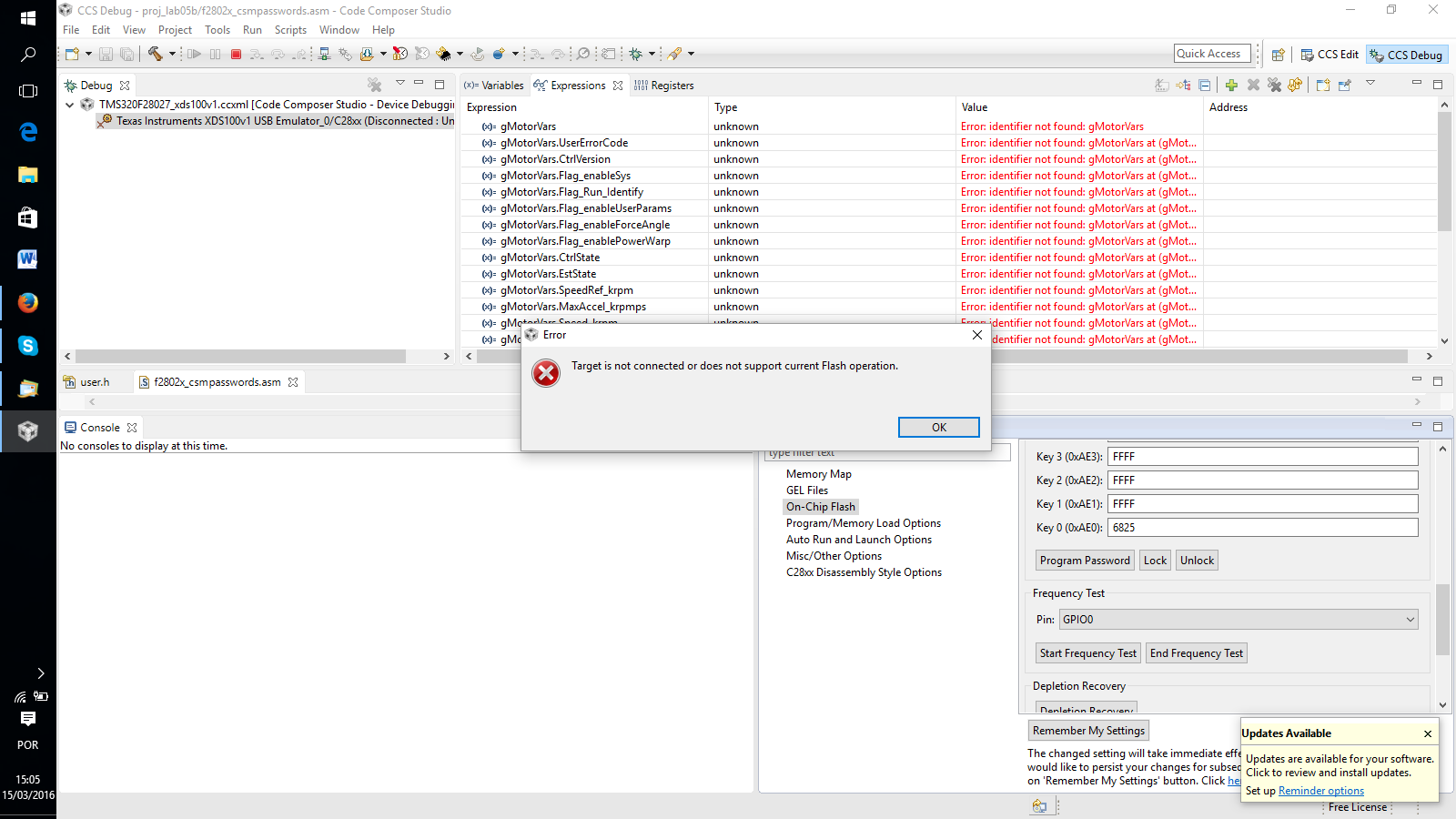
    When I do these steps I got the message like the picture below:

    What could I try now ?

    Thank You !

  • Hi,
    Look like you missed the IInd step of connecting to target. I see device is still disconnected. Please right click on target and click on "connect".

    Regards,
    Vivek Singh
  • Hi,

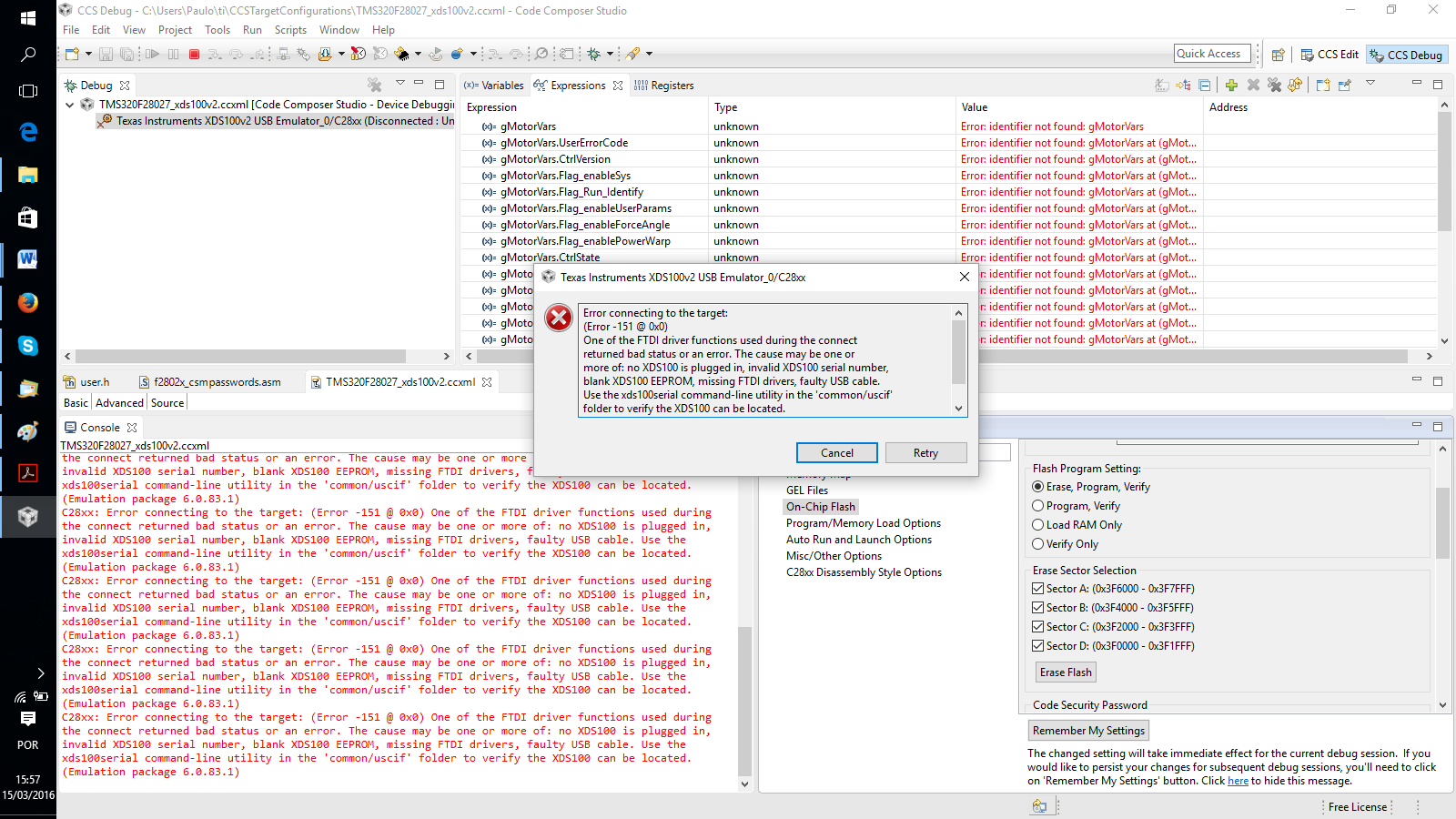
    After I added the f2802x_csmpasswords.asm to the project,  I can't connect to the device anymore.

    When I try to connect I got the message:


    What could I try ?

    Thank You !

  • Hi,

    Please double check the  BOOT PIN setting to make sure it's indeed "Wait" boot mode.

    Also try power cycling the board once and see if that makes any difference.

    Regards,

    Vivek Singh