This thread has been locked.

If you have a related question, please click the "Ask a related question" button in the top right corner. The newly created question will be automatically linked to this question.

Flash Configuration In F28355

Other Parts Discussed in Thread: CONTROLSUITE

Hi Gautam Sir,

In Flash Mode(F28335)

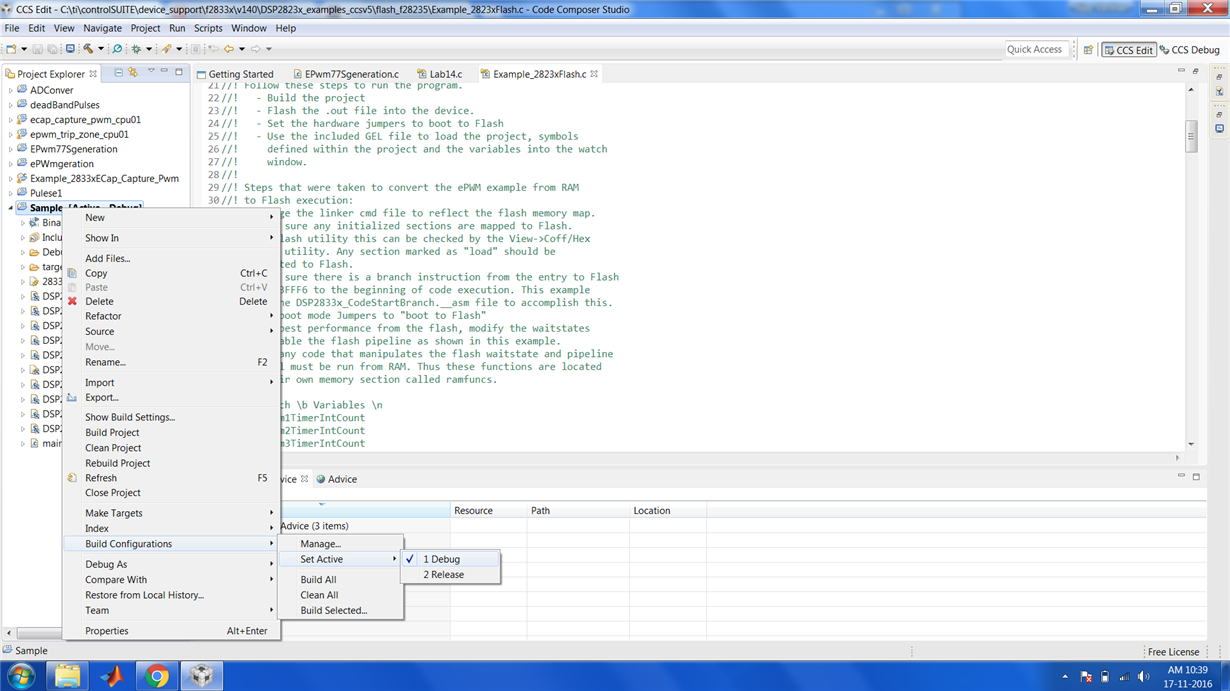
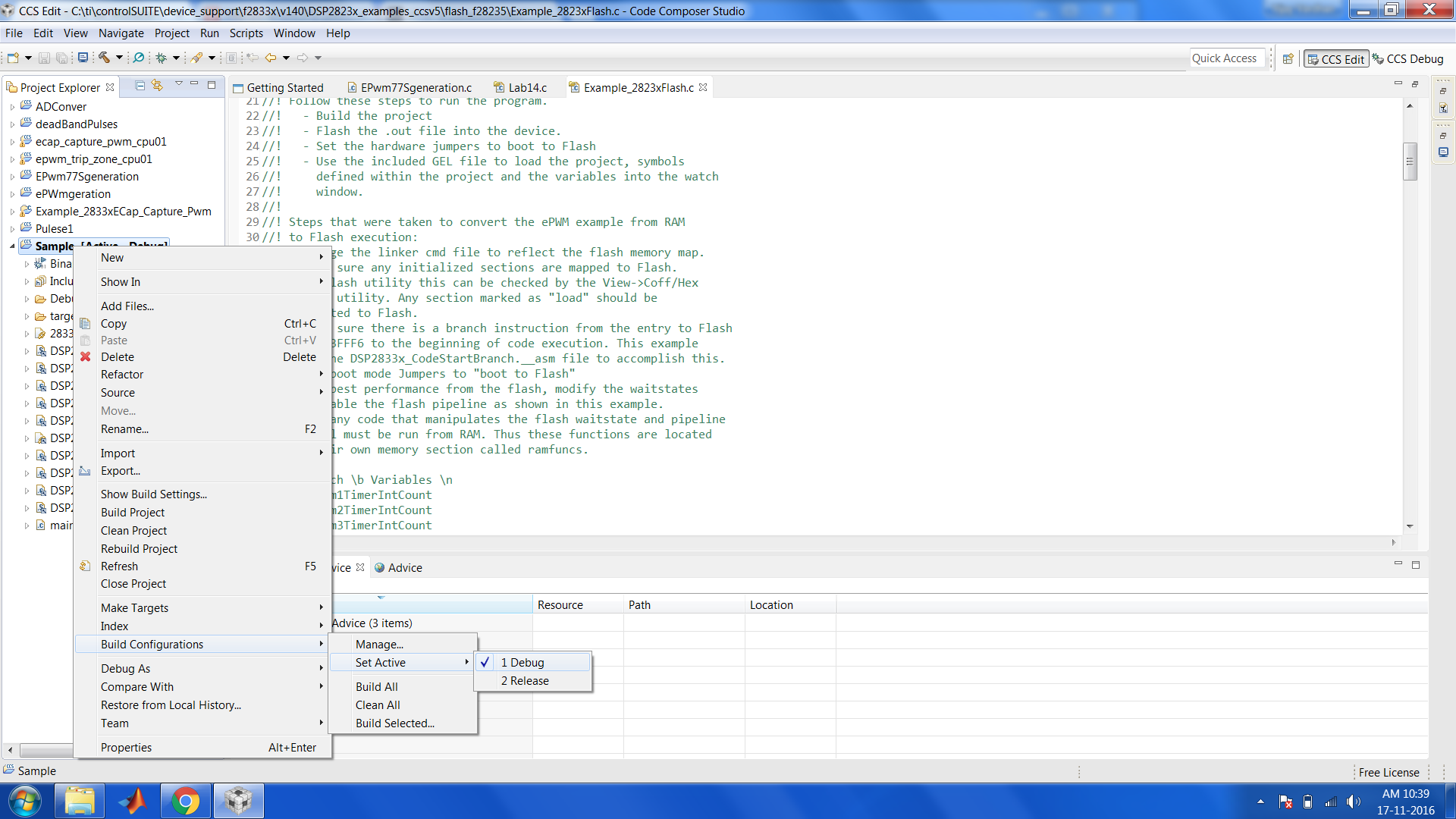
Build Configuration-> Set Active-> Debug.   Option Is showing in my CCS.
I am not getting the option as you motioned. i.e.,
Build Configuration-> Set Active-> CPU1_FLASH(Flash Building Configuration w/o Debugger Support for CPU1)
Please find the attached file herewith.  Please guide me.
Thank you sir.
  • Vijay,

    The FLASH and RAM build configurations are provided in the example projects found at controlSUITE. These projects are found in the following directory:
    controlSUITE\device_support\f2833x\v141\DSP2833x_examples_ccsv5
    If you import one of these projects, you will be able to select the CPU1_FLASH and CPU1_RAM options under 'Set Active'.

    If you would like to add these configurations to a project you created, you can select "Manage.." and "New.." and then define them based on your project needs.

    Elizabeth