This thread has been locked.

If you have a related question, please click the "Ask a related question" button in the top right corner. The newly created question will be automatically linked to this question.

TMS320F28379D: layout diagrams(top and bottom) for f28379d control card

Part Number: TMS320F28379D
Other Parts Discussed in Thread: CONTROLSUITE, TMDSCNCD28379D, LAUNCHXL-F28379D

Hi all,

Please can you provide me the link for the control card layout diagrams(top and bottom), which am not able to find in the controsuite path.

ti\controlSUITE\development_kits\~controlCARDs\TMDSCNCD28379D_v1_0\R1_3

Thanks

  • Ashok,

    What kind of diagrams are you referring to? The schematic and user-guide are both in the directory you listed. The user-guide includes basic labeling of key HW components.

    Kind regards,

    William Stevers
  • Hi Billy Stevers,

    Thanks for you are reply.

    Please find the attached top layout  for launchpad (development_kits\LAUNCHXL-F28379D\HwDevPkg), am looking for similar kind layout file for controlcard.8863.LAUNCHXL-F28379D_SILK_TOP_160415.zip

  • There is a method for viewing the PCB layout, but it is a bit involved.  This controlCARD was designed using PADS.  Luckily they have a free viewer you can download here:

    https://www.pads.com/downloads/pads-pcb-viewer/

    Fill out the form and they will send you a link to install the viewer with a confirmation code.  Once you have the viewer installed, open the program and open the following file:

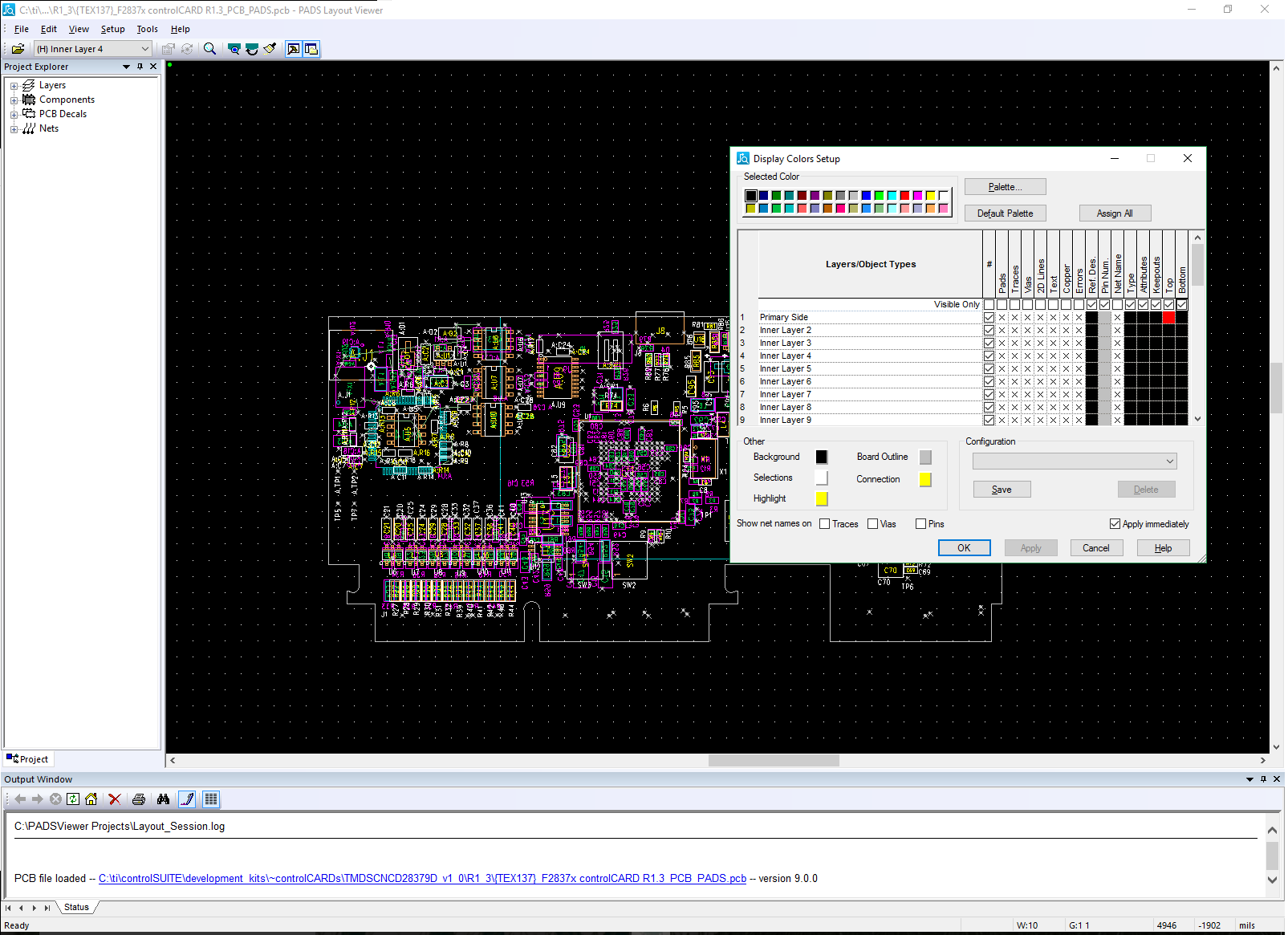
    controlSUITE\development_kits\~controlCARDs\TMDSCNCD28379D_v1_0\R1_3\{TEX137}_F2837x controlCARD R1.3_PCB_PADS.pcb

    The viewer will allow you to view the entire PCB.  You can get only the layers you want my hitting CTRL + ALT + C to bring up a window that will allow you to turn visible layers on and off to get the desired layout picture you would like.  See what it looks like here:

    Hopefully this will work for you!

    Kind regards,

    Billy Stevers

  • Billy Stevers,

    Thanks am able to view the controlcard bottom and top view using pads pcb viewer.

    Looks like there is no option to export it to pdf, might be am using free versions, if you have pleas can you share me pdf files.

    Thanks