This thread has been locked.

If you have a related question, please click the "Ask a related question" button in the top right corner. The newly created question will be automatically linked to this question.

TMS320F28379D: LAUNCHXL-F28379D -> Uniflash

Part Number: TMS320F28379D
Other Parts Discussed in Thread: LAUNCHXL-F28379D, UNIFLASH,

Hello there,

i want to use Uniflash4 to flash the application to the LAUNCHXL-F28379D.
I have createt a TI-TXT file.
When i browse the file and hit the "Load Image" button,
at first i get this screen
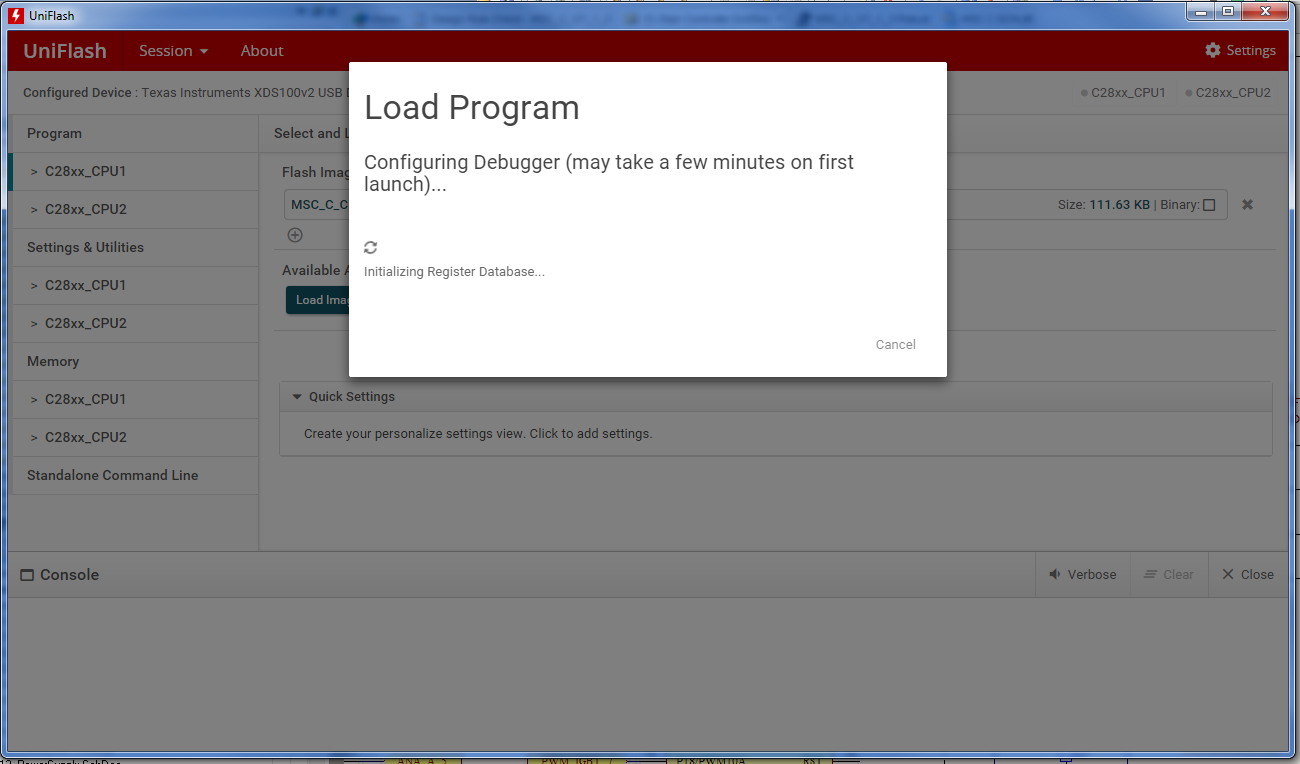
After a while the screen changes to
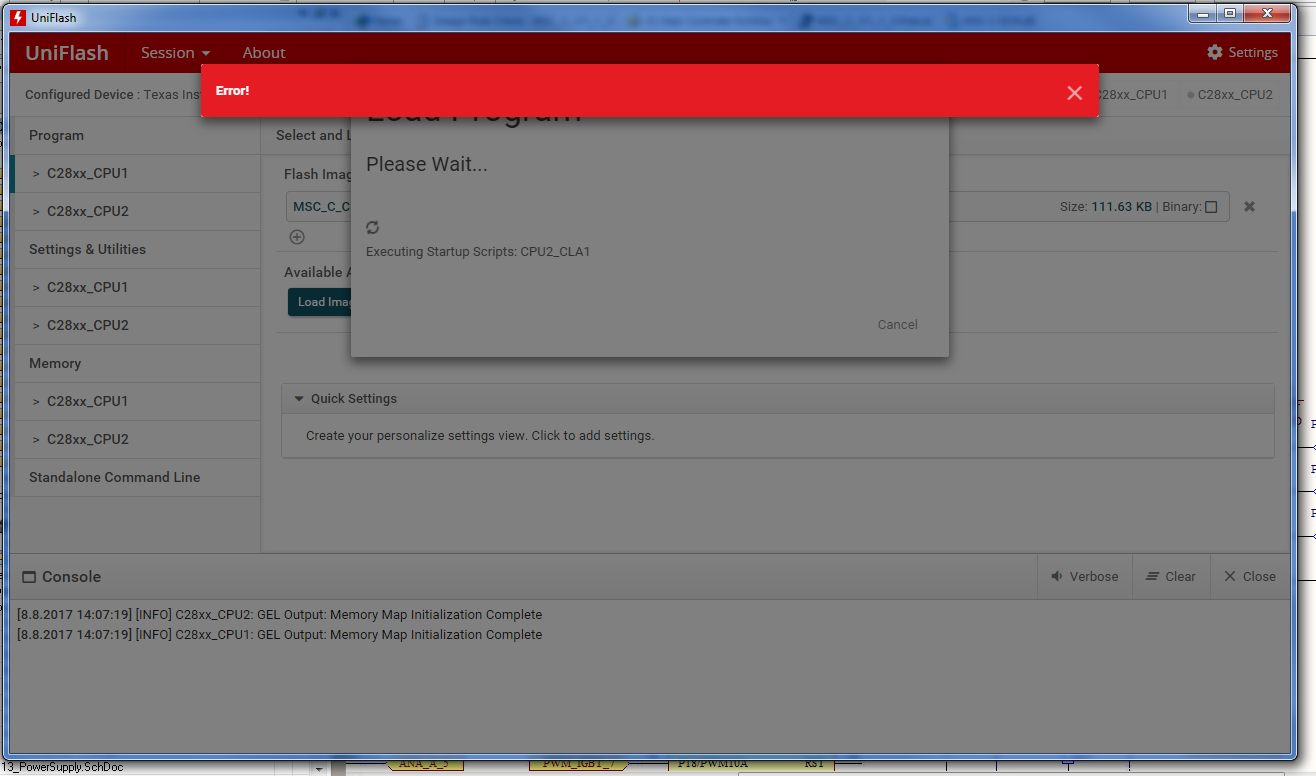
Has someone an idea, what´s causing this?
Do i have something to do about these "scripts"? In case yes, what?

best regards!

  • Hi,

    I notified this issue to our software tools team couple of weeks back.  They found the root cause and fixed it.  I will ask them to see if we can share the fixed files with you.  Will let you know.

    Thanks and regards,
    Vamsi

  • Hi,

    An update will be released in this week to fix this issue. You can then get the fix by checking and installing the updates in UniFlash.

    Thanks and regards,
    Vamsi
  • Hi,

    The latest UniFlash update (v4.2.0.1490) is now available. This should hopefully fix the issue you are seeing. Please give it a try.

    Thanks.
  • Hello there,

    i have downloaded the installer. I have windows 7 Professional on a 32 Bit machine.
    I get an error message (see below).
    Since there was no "Uninstall Uniflash" in the Texas Instruments "Folder" of the start menu,
    I just tried to install the newer version with the assumption the install handles that by itself.
    The old version is actually gone from the system.
    (basically writing that to let you know, what i did)

    best regards!


  • Hi,

    Just to clarify, were you getting that error message when you were going through the UniFlash update process?

    If so, do you remember what you were doing in UniFlash before you started the update process? From the error message, it looks like one of the DLLs is still in use, so I want to see if there is a particular use case that results in this error message.

    Thanks,
    Ricky
  • Yes i do :)
    I wasn´t aware there is an update mechanism.

    Since there was no "Uninstall Uniflash" in the Texas Instruments "Folder" of the start menu,
    I just tried to install the newer version with the assumption the installer handles older versions by itself.
    The old version is actually gone from the system.

    best regards!
  • Hi,

    Yes, there is an update mechanism in UniFlash. When updates are available, you should get a popup in UniFlash notifying you about the update. If you click on update, it will download the update, close the current application, and apply the update.

    Also, there should be an uninstall.exe in the directory that you installed UniFlash. You can use that to uninstall previous versions from your PC.

    Thanks,
    Ricky
  • Ok,

    on the other PC i used the updatefunction.
    I´m not sure, which type of file to feed in to flash the target.
    This


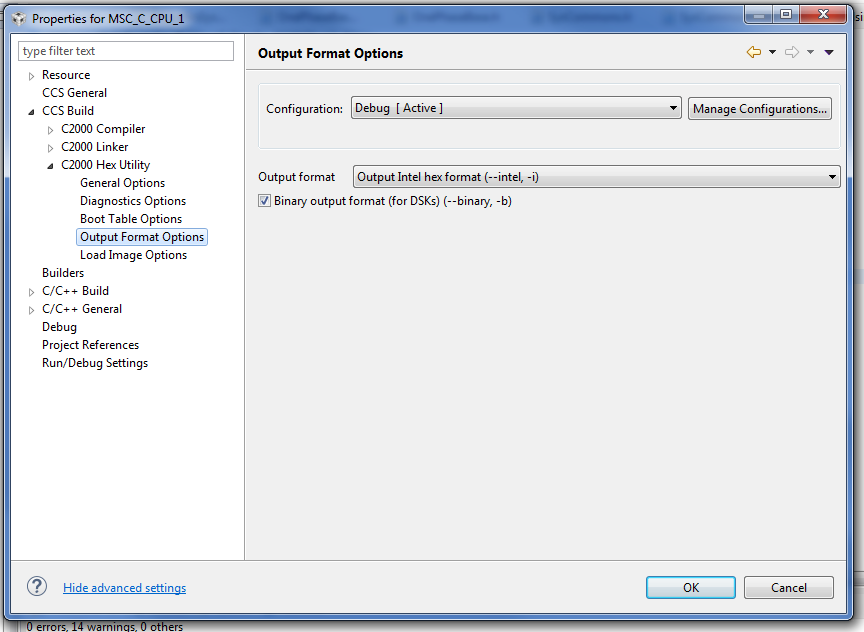
    says i can use Intel hex format which i enabled in the Project Properties->C2000 Hex Utility->Output Format Options
    I get error message saying "Could not determine target type of file".

    I´d also try to use binary file, but i don´t quite understand how to generate them.
    I found this

    which has cretain section for CCS version 6 starting at headline "NEW IN CCSv6"
    But i don´t understand how to write the needed commands for my device (TMS320F28379D).

    best regards!

  • Hi,

    I tried using the "C2000 Hex Utility" option to generate the Intel Hex output (-i option) in CCS, and it generated .hex, .i01, .i10 and .i11 files in the output folder. I tried loading each of these files in UniFlash and they all succeeded.

    Which output format did you choose in CCS, and which file (ie; what extension does it have?) did you try loading when you got the "could not determine target type of file" error?

    Thanks,
    Ricky
  • Hello Ricky,

    i have enabled the C2000 Hex Utility and set the output format to "Output Intel hex format (--intel, -i)

    You wrote, you find the files in the "output" folder - i have a "Debug" folder, where i also find all the .obj files and the .map file.
    I don´t have the files ending with i01, .i10 and .i11

    I double checked the UniFlash Version : 4.2.0.1490
    AND
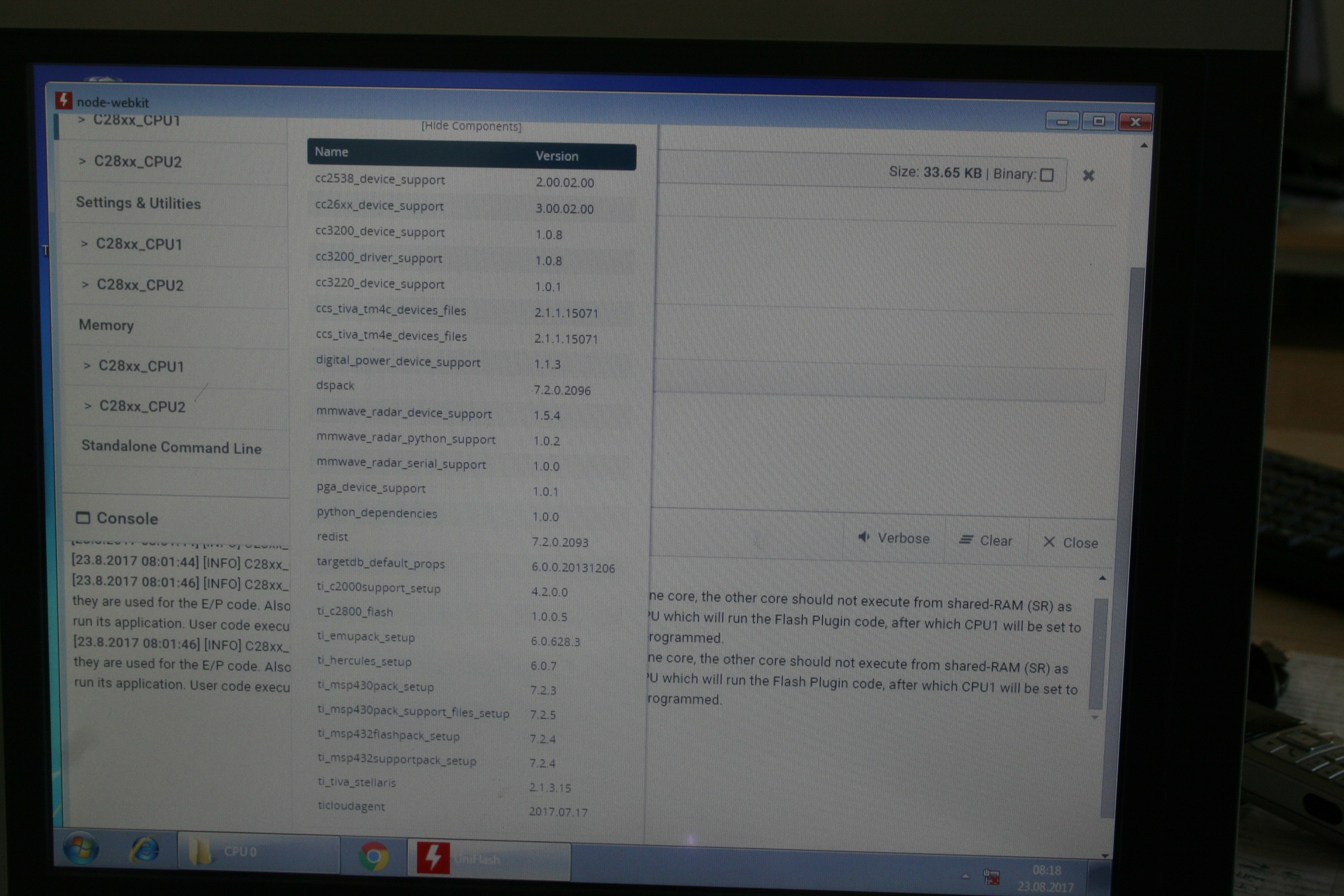
    i recognized there is an "active label" named [Show Components], where you find a foto below. Wouldn´t I need something like "cc2000_device_support"
    for the TMS320F28379D ?


    best regards!

  • Note: i saw, that the process throws an error, when "Executing Startup Scripts: CPU2_CLA1". I have made sure, that the CLA option in the project properties are disabled.