


Other Parts Discussed in Thread: CONTROLSUITE
Tool/software: Code Composer Studio
My customer wants to realize upgrate via USB in 28377D,
I try to vadidate the function according to the files under” C:\ti\controlSUITE\device_support\~Utilities\usb_flash_programmer”
I follow this procedure in f28027Xd_fw_upgrade_example.txt:

And I have already finish this step:
Reset the MCU, then write 0x0C5A to the boot mode select address (0xD00) with the debugger.
Run from the reset vector to start the USB boot loader. Connect the MCU to the PC.
Move to the step3, it does’t work:

And then I followed the instruction in driver.txt:

I check the status of the Device Manager:
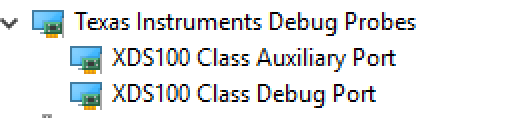

It is still under unspecified instead of "Texas Instruments Microcontrollers" category. Is that right?
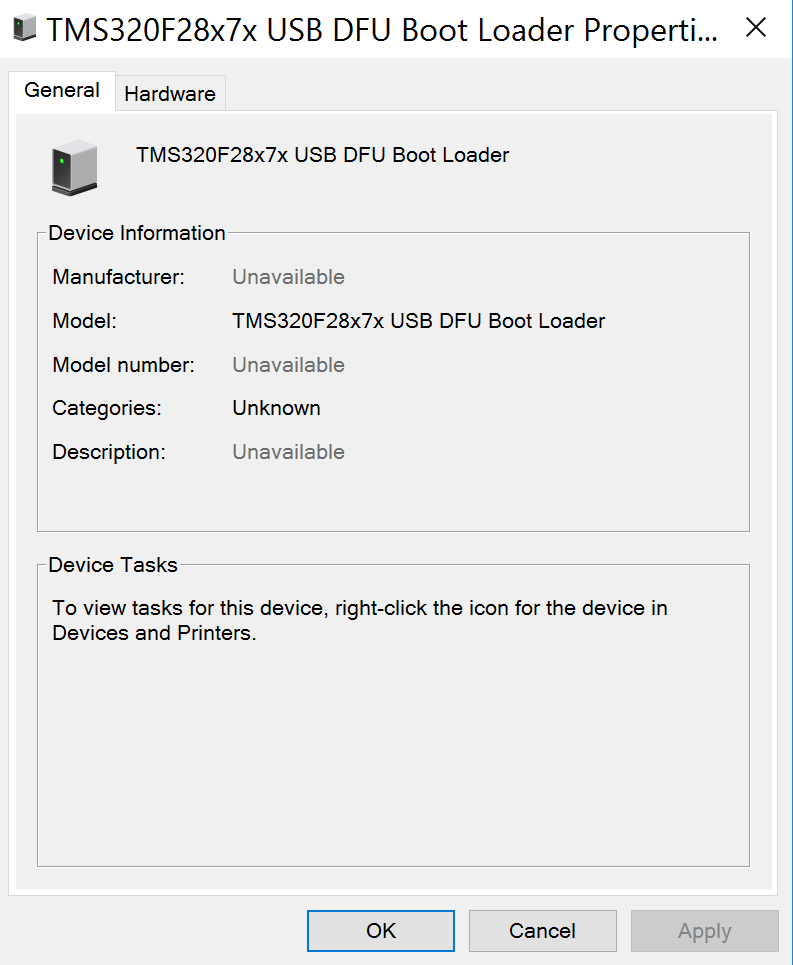
When I test it using the following command line:
f28x7x_usb_loader.exe –l
it works as below:

And we expect it show :

the detailed Part number of my device is:
TMX320F28377DZWTYFA-43AHZ3W
Is there any possible with the device is an experiment?
Could you give me the correct method to achieve the boot loader function via USB both in hardware and software?
thanks for your help!

