This thread has been locked.

If you have a related question, please click the "Ask a related question" button in the top right corner. The newly created question will be automatically linked to this question.

CCS/TIDM-1000: Powersuite main.cfg is empty

Part Number: TIDM-1000
Other Parts Discussed in Thread: POWERSUITE, CCSTUDIO

Tool/software: Code Composer Studio

main.cfg is blank

the FAQ says to download the gui composer but I cant there is no option
how do I download and install gui composer so that ccs can use it and show correctly main.cfg ?

  • Hi Steven,

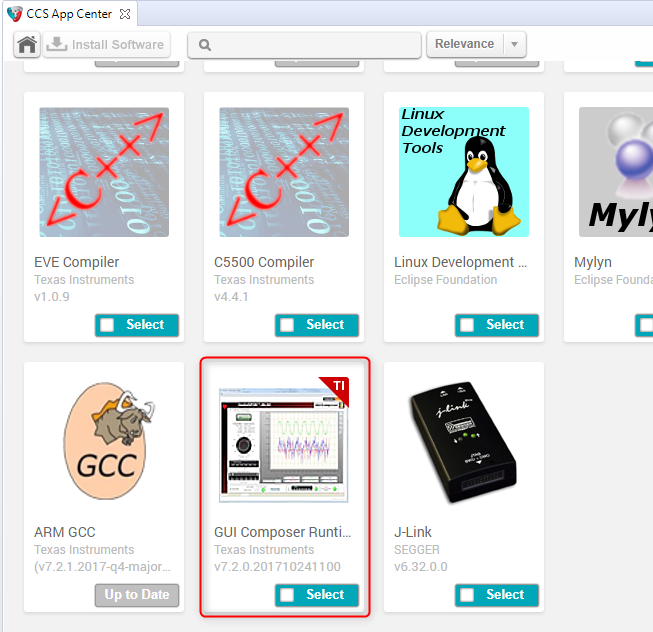
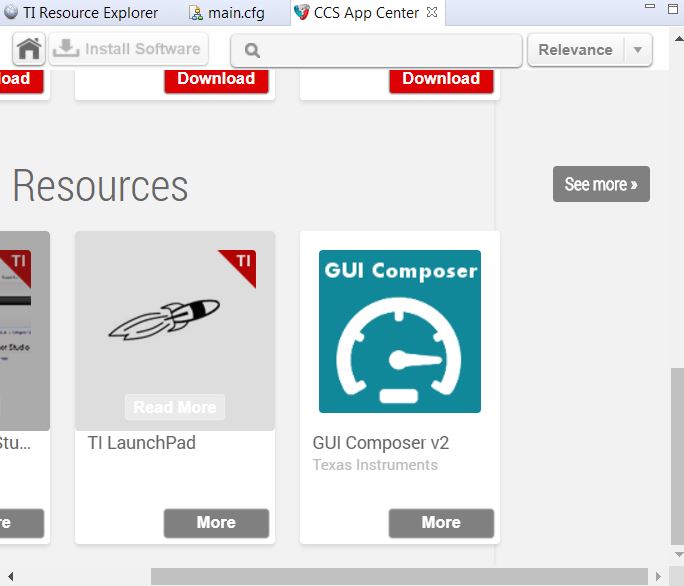
    You need the GCv1 Runtime. To find it on App Center, press the "See more" button for the CCS Add-ons:

    And the select the below option:

    Note that if you are using CCSv8.x, you will run into a known issue where the powersuite solution in the cfg will appear half-height. We will fix that issue in the next CCSv8 update

    Thanks

    ki

  • Hi

    thanks for the quick reply and help but I am getting the following install error

    look at the log file I see

    !ENTRY org.eclipse.equinox.p2.artifact.repository 4 1000 2018-07-19 10:27:57.159
    !MESSAGE No repository found at software-dl.ti.com/.../.

    !ENTRY com.ti.ccstudio.p2app 4 0 2018-07-19 10:28:02.416
    !MESSAGE The installable unit com.ti.ccstudio.gui.composer.ccs.feature.group has not been found.

    !ENTRY com.ti.ccstudio.app.center 4 0 2018-07-19 10:28:02.431
    !MESSAGE Failed to install the selected add-ons. installIUs=com.ti.ccstudio.gui.composer.ccs.feature.group,com.ti.gc.common.feature.group,org.eclipse.wst.jsdt.feature.feature.group repos=software-dl.ti.com/.../

    are the paths valid? I am behind a proxy server so it maybe an IT issue, if the paths are valid I will have to try and install it without the proxy server.

  • The repo path is valid. Do you have issues with all updates or just GCv1 runtime? What exact version of CCS are you using?

    Thanks
    ki
  • Code Composer Studio
     Version: 8.1.0.00011

    OS: Windows 7, v.6.1, x86 / win32

    because I am working behind a proxy server I needed to setup eclipse to have access to the proxy server to do this one needs to go to windows-> preferences then general->network connection then fill in this window

    now it allows me to download the plugin, thanks for all your help its downloading the plugin as I write this hopefully it will install and run correctly :-)

  • steven taffs said:
    now it allows me to download the plugin, thanks for all your help its downloading the plugin as I write this hopefully it will install and run correctly :-)

    Good to hear! Let me know how it goes.

    Note that because you are using 8.1, you will likely run into the known issue in the thread below:

    https://e2e.ti.com/support/development_tools/code_composer_studio/f/81/p/680602/2508445

    That issue will be addressed in the upcoming 8.2.0 release

    Thanks

    ki

  • for some reason it still didn't work behind a proxy server in the end I downloaded the plugin from home.