This thread has been locked.

If you have a related question, please click the "Ask a related question" button in the top right corner. The newly created question will be automatically linked to this question.

TMS320LF2407A: TMS320LF2407A- readback

Part Number: TMS320LF2407A
Other Parts Discussed in Thread: C2000WARE

How to copy TMS320LF2407A without protection, using CCS3.3 and XDS510PLUS. For programming on a new processor. In the Debug mode on CCS3.3 all addreses with protection 0x40-0x43 FFFF. How to save this to a file and write to another new processor

  • Kadirov,

    Are you trying to port code across devices? If so, which device would you like to use?

    All the C2000 Device collateral and examples are available in C2000Ware. Please take a look at this package if the examples there can help get you started.

    Additionally, I would advise updating your version of CCS to a more recent version that has support.

    Regards,
    Ozino
  • I have equipment in which to replace the problem processor TMS320LF2407A. I want to copy from another normally working identical hardware and replace the problem processor. What new version of CCS does TMS320LF2407A support? Can I do this with C2000WARE?
  • Kadirov,

                LF2407A is supported only in CCS3.3. Later versions such as 5.x/6.x/7.x/8.x do not support LF2407A. There is no C2000ware support for this device either.


    I presume this is what you want to do:

    You have an unsecure LF2407A device (that is, a device not protected by passwords). You would like to copy the contents of the flash memory and program it in another LF2407A device. If this is correct, it can be done easily as follows:


    Save the contents of flash (Starting address: 0000h, Number of words: 8000h) using the File-->Data-->Save option as a COFF file (a file with .out extension). Once you have this .out file, you could use the "Flash plug-in" available in CCS3.3 and program the new device.


  • Hello dear Hareesh J. I saved as you wrote from 0x0000 to 0x8000. After I tried downloading it to another processor, when I download it, I get an error (conversion aborted: this file is not linked). From what it can be a error?
  • Please clarify "download". What method are you using to program the flash? Are you using the Flash programmer built into CCS3.3?
  • Please dump the entire flash content as a .asm file, assemble and link it again to produce a “new” .out file. You should be able to program this .out file.


    Details:


    Save the flash content as a hex file and then append a “.word” before every word (and a “h” after the word) like below:


                .text

                .word  1234h

                .word  ABCDh

                .word  2587h

                .word  1D74h

                ………..

                ………..


    (The linker command file should be identical to page 3 of the attached PDF file.)


    If the assembly method explained above does not work, try the C method shown in the attached file.

    Reprogramming.pdf

  • I used the built-in ON-CHIP flashing. Yes, I read this procedure by saving with .dat but did not understand. All is well described in your PDF. Thanks tomorrow trying this
  • Hello

    I did all as described in pdf instructions. files .c and .cmd added to a new will cover and pressed to build, in the log only two errors -pd and -ps as described ignored. but in my folder debug not created files .out and .map.

    how do i add my files to my posts or please give me your mail

  • Please try the assembly file (xxxxx.asm) approach first. That is, create an assembly file and try to assemble/link it. It is a simpler option than creating a C file. You can attach a file to the post by the method shown in the attachment.

  • Does this PDF instruction exist to create a .out file with .asm?

    e2e.ti.com/.../my-files.rar

  • Really nobody tried to copy flash memory 2407a?

  • Kadirov

       Please try the attached fileskadirov.asm

  • Kadirov,

                Please confirm if you were able to program the .out file into flash. The zip file I posted yesterday contains the .asm, .pjt & .out. I left out the linker command file, which I am attaching to this post. (Please change the extension form .txt to .cmd before using it). With the files I have provided you, you should be able to assemble/link the .asm file to create a .out. In order to be able to use the .pjt file I had sent yesterday, you need to create a directory called \240xA in C: and copy all the files I have sent you into that directory.

    /************************************************************************/
    /* File Name:	  PM.cmd                                          	*/
    /* Description:   linker command file to place code at 00h (PM)  	*/
    /************************************************************************/
    
    MEMORY
    {
    
    PAGE 0: 			       /* Program Memory                      */
    
    EX1_PM  :ORIGIN=0H   ,  LENGTH=08000H  /* 32K flash                  */
    
    
    PAGE 1: 			       /* Data Memory                         */
    
    REGS    :ORIGIN=0H   ,  LENGTH=60H     /* Memory mapped regs & reservd address*/
    BLK_B2  :ORIGIN=60H  ,  LENGTH=20H     /* Block B2                            */
    BLK_B0  :ORIGIN=100H ,  LENGTH=200H    /* Block B0, On-chip DARAM if CNF=0    */
    BLK_B1  :ORIGIN=300H ,  LENGTH=200H    /* Block B1                            */
    EX1_DM  :ORIGIN=0800H,  LENGTH=7800H   /* External data RAM                   */
    GM_DM   :ORIGIN=8000H,  LENGTH=8000H   /* External data RAM, Global memory    */
    
    PAGE 2: 			       /* I/O Memory			      */
    
    IO_IN   :ORIGIN=0FFF0H, LENGTH=0FH     /* On-chip I/O mapped peripherals      */
    IO_EX   :ORIGIN=0000H,  LENGTH=0FFF0H  /* External I/O mapped peripherals     */
    
    
    }
    
    SECTIONS
    
    {
    
    	.text    :{}  > EX1_PM   PAGE 0
    	.bss     :{}  > BLK_B2   PAGE 1
    	.data	 :{}  > BLK_B2   PAGE 1 
    }
    

  • tomorrow trying with your linker. With my linker flash memory is programmed but not the device does not work. I tried to remove the flash memory (M95256) and EEPROM (AM29LV400BT) and programmed with the programmer and everything worked. I tried again with another device but without result. Programming with CCS3.3 is normal, but after the RUN command all flash addresses change and the device does not work. Thanks for the patience of my problem

  • Hello Mr. Hareesh J. I want to describe in detail my equipment. This is a frequency converter for the DC motor from the machine for textile production TRUTZSCHLER. The inverter has various errors, and when checking it, I did not find out the problem except the processor and so I wanted to replace the processor and explain the cause of the failure. Yesterday I created a .out file from your linker and everything went well. After programming, I compared the memo from 0x0000 to 0x8000 and everything was the same. But after restarting in memory 0x0000 to 0x8000 everything changes and is set as if by default.

    after programm                                                                                                                                                    

    0x7980                                                                                          

    0x5BBF

    0x7A80

    0x5BE9

    0x7980

    0x08DA

    0x7A80

    0x5BE9

    0x7A80

    0x5BE9

    0x7A80

    0x5BE9

    0x7A80

    0x5BE9

    0x7A80

    0x5BE9

    after reboot of the processor

    0x7980

    0x0044

    0x7980

    0x005E

    0x7980

    0x0066

    0x7980

    0x006E

    0x7980

    0x0076

    0x7980

    0x007E

    0x7980

    0x0086

    0x7980

    0x008E

    I want to note that when choosing On-Chip Flash Programmer CCS gives an error

    There are 3 switches on the board and all positions are OFF. If you switch to the ON position and connect and select the On-Chip Flash Programmer then there is no error. I screwed these switches to datashit

    S97.1- boot_EN_XF//

    OFF=Flash Execute

    On=Boot ROM

    S97.3-Vccp

    OFF=0V

    ON=5V

    S97.2-MP/MC

    OFF=On-Chip Flash Memory (Sectored) - if MP/MC = 0

    ON=External Program Memory - if MP/MC = 1

    But if everything is correctly programmed then it is possible and without switching the switches to the ON position, select On-Chip Flash Programmer and without warning you can enter the programming window

    After unsuccessful attempts to program, I took EEPROM and FLASH MEMORY and reprogrammed it with my programmer, as I wrote after reprogramming and restarting the processor everything from 0x0000 to 0x8000 was set to other values but after I connected with CCS3.3 and chose the RUN mode in and everything became like in my firmware and the miracle worked. I wanted to find out the reason and tried to reprogram EEPROM and FLASH MEMORY on another device but it got out.

    If you remove the FLASH MEMORY and connect to the CCS then all addresses except SARAM 0x8000 to 0x8800 only FFFF

    e2e.ti.com/.../fault.rar

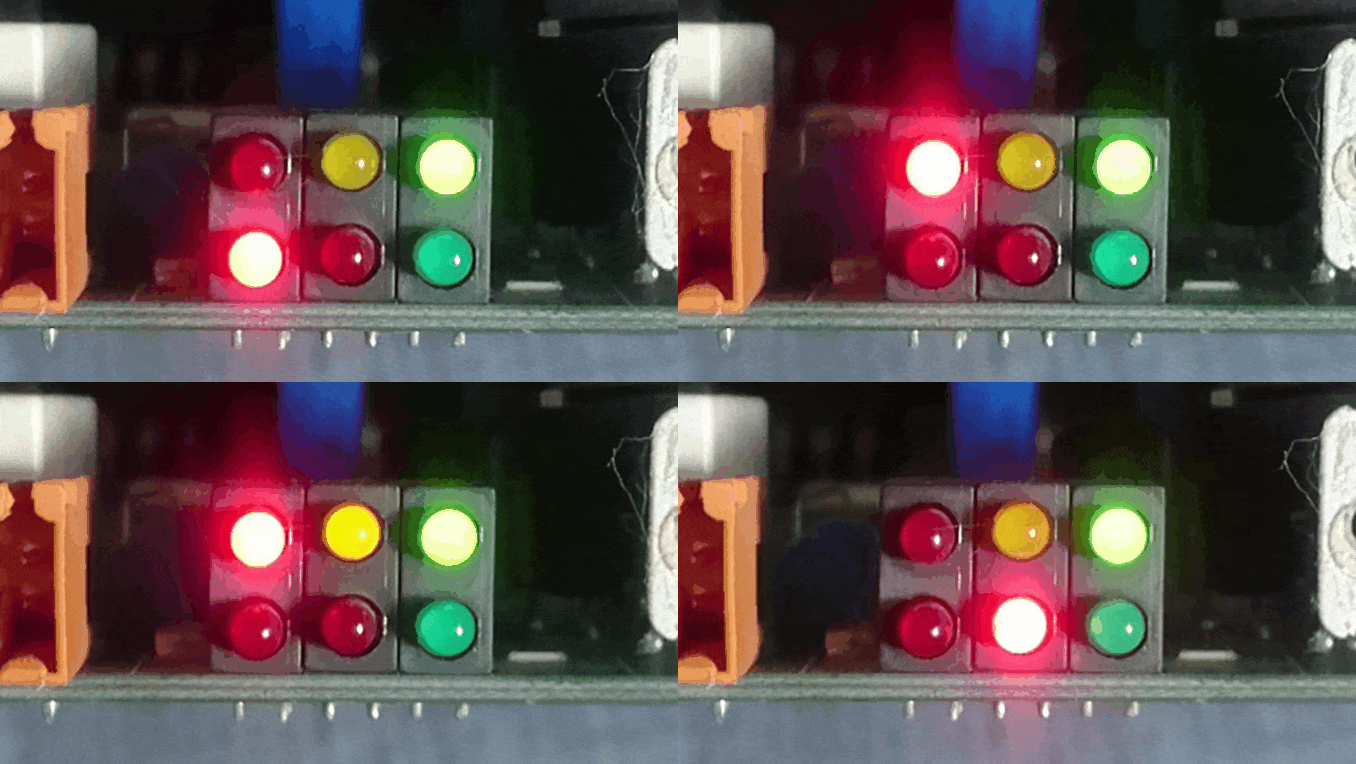
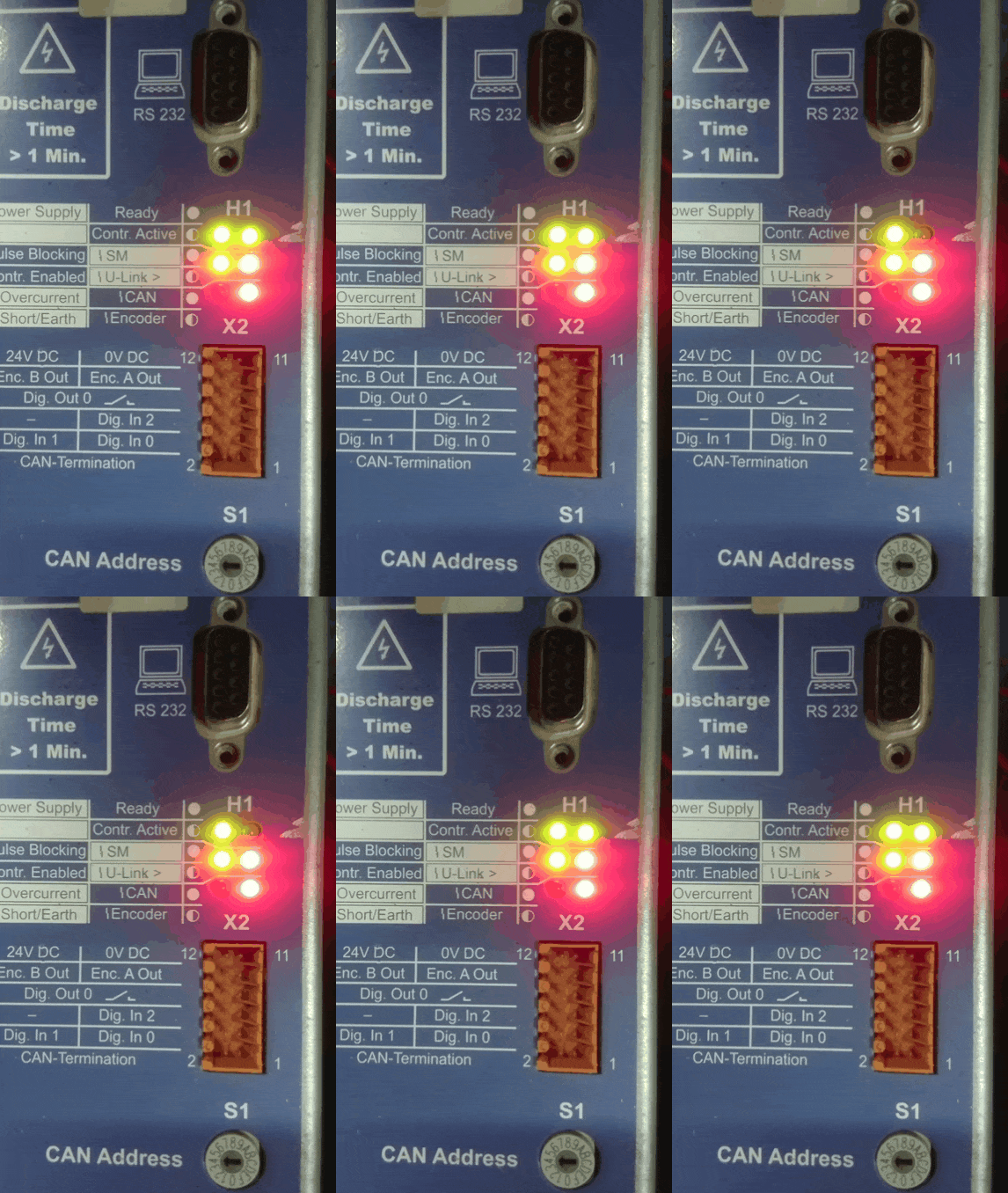
    Information LEDs for faulty programming

    e2e.ti.com/.../OK-WORK.rar

    Information LEDs with good programming

    I will continue to try, if there are any ideas, please let me know

  • I tried again to start my board and when the power was turned on, the LEDs did not turn on and I connected with the help of CCS and clicked on the Reset CPU and after Run Free. And everything starts and works. After restarting, everything was normal. What could be the problem?

  • Kadirov,

    My ability to help you is limited to issues in LF2407A device. I do not have any knowledge on the rest of your system, so I am unable to help you in that area. Are you convinced that you were able to successfully reprogram the flash memory of the LF2407A with the files I sent you? If that is the case, then I am unable to help you beyond that.

    You can easily verify if the flash image you programmed is correct by comparing it with the image in a known-good device. Please save the flash contents as a hex file across 2 devices and then you can compare if the programmed image is correct.

    For normal operation, you want the following:

    BOOT_EN/XF = XF

    VCCP = 0v  (5v is also OK, but typically that is used only for programming)

    MP/MC = MC

  • Yes comparison of the same and checksum too. Problem was in a bad contact processor. Thank you for high help Mr. Hareesh J
  • Mr. Hareesh J how to read or write my firmware in .bin or .hex format to external flash memory using XDS510PLUS and CCS3.3 or other soft

  • Programming the external flash memory is not supported by CCS3.3 & XDS510 debug probe. You have to rely on the tool provided by the manufacturer of that chip.


    Reading is accomplished by either C code or assembly using the BLPD or TBLR instructions.