This thread has been locked.

If you have a related question, please click the "Ask a related question" button in the top right corner. The newly created question will be automatically linked to this question.

CCS/TIDM-1007: CCS doesn't respond

Part Number: TIDM-1007
Other Parts Discussed in Thread: C2000WARE, POWERSUITE

Tool/software: Code Composer Studio

hi, All.

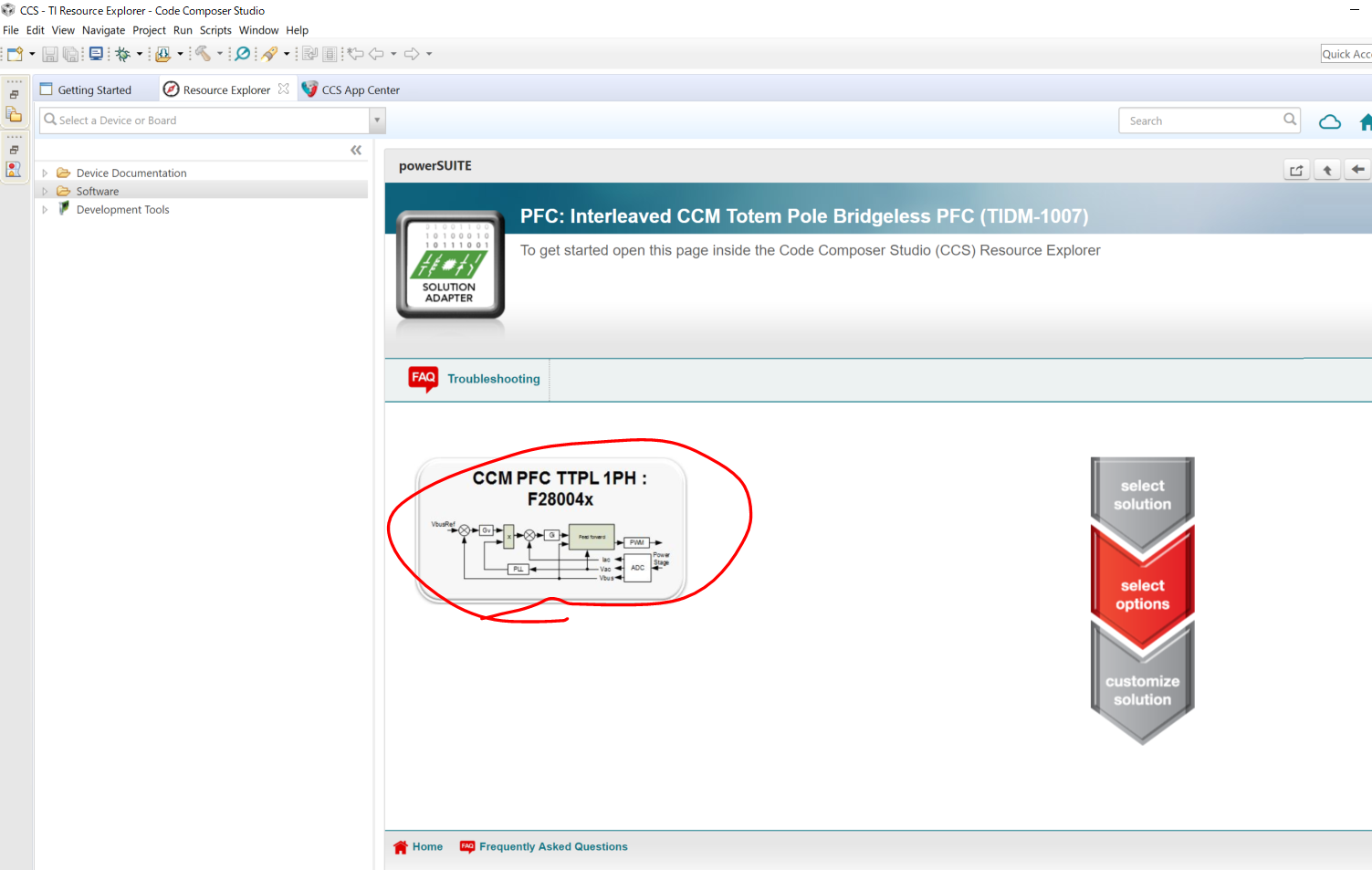
when i tried to click to be next as below, i couldnt do it with some reason.

How do I do troubleshooting ?


  • Masaharu,
    Make sure to first download and install the package to your machine before you attempt to import a solution. The package will have a green arrow besides all files and folders once it is on your local machine.

    Regards,
    Ozino
  • hi, Odharo-san.

    since i tried to uninstall by deleting all of c2000 and ccs , it appeared below message.

    how can i fix it?

  • and this error also appeared.

  • Takahashi-san,

    You can visit dev.ti.com and install the C2000Ware_DigitalPower_SDK package and install to C:\ti. Once you restart CCS, the package should show up in the Resource Explorer as downloaded. Please make sure to use CCS v7.4 or CCSV 8.2 and higher.

    If you are trying to uninstall C2000, try using the uninstallers available in the C2000 folder.

    Please also make sure that you have the GUI Composer installed in CCS. It is available for download from the App Center.

    Regards,
    Ozino
  •  thanks your reply.

    there is also error comes up as below.

    how do i fix it?

  • From the error message, it looks like there is a path mismatch. It seems to have inserted some different symbols, yen sign (¥), in the place of the forward slash, (/). Please check to see that the install path uses (/) to separate the folders.

    In the meantime, try to see if you can go to the Resource Explorer in CCS and install the powerSUITE tool. At the home page, scroll and down and look for the powerSUITE symbol and install the latest version. Follow the steps to install the tool.

    At this point you should be able to import the solution via the solution adapter and start working

    Regards,
    Ozino
  • hi, Odharo-san.

    i still haven't sort it out...

    it came the error message up here.

    what should we do?

    speaking the "directly address" such as ¥ i, ¥ is normal in japan as my thought.

    even i tried to change "/" from "¥" , the "/" would be "¥" automatically and i couldn't set whole address what error message showed.

    what i can set is the just the place where I want to install but not the address what error message showed.

  • Takahashi-san,

    I'm going to forward this post to the REX team and see if someone help answer your questions regarding the issues with the product.

    Regards,

    Ozino

  • Takahashi-san,

    Since you have already tried a few things, please clarify the following.

    1) Which version of CCS are you using? 

    2) Did you try downloading and installing the latest version of C2000Ware_DigitalPower_SDK by clicking the icon shown below? Is that when you see an error and what is the error? 

  • the CCS i've used is the following.

    you're right.

    when i faced the error, I was about to try to click there to download on CCS.

  • What operating system is running on your machine?

    Could you try setting the computer's Language Pack to English (if it is currently set to Japanese) and try downloading the package from Resource Explorer again?
  • Did you have a chance to try out the suggestion in my previous post - changing the Language Pack on your machine to English (if it is currently set to a different language) and then downloading the package from Resource Explorer?

    Could you please post again the exact error you see when you click on the Download and Install icon in Resource Explorer?

    In the meantime, I will also check with the Resource Explorer development team if they have other ideas.

  • Also could you please let us know if you are able to download and install ANY software package from Resource Explorer? Like C2000Ware or any of the others?
  • Takahashi-san,

    I wanted to follow up and check if you were able to make progress on this issue? Were you able to test after changing the Language Pack on your machine to English? Or check if you could download and install any other software package - whether it be from Resource Explorer or with the installer downloaded from ti.com?
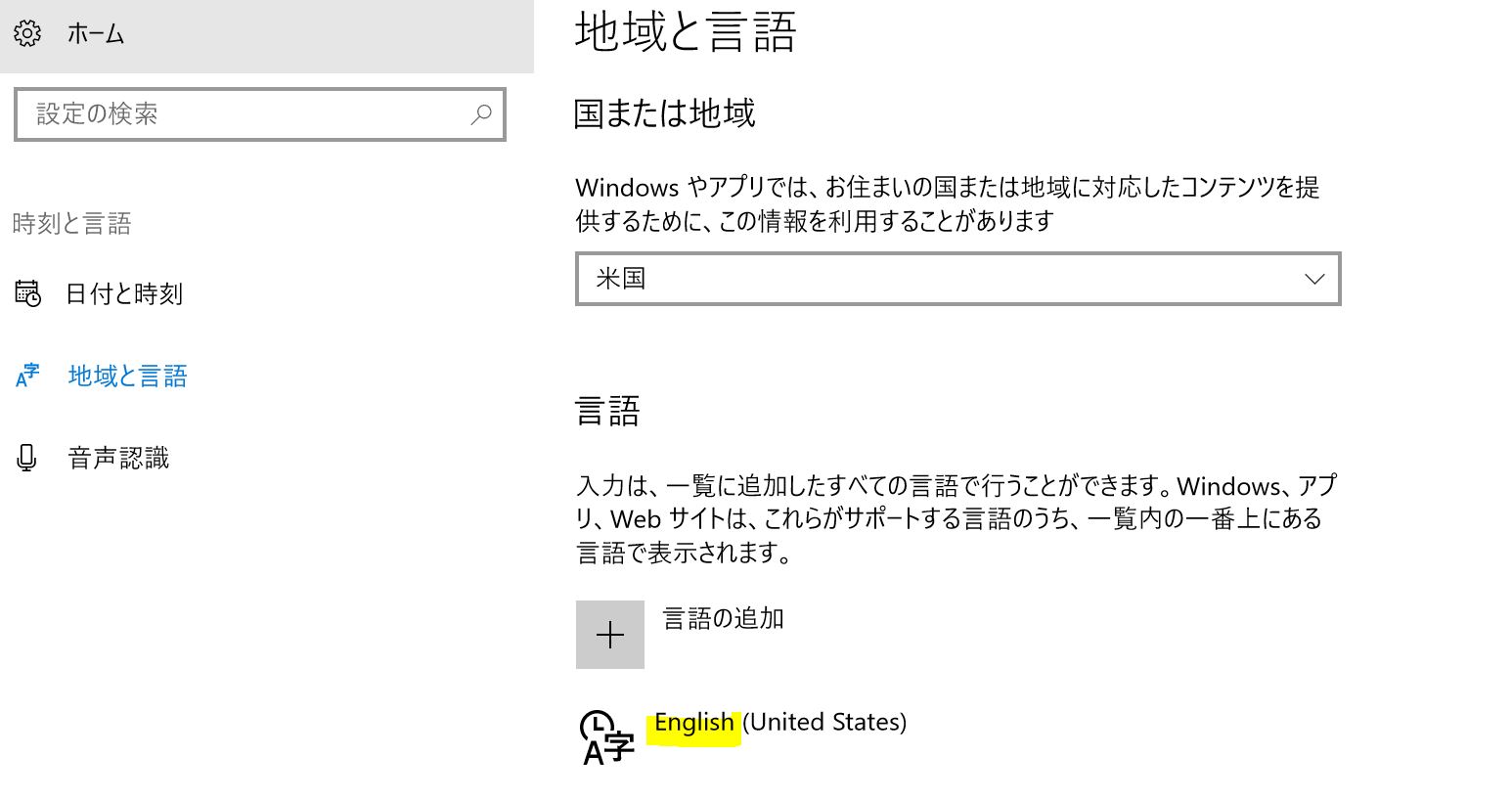
  • i changed the language English in laptop as below.

    it was same result as i asked first. so still problem there as i couldn't use CCM PFC TTPL 1PH

    just question, can it be used even laptop doesnt connect with board?

    do i have to connect board?

    i believe that i can click even though the board is not being connected with board

     .

  • Masaharu Takahashi said:
    just question, can it be used even laptop doesnt connect with board?

    A connection to board is not required for importing example projects and building them. So yes you should be able to click and that should import the project (even without connection to a board).

    I am not sure what else to suggest but I suspect it may have something to do with your Japanese environment. We have not seen or heard of such issues at our end. In your previous posts you mentioned that installers were failing, and it is possible that is due to the special (Japanese?) characters in the path. That could be the same reason for the download from Resource Explorer to fail as well. Do you have a machine with English version of Windows OS that you can test with?

  • now my laptop is completely English ver as below shown.

    once i tried to click the install on power SUITE, there are character bug..

    and i did and downloaded, the error was there.

    I've heard same issue in Japan.

    my customer can't evaluate unless this issue is solved.

    now my laptop is English version, so language is not influenced.

    there are another thing which makes this happen.

  • Takahashi-san,

    Could you double-check if the "Language for non-Unicode programs" setting in your machine is set to English? As per these web references (here and here) this setting could be converting the "\" to yen symbol and maybe that is impacting the installation.

    Confirm that this is set to English and restart your machine. Then retry the installation both from within CCS Resource Explorer and using the stand-alone installer from the TI web (http://www.ti.com/tool/c2000ware-digitalpower-sdk).