Part Number: F28M36H33B2
Other Parts Discussed in Thread: CONTROLSUITE, F28M36P53C2
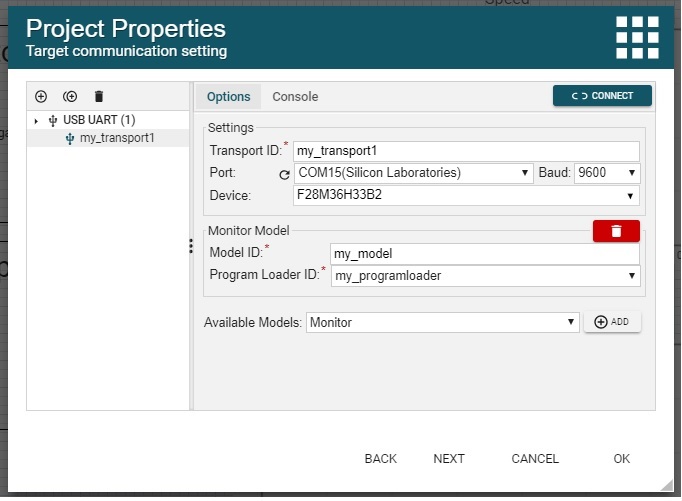
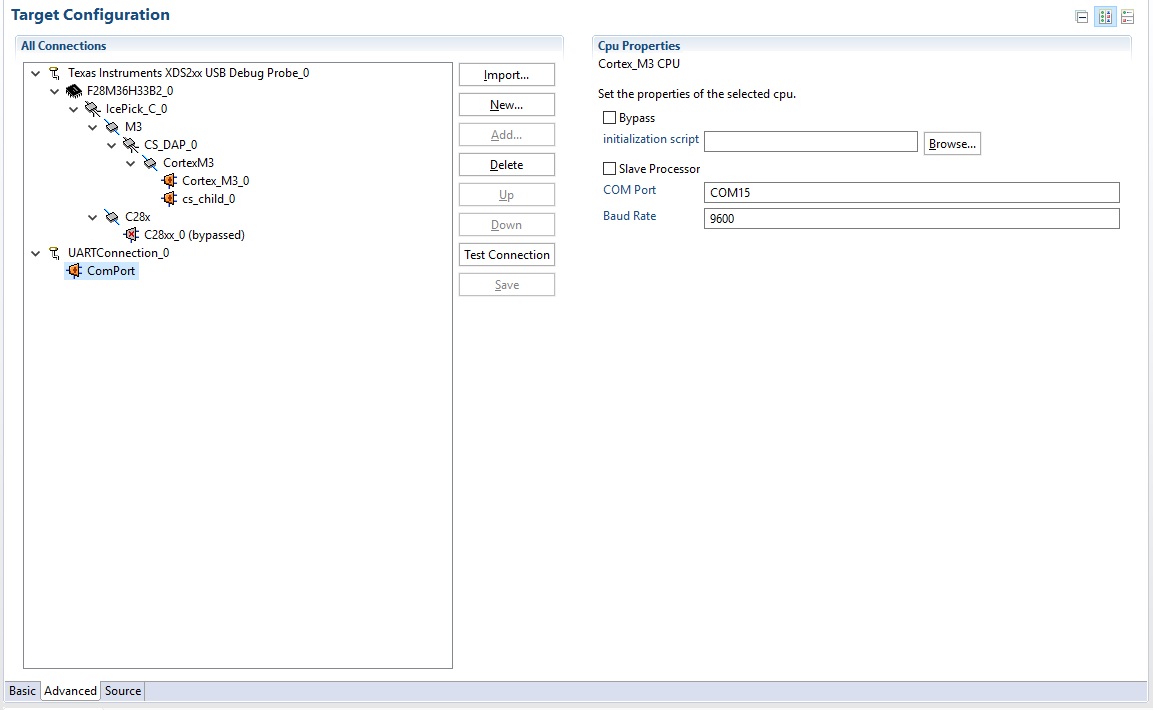
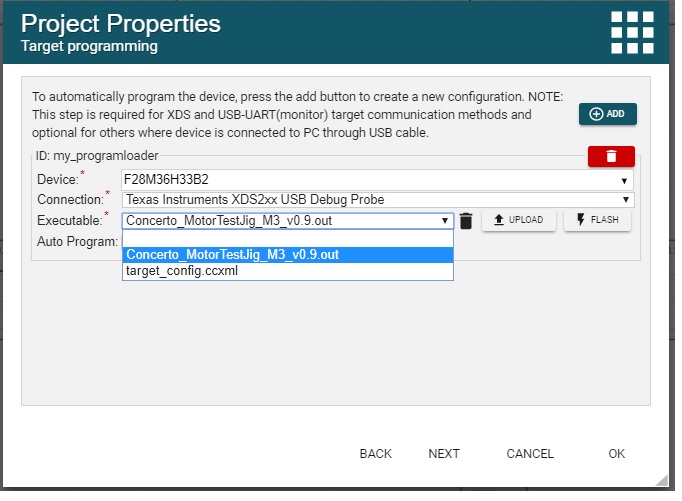
I am trying to get my Gui Composer application to connect with USB-UART. I have added the serial monitor code to my target, (M3 core of the Concerto) and added the USB-UART communication monitor in the Gui properties. I am able to get it working in CCS by doing the following: my target is running from either flash or ram,I add Uart communication in the configurations file and then load symbols to the UARTConnection in the debug view. I can then view all variables in the expressions window, and if I export my gui to CCS desktop view and run it from CCS it connects to my target and updates the values. However, I am not able to get the UART connection working while running the gui from the gui composer cloud web interface or when exporting the gui to standalone app. In both cases I only get an error: "TICloudAgent Config Error:Failed to connect to F28M36H33B2 device: Please unplug your hardware, then plug it back in and try again". The latter is actually what I would like to do, to have a stand-alone app that connects to the target using USB-UART. Note that the xds connection works perfectly from the cloud and from CCS. Why would the USB-UART connection work in CCS but not the stand-alone app or from the cloud?