This thread has been locked.

If you have a related question, please click the "Ask a related question" button in the top right corner. The newly created question will be automatically linked to this question.

CCS/TMS320F28034: pop up unexpected window after close Graph

Part Number: TMS320F28034

Tool/software: Code Composer Studio

Hi Team,

My customer are using CCS 5.5.0.00077, and they find an issue when using graph for debug, which will pop up several unexpected window.

they are using the graph in debug mode as below:

then close the graph window, and click "CCS Edit Perspective" as below showed.
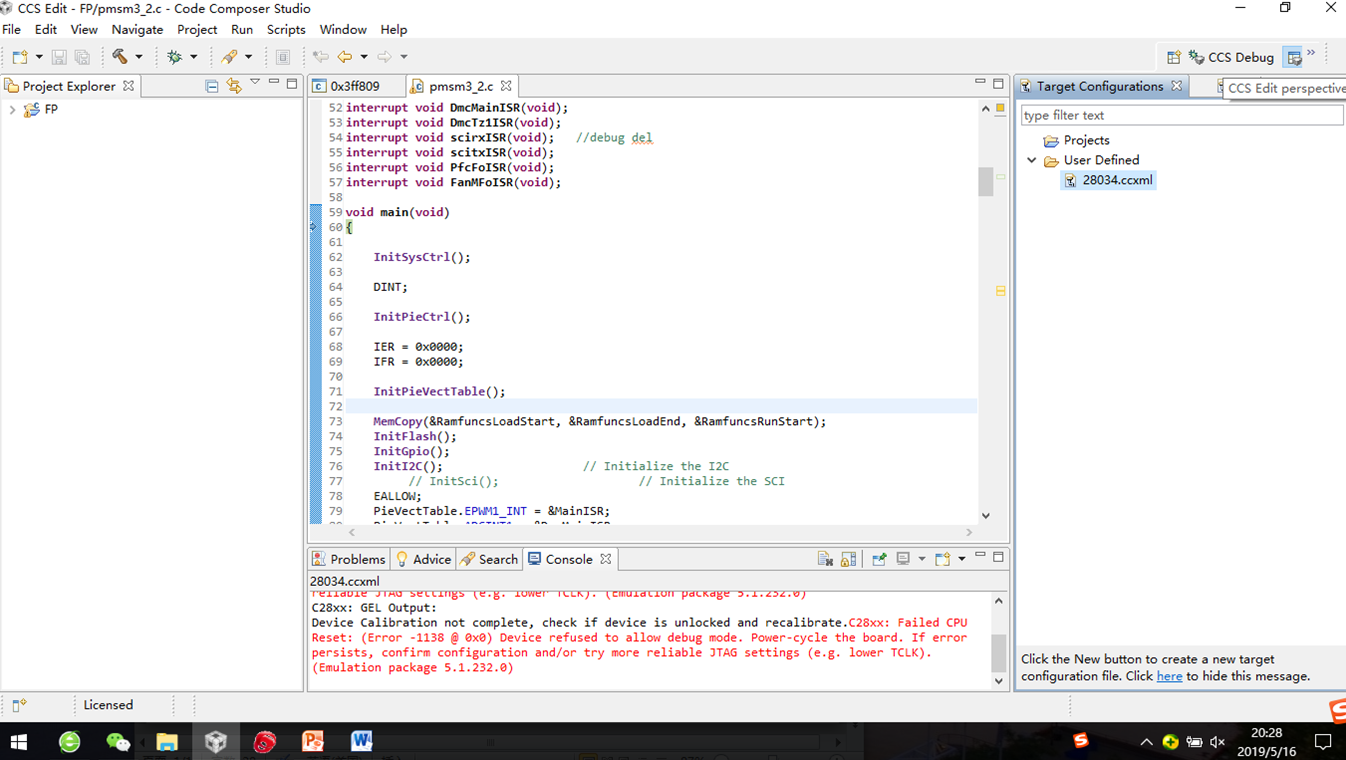
then click "CCS Debug" , then will come out several unexpected windows as below. and they can't close these windows, close CCS and restart, as long as go to  "CCS Debug" mode then will still come out these windows.

Is there any way to fix this issue?

  • I'm not sure what is triggering that behavior. It seems like they have the Graph view detached. Could they try restoring the view back into the workbench before switching to CCS Edit perspective? That might help get rid of the unexpected windows.

    Unfortunately since CCS 5.5 is very old and no longer supported, we can only do our best to provide suggestions for things to try.

  • Hopefully the customer was able to move past this issue or find a solution that helped work around this. We will close this thread but please feel free to post a reply if further support is needed.