


Dear team:
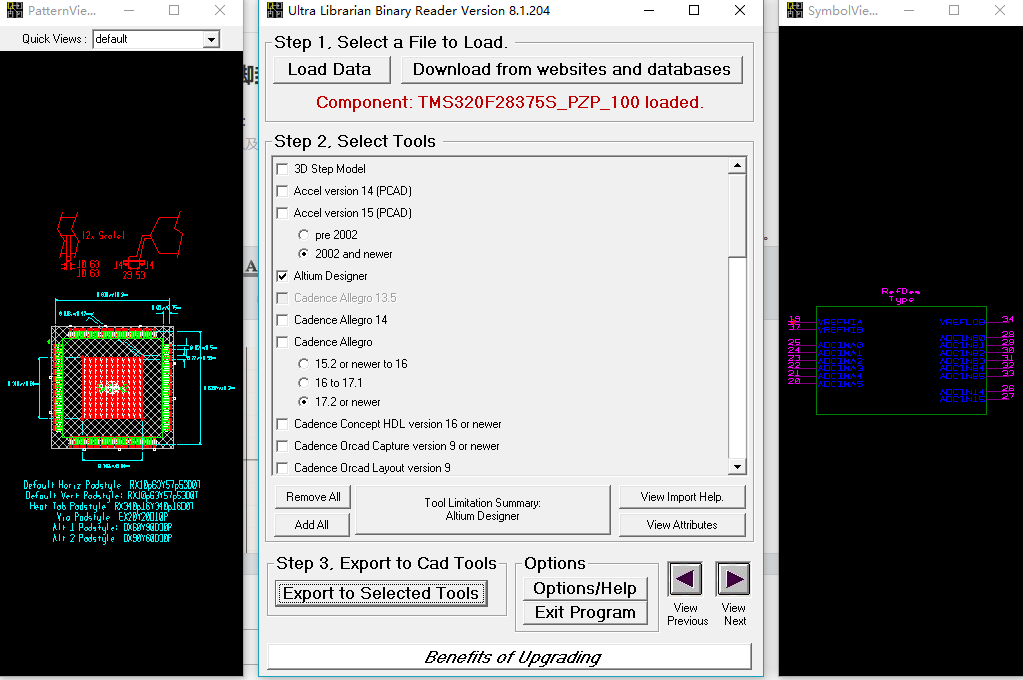
I have downloaded the below link file about F28375S with HTQFP (PZP)100 pins package and want to transfer to AD file.

I can open it normally, But when I converted it and opened it with ad, I found that the file was blank.
Ultra librarian: 8.1.204
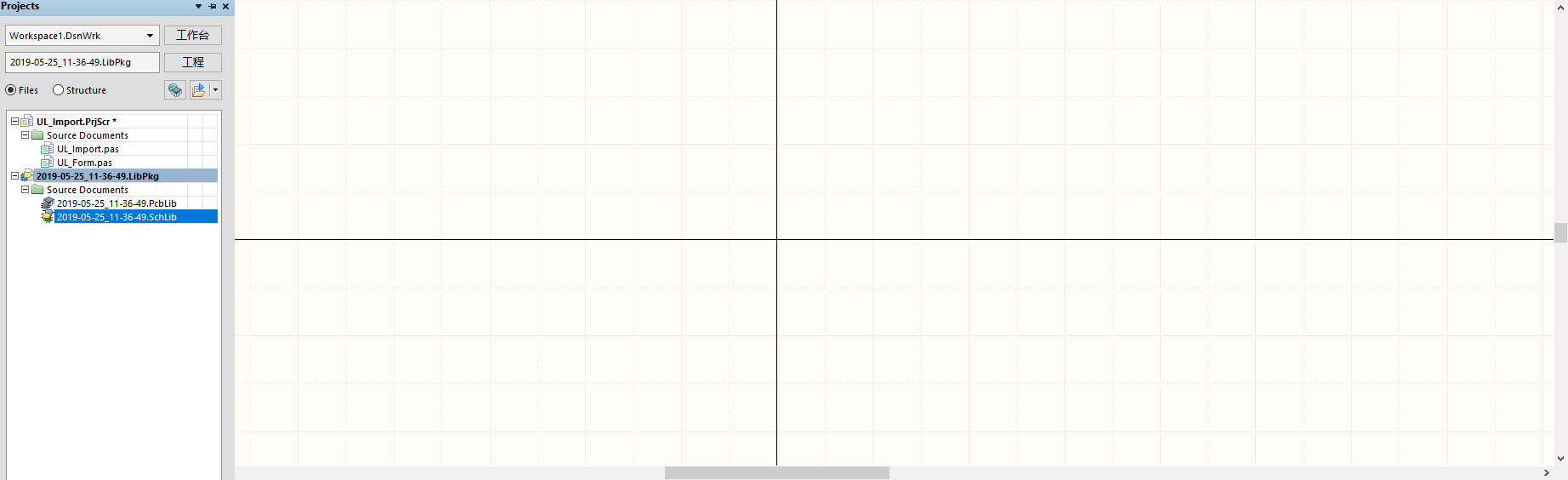
After importing AD16, it is blank.
Attachments are files that are generated when exporting
**********************************************************
*************  Important Instructions Follow  ************
**********************************************************

All files exported to: C:\UltraLibrarian\Library\Exported\Altium\2019-05-25_11-36-49\2019-05-25_11-36-49


To import your new library part into Altium follow these steps:

1. After running the Ultra Librarian export for the first time,
you will need to copy the following files into an area where
they can be accessed for all future translations.  They are script
files that Altium will need to be able to find.
	a. UL_Form.dfm
	b. UL_Form.pas
	c. UL_Import.pas
	d. UL_Import.prjScr

2. The above script file will need to be run from within Altium.
This can be done by going to File, Open and selecting the
UL_Import.PrjScr file stored above.

3. Select the UL_Form.pas file form the new project that has loaded,
and then select runfrom the drop down menu.  You will need to select
the form again. Run the form.

3. When the script is run, it will ask you for the file name of the
Ultra Librarian file to run.  You should select the latest file
produced with a date code (for instance 2010-02-17_23-12-34.txt).

4. The script will open a new Integraged Library project and import
the Ultra Librarian data into it.  When complete a message box
will pop up saying that import is done.

For additional information, please visit this site:
http://www.accelerated-designs.com/help/Altium_import.html

For a video tutorial, please visit:
http://youtu.be/pih50yx9HYU


Padstack "RX10p63Y57p53D0T_1" renamed to "RX10p63Y57p53D0T"
Padstack "RX340p16Y340p16D0T_1" renamed to "RX340p16Y340p16D"
Symbol "TMS320F28375S_PZP_100_01" renamed to "TMS320F28375S_PZ"
Symbol "TMS320F28375S_PZP_100_00" renamed to "TMS320F28375S_00"
Symbol "TMS320F28375S_PZP_100" renamed to "TMS320F28375S_01"
Symbol "TMS320F28375S_PZP_100_01_1" renamed to "TMS320F28375S_02"
Symbol "TMS320F28375S_PZP_100_A" renamed to "TMS320F28375S_03"
Symbol "TMS320F28375S_PZP_100_B" renamed to "TMS320F28375S_04"
Component "TMS320F28375S_PZP_100" renamed to "TMS320F28375S_PZ"


Ultra Librarian Lite 8.1.204 Process Report


Message - Pattern "PZP-100", entity (1286-Line) is a LINE with matching start and end points.
Message - Pattern "PZP-100", entity (1288-Line) is a LINE with matching start and end points.
Message - Pattern "PZP-100", entity (1290-Line) is a LINE with matching start and end points.
Message - Pattern "PZP-100", entity (1292-Line) is a LINE with matching start and end points.

TextStyle count:  69
Padstack count:   3
Pattern count:    1
Symbol count:     6
Component count:  1

Export

Pad style "RX340p16Y340p16D" is a complex style and will be skipped.
Footprint "PZP-100" requires pad style "RX340p16Y340p16D" and will be skipped.
Component "TMS320F28375S_PZ" requires footprint "PZP-100" and will be skipped.
Pad style "EX20Y20D10P_1" is a complex style and will be skipped.
So, could you please help to convert it into AD package? Or could you provide the AD package file to me directly?


