This thread has been locked.

If you have a related question, please click the "Ask a related question" button in the top right corner. The newly created question will be automatically linked to this question.

CCS/LAUNCHXL-F28069M: Unable to load program to flash after update

Part Number: LAUNCHXL-F28069M
Other Parts Discussed in Thread: MOTORWARE

Tool/software: Code Composer Studio

I use CCS 9.3 with LAUNCHXL-F28069M and MotorWare. My project is built successfully in "FLASH" build configuration. But after installing the latest update, I cannot load the program to flash memory.

When I click Run -> Load, there is no project to select like in the picture below even though the project is opened.

When I locate the .out file and click OK, the following error window pops up.

So I ask if you guys can explain and fix this error. Thank you.

Nantawat

  • What update are you referring to? Updating to CCS 9.3? Updating other packages like emulators or C2000 device support? If you go to Help->Check for Updates are there any waiting to be installed?

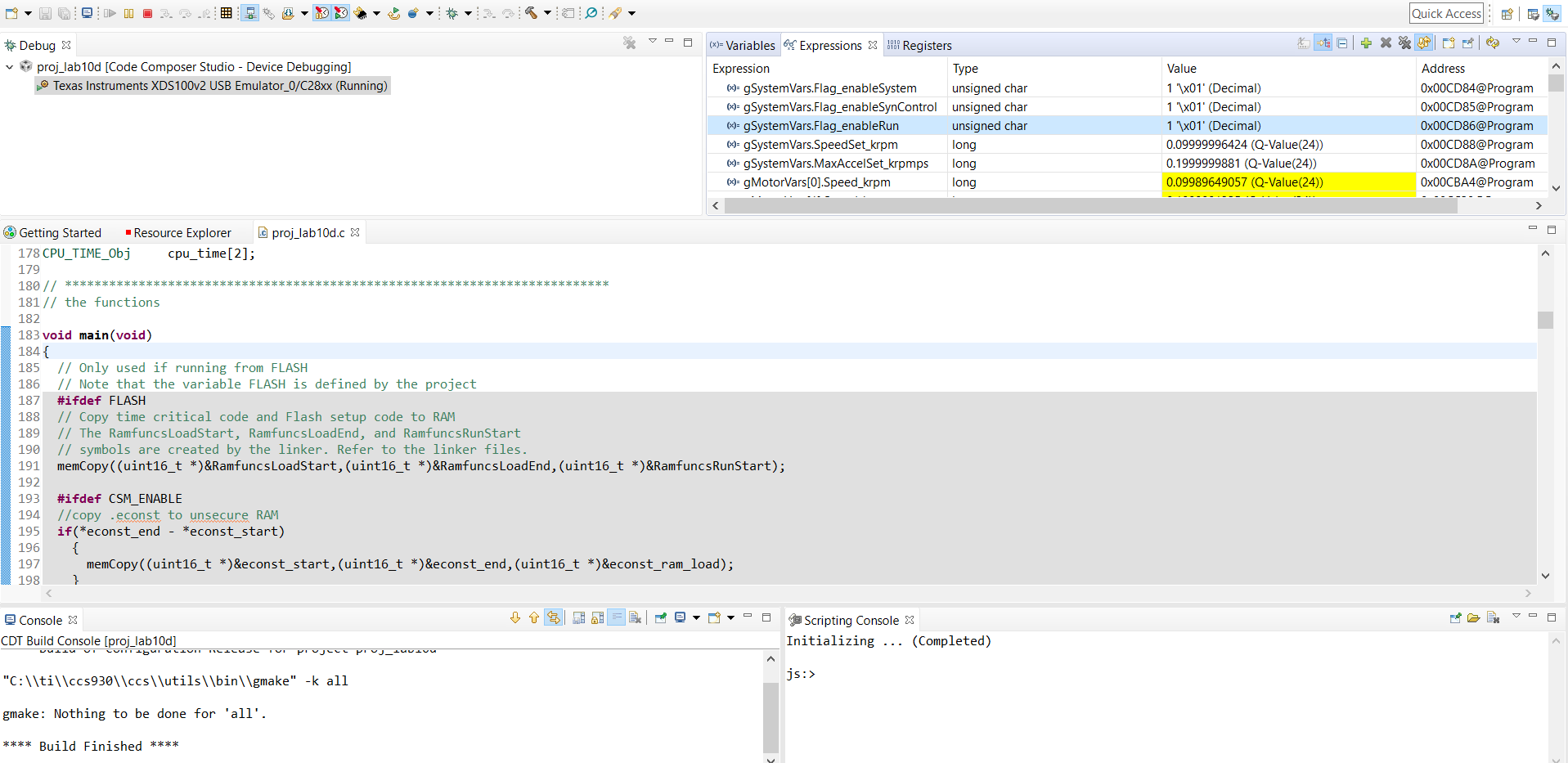
    The lack of options in the Run Window is definitely odd. Can you confirm that your debug session launched correctly? When it launches, are you in the "CCS Debug" perspective? What is showing in the Debug window? When you try to load, do you only have the C28x core selected (make sure the CLA isn't selected)?

    Whitney

  • Hi Whitney,

    I change the build configuration to Release and I can run Debug normally. After running Debug, I go to Run -> Load, and now there is project option to select.

    Then, I change the build configuration back to Flash and I can load program to flash memory. This means that I must run Debug first, otherwise, there will be no project option to select.

    Nantawat

  • It doesn't look like you're in the CCS Debug perspective. When you launch your debug session, if it doesn't take you to the CCS Debug perspective automatically, can you make sure to switch to it manually? There should be some buttons in the upper right corner of the screen to switch perspectives or add a new one if CCS Debug isn't already there.

    Once you're in the proper perspective you should just be able to use Run -> Load -> Load Program... and navigate to whatever .out on the file system you want.

    Whitney

  • I confirm that I am in the CCS Debug perspective in my Debug session.

    Nantawat