This thread has been locked.

If you have a related question, please click the "Ask a related question" button in the top right corner. The newly created question will be automatically linked to this question.

CCS/TMS320F280049: C2000Ware example eabi

Part Number: TMS320F280049


Tool/software: Code Composer Studio

Hello!

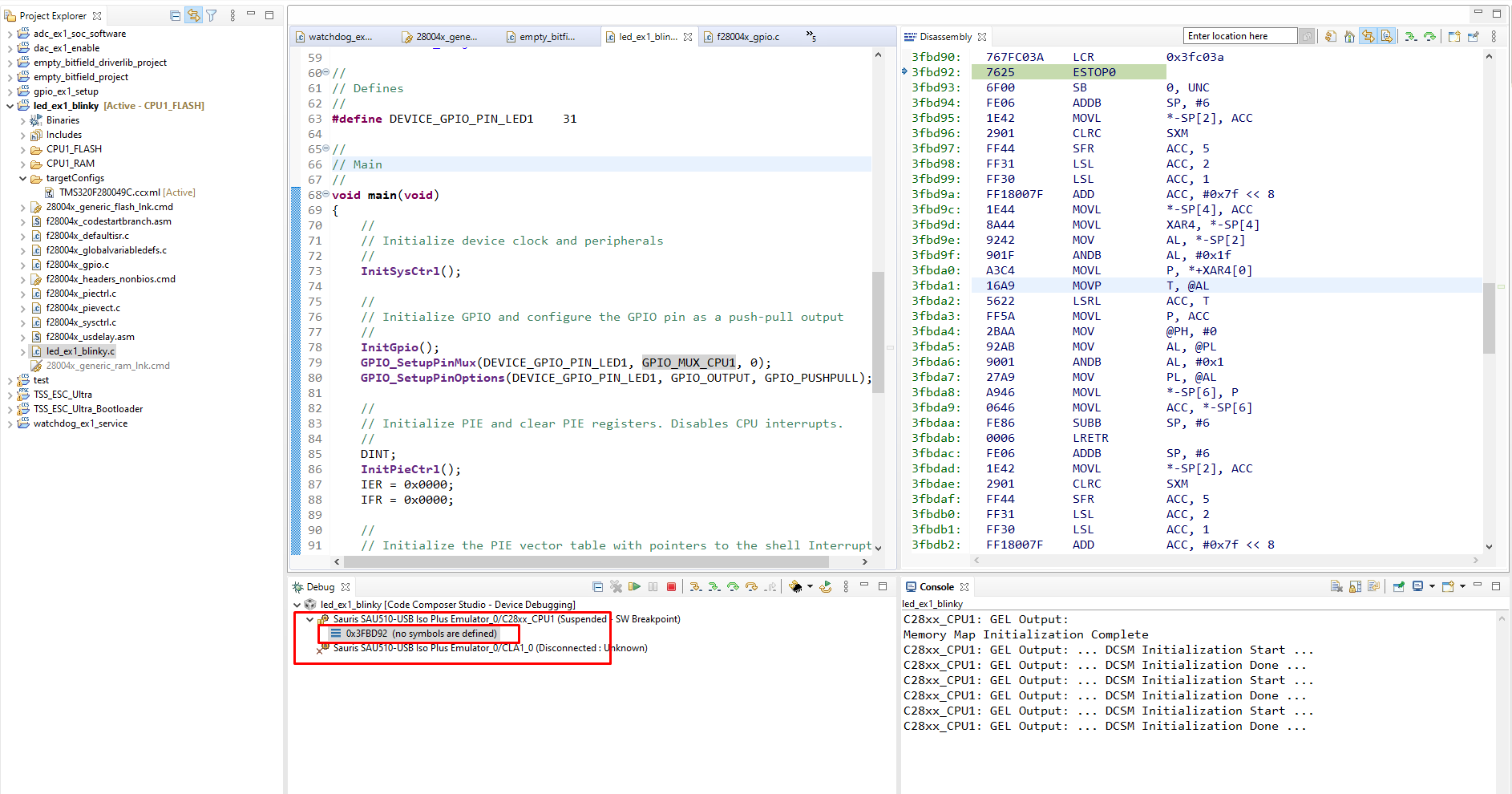
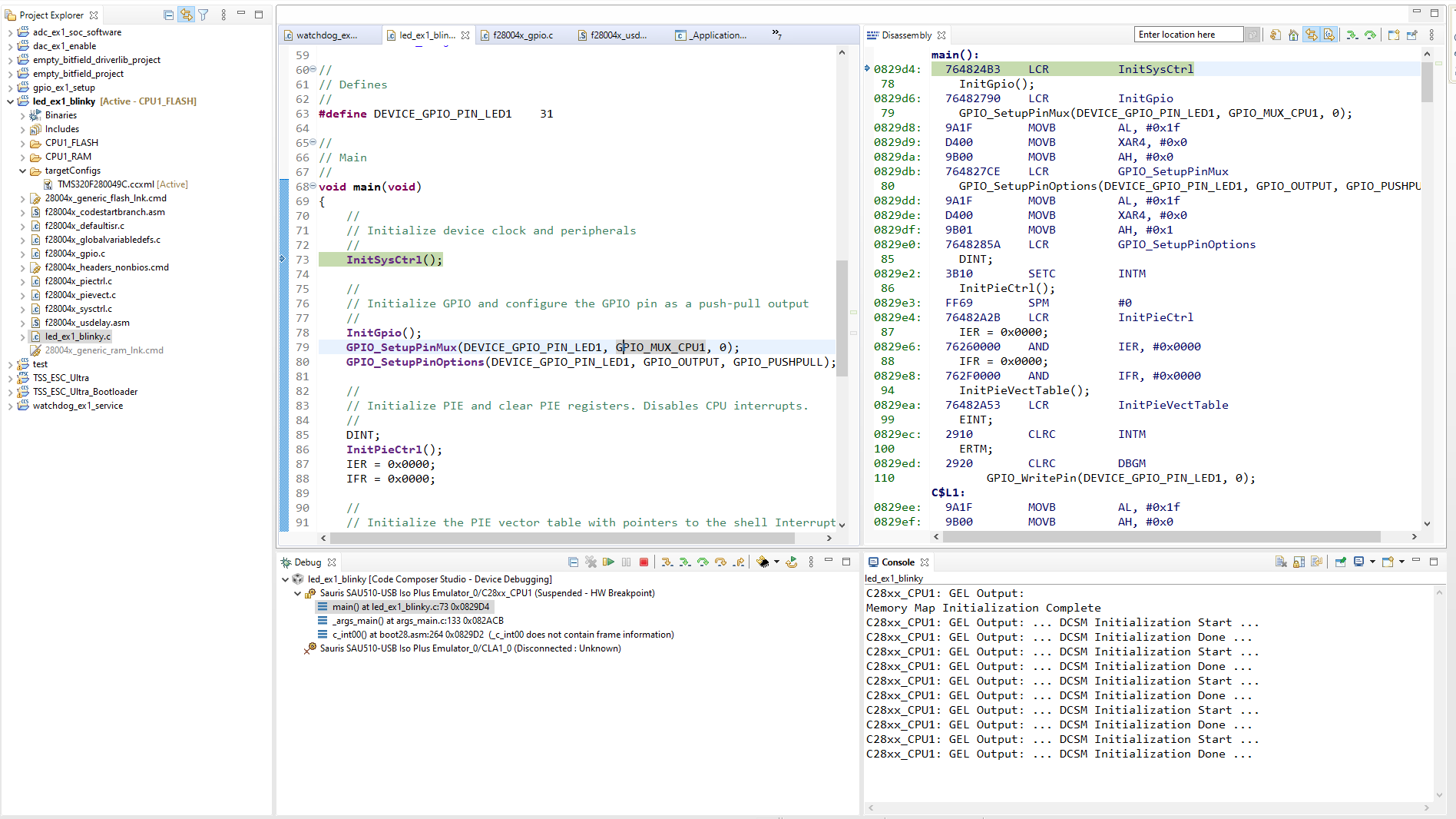
I can't understand why if I switch form COFF to EABI in my projects, programm not run to main.

I tried to open many examples, but those examples where СOFF is used do not start in EABI mode.


I want to emphasize right away that it's not about compilation, I fix both the library files and the assembly ones. 

Compilation is Ok. It is the transition to main that does not work during debugging.

EABI (not work):
COFF (work ok):
  • Hi Turnaev,

    Please try disabling watchdog in the f28x_codestartbranch.asm (WD_DISABLE  .set  0; should be replaced with WD_DISABLE  .set  1; in this asm file).  This helps to avoid watchdog reset before reaching main().  If there are lot of global variables in the application, the cinit routine may take more time to initialize all of them before reaching main.  During this time, watchdog may expire and hence suggested to disable it.  You can enable it again in the main() as needed by your application.

    Thanks and regards,

    Vamsi

  • Hello, Vamsi!

    Thanks for you answer, but turning off the watchdog didn't help.

    I started comparing examples from DriverLib and regular ones and noticed something.
    If I exclude the f28004x_headers_nonbios.cmd file from the project, the project starts and goes to the main. However, of course, such an action is unacceptable, because no peripherals are working in this case.

    I don't understand how a project with DriverLib understands where the peripherals are located.

  • Hi Turnaev,

    Thank you for trying the watchdog disable.

    We will get back to you in a day.

    Thanks and regards,

    Vamsi

  • Hi Turnaev,

    We haven't moved our bitfields software and examples (available in device_support folder) in F28004x device to EABI. The f28004x_headers_nonbios.cmd is needed for the bitfield structs to map the registers to the correct memory location

    One difference between COFF and EABI format is, EABI will zero-initialize all the uninitialized sections. All the bitfield structs are uninitialized structs and should remain uninitialized. It should be initialized only by the application software. By moving to EABI mode, compiler will add the zero-init code for all the registers.

    You can remove it by adding type=NOINIT in the linker command file. Please refer to the similar file in f28002x device_support. Or you can turn this feature off in the Linker options. Project properties->C2000 Linker->Advanced options->Miscalleneous->--zero_init

    Regards,

    Veena

  • Hello, Veena!

    It's realy work, thank you!

    Best regards,

    Sergey Turnaev

  • Hi Sergey ,

    Out of below two suggestion, what did work in your case -

    1. The f28004x_headers_nonbios.cmd is needed for the bitfield structs to map the registers to the correct memory location.
    2. You can remove it by adding type=NOINIT in the linker command file. Please refer to the similar file in f28002x device_support. Or you can turn this feature off in the Linker options. Project properties->C2000 Linker->Advanced options->Miscalleneous->--zero_init

    Regards,

    Vivek Singh

  • Hi Sergey,

    Sorry, that was my question to you. Out of those two methods, which one you use to solve the issue ?

    Regards,

    Vivek Singh

  • I modified file f28004x_headers_nonbios.cmd, replaced all "PAGE = 1" to "type=NOINIT"

    Option "Project properties->C2000 Linker->Advanced options->Miscalleneous->--zero_init" not set.

    File exclusion f28004x_headers_nonbios.cmd is unacceptable, it completely breaks the work with all registers.