This thread has been locked.

If you have a related question, please click the "Ask a related question" button in the top right corner. The newly created question will be automatically linked to this question.

TMS320F28379D: Unable to initialize the TI Bulk USB Device(Error code : 1167)

Part Number: TMS320F28379D
Other Parts Discussed in Thread: TMDSDOCK28379D, C2000WARE

Hi,

I'm trying to run "usb_ex9_dev_bulk_throughput" example on TMDSDOCK28379D.

https://www.tij.co.jp/tool/jp/TMDSDOCK28379D

However, Error code : 1167 is occured.

<usb_ex9_dev_bulk_throughput>

C:\ti\c2000\C2000Ware_3_02_00_00\driverlib\f2837xd\examples\cpu1\usb

Unable to initialize the TI Bulk USB Device.
Error code is 1167(Please make sure you have a TI USB-enabled evaluation or development kit running the USB Device Bulk Throughput example application connected to theis system via the USB OTG or USB DEVICE connectors.
Once the device is connected, run this application again.

Is the DIP switch setting correct?

Is there any workaround?
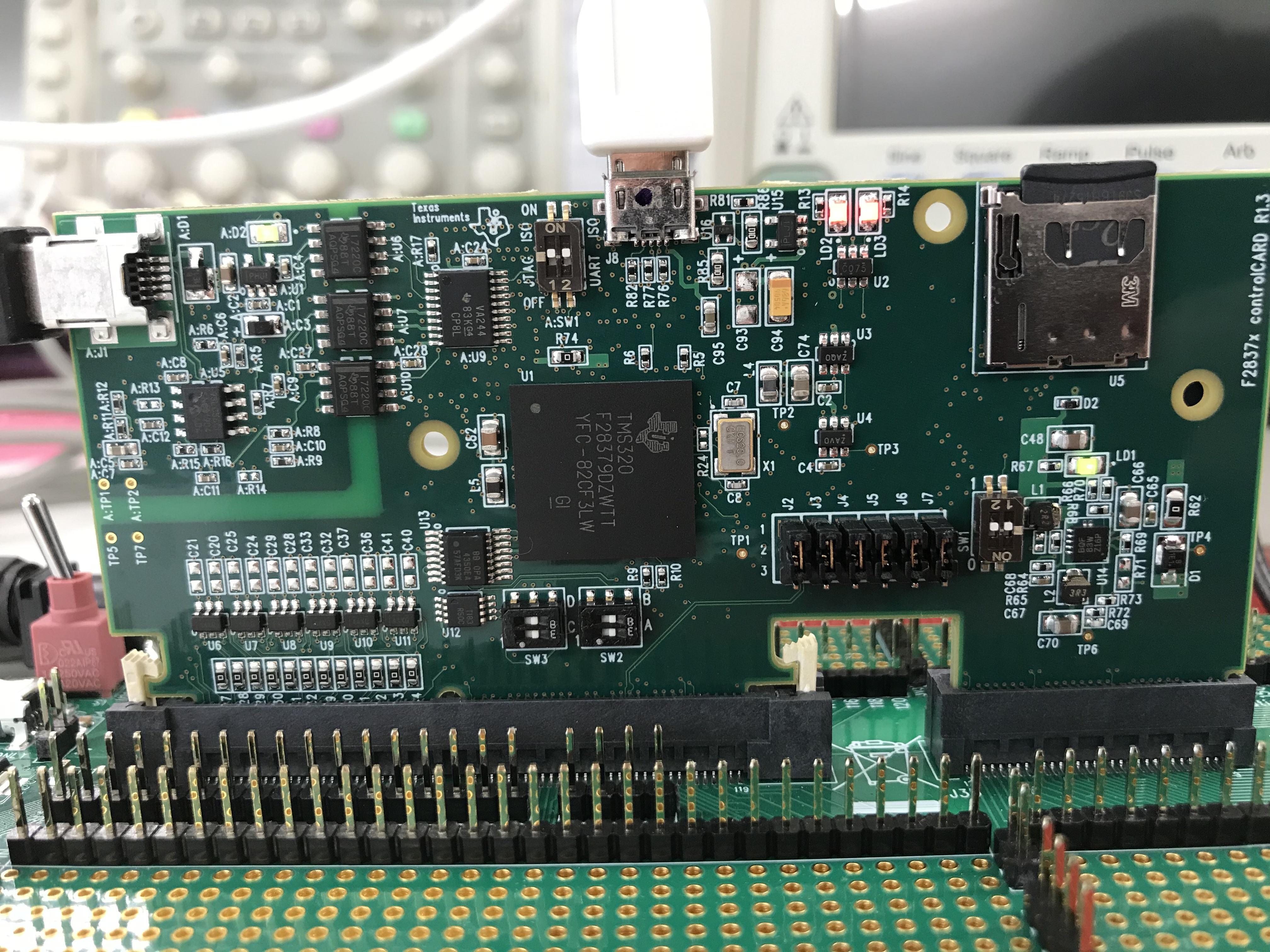
Thanks in advance.

  • Hi,

    Please follow the following steps to run the example

    1. Load the binary and run the example.
    2. Connect the USB Cable from your PC to the USB Micro Slot in the Control Card on top.
    3. Open a Serial Terminal with the settings 115200 Baud 8-N-1 for the XDS 110. It will show if the device is connected or disconnected.
    4. Open the windows application ""usb_bulk_example" in  {Latest C2000Ware Package}/utilities/tools/f2837xd/usb_bulk_example.
    5. Enter a string which will be the bulk data sent and the XDS 110 Com Port will print the length of the string sent.

    Best Regards

    Siddharth