This thread has been locked.

If you have a related question, please click the "Ask a related question" button in the top right corner. The newly created question will be automatically linked to this question.

LAUNCHXL-F280049C: Serial Flash Programmer

Part Number: LAUNCHXL-F280049C
Other Parts Discussed in Thread: C2000WARE

Hi,

I am using serial flash programmer to load application via sci pins. I compiled serial_flash_programmer.cpp by using visual studio.

In command arguments I execute the command as shown below:

-d f28004x -k D:\ti\C2000Ware_3_03_00_00\utilities\flash_programmers\serial_flash_programmer\f28004x_fw_upgrade_example\flashapi_ex2_sci_kernel.txt 

-a D:\ti\C2000Ware_3_03_00_00\utilities\flash_programmers\serial_flash_programmer\f28004x_fw_upgrade_example\led_ex1_blinky -p COM4 -b 9600

when i clicked on start debugging CPU1 kernel commands is coming. I selected option 1 DFU CPU but code is not loading into flash.

I set my GPIO pins as GPIO 24 0n 0 and GPIO 32 on 1 for SCI boot.

It is running fine when I am loading SCI_FLASH_KERNAL using CCS studio then I commented line //define kernel in serial_flash_programmer.cpp and by using the same command arguments as written above .In this case it is working fine.

I want to know that can we directly load application into flash by using serial flash programmer or not?

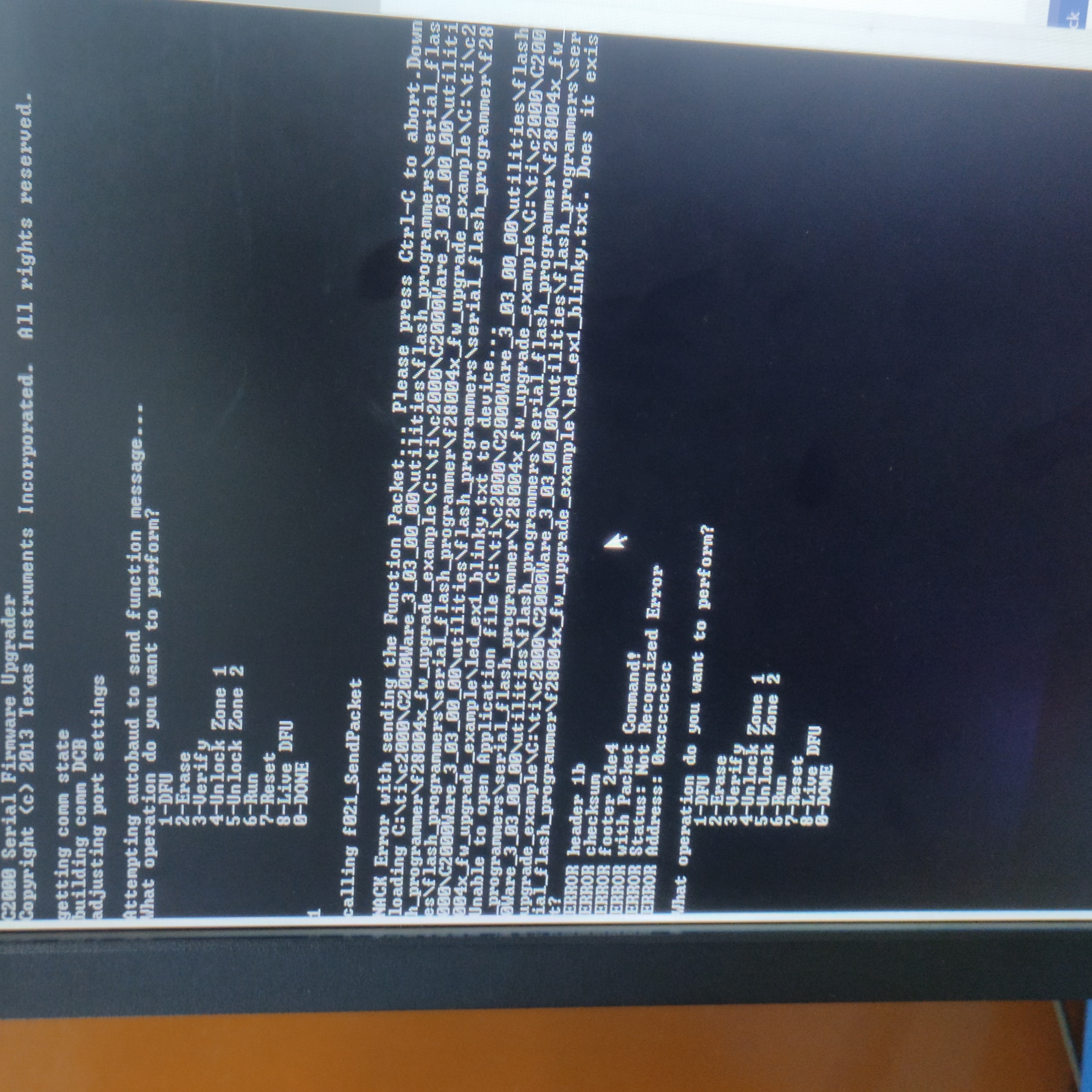
I attached the image of command window below
  • Deepak,

    Yes, what you're trying should work.

    Can you try this - build the CPU1_RAM build configuration of the flashapi_ex2_sci_kernel project (the same one you successfully download via CCS), copy the resulting .txt file into C2000Ware_3_03_00_00\utilities\flash_programmers\serial_flash_programmer\f28004x_fw_upgrade_example (overwrite the existing .txt file). Then try running it with the commands, and see what you find.

    d f28004x -k D:\ti\C2000Ware_3_03_00_00\utilities\flash_programmers\serial_flash_programmer\f28004x_fw_upgrade_example\flashapi_ex2_sci_kernel.txt 

    -a D:\ti\C2000Ware_3_03_00_00\utilities\flash_programmers\serial_flash_programmer\f28004x_fw_upgrade_example\led_ex1_blinky.txt -p COM4 -b 9600

    A couple of side observations:

    - your command sequence is missing the .txt for the LED application file. I've pasted it in bold. Not sure you typed it, or pasted it.

    - the picture you sent indicates a "led_ex1_blinky.txt Does it exist?" issue. Confirm the file is there. And it seems to be printing the path twice. Not sure why.

    - Please use the prebuilt serial flash programmer executable instead of building it in Visual Studio. See if that helps. Note that serial_flash_programmer.exe is the executable that sends both the kernel and the application, and the serial_flash_programmer_appln.exe is the executable that sends only the application (i..e define kernel is commented out)

    Thanks,

    Sira

  • Hi Sira,

    Thanks for the reply. Now I have more clarity about serial flash programmer.

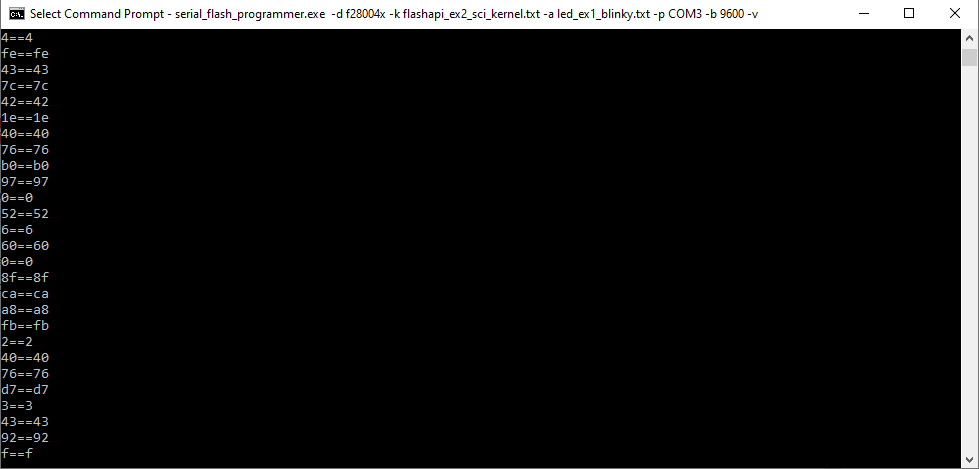
    I did the same what u suggest but it is not working, command prompt is coming like this as shown below  

  • Deepak,

    Sorry for the delayed reply. Dealing with power outages and other issues in Houston. I'll get back to you in a day or two.

    Thanks,

    Sira

  • Hi Sira,

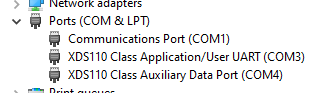
    No problem there is one correction in previous post COM port will be COM3. But continuous stream of data are coming kernel is unable to download.

  • Thanks for the info, I'll get back to you soon.

  • Hi Sira,

    It is working now thanks for your help.

    Actually kernel takes some time to download the data I thought it was not working.

  • Hi Deepak, good to hear. Yes, when the kernel is downloaded, each byte is echoed, which is why it takes several minutes to download. The application downloads much faster.

    Good luck,

    Sira