This thread has been locked.

If you have a related question, please click the "Ask a related question" button in the top right corner. The newly created question will be automatically linked to this question.

CCS/TMDSCNCD28388D: program suspend after pressing reset button of TMDXCNCD28388D

Part Number: TMDSCNCD28388D


Tool/software: Code Composer Studio

I only used F28388D CPU1 with the project led_ex1_blinky.

I built the project successfully and I programmed my code into Flash.

The LED blinked as my expected, but after I pressed reset button on board, The LED cannot blink.

Even when I reset the power, it didn't work. I'm not sure why I programmed in Flash but it can't work?

  • Due to US holidays, you can expect a response by 3'rd Dec.

  • hi ,

    When you say you have program into flash can you confirm that you compiled the CPU_FLASH configuration of the code and then loaded to flash ?

    What are your boot settings like boot to flash etc.?

    Regards.

  • Dear Meghana,

    Thanks for your reply.

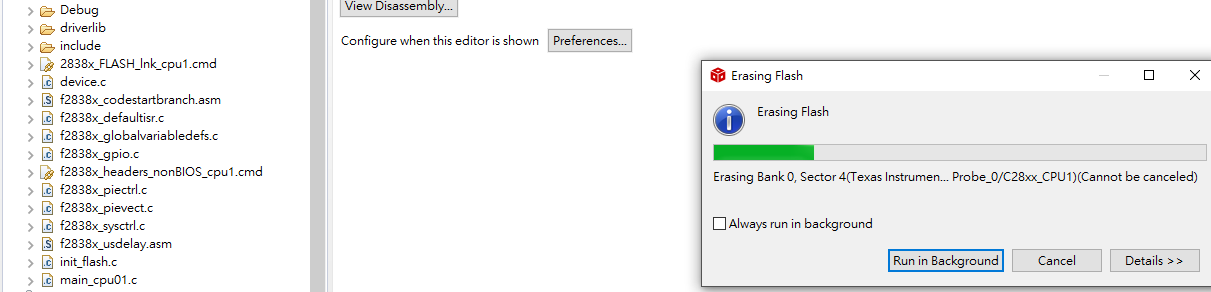
    Yeah, I've 2838x_FLASH_lnk_cpu1.cmd file included in my project, and the compile process also showed erasing the flash and loading program on it.

    Actually, I have an experience in using 28379D LAUNCHPAD, and I just follow the process before. When I pressed the reset button on 28379D board,it restarted as my expectation, however, 28388D didn't, the program just suspended.

    By the way, I also gave a try on changing the on board switch ''S2'' to left, which means boot from flash/usb.

    Regards

  • Hi,

    Can you follow, following step to debug this issue -

    • Connect the emulator
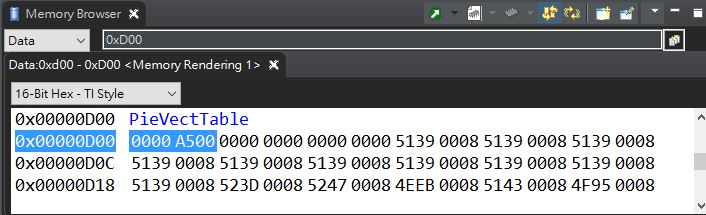
    • Set the emulation boot mode to "emulate standalone boot" (write 0xA500 at address 0xD01 via CCS memory watch view)
    • Reset the CPU via CCS reset icon
    • Click on run icon (CCS)

    If this does not run your code as expected then you need to debug the code and check the boot mode settings.

    If this works then then make sure you disconnect the debugger and then press reset button on board and it should work.

    Regards,

    Vivek Singh

  • Hi, Vivek

    I have modified 0xD01 as 0xA5 to change to standalone boot mode as follow,

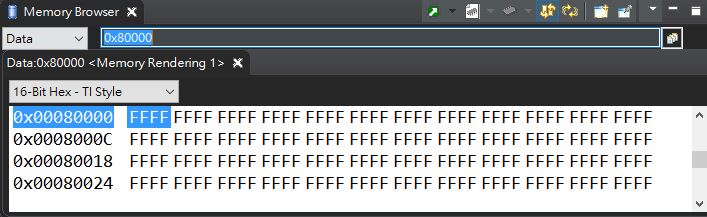
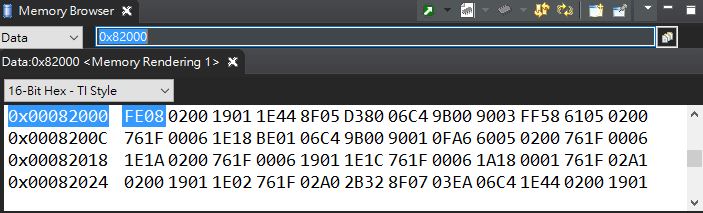
    and I found out that the entry address of flash 0x80000 is 0xFFFFFFFF that meant what I programmed is fail.

    So it turned to USB bootmode

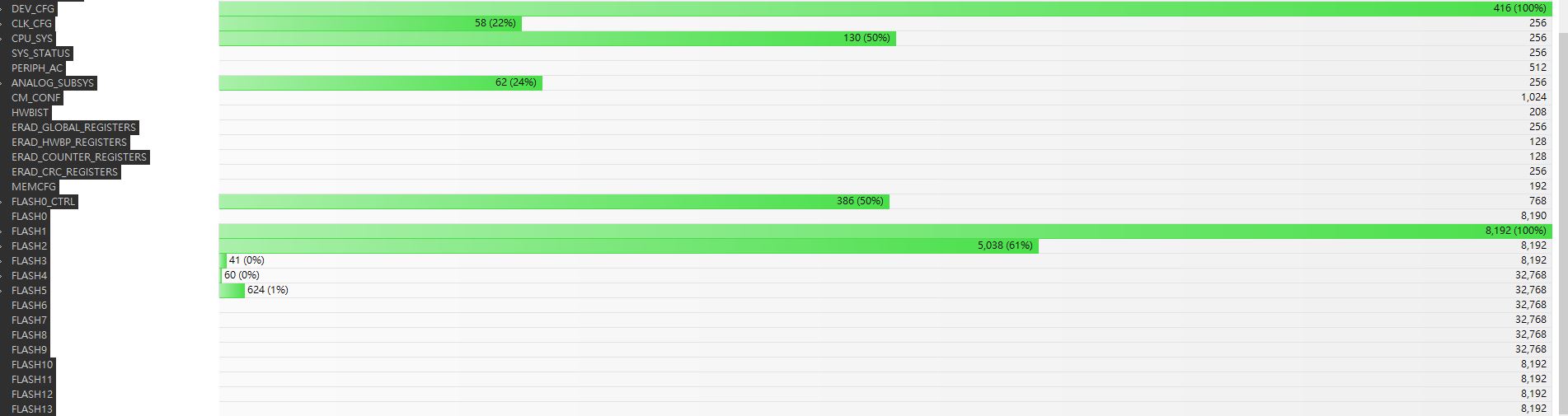
    I have no idea since the other flash section such as 0x82000 is programmed successfully, and I used TI 2838x_flash_lnk_cpu1.cmd file without editing it.

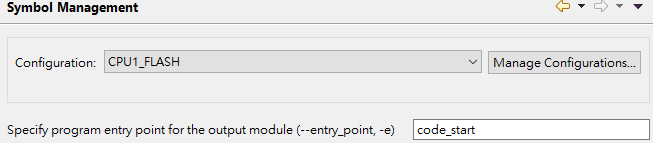
  • I have solved  my problem. I add a symbol "code_start" in properties -> symbol management as below. Even though here comes a warning, CPU could just be booted from flash. 

    I wonder why I should add that symbol which is no need in previous dsp such as 28335, 28379,...

  • hi,

    Not sure why you say it wasn't in older devices ?

    The section 2.2 Project Creation of the F2837xD_DEV_USER_GUIDE.pdf that describes the code_start symbol addition.

    The code_start is the first code that is executed after exiting the boot ROM code for the example projects.

    The projects are setup such that the codegen entry point is also set to the codestart label using linker options.

    The codestart code will automatically re-direct the execution to _c_init00.

    Regards.