


Part Number: DRV8323R
Other Parts Discussed in Thread: LVSERVOMTR, MSPM0G3507, LP-MSPM0G3507,
1) LVSERVOMTR
2) MSPM0G3507 + DRV8323RS
The motor does not operate.
What should be done to make it operate?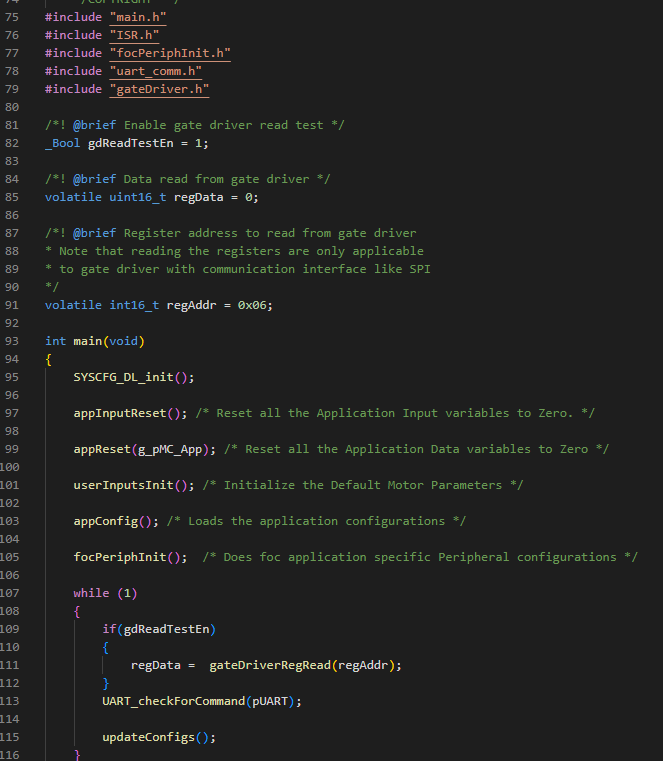
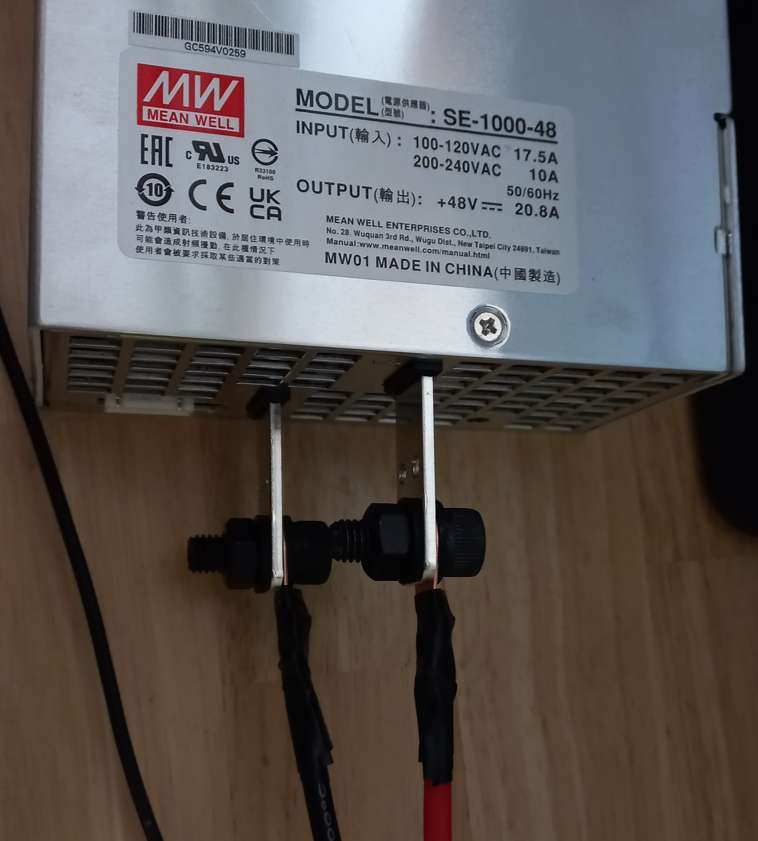
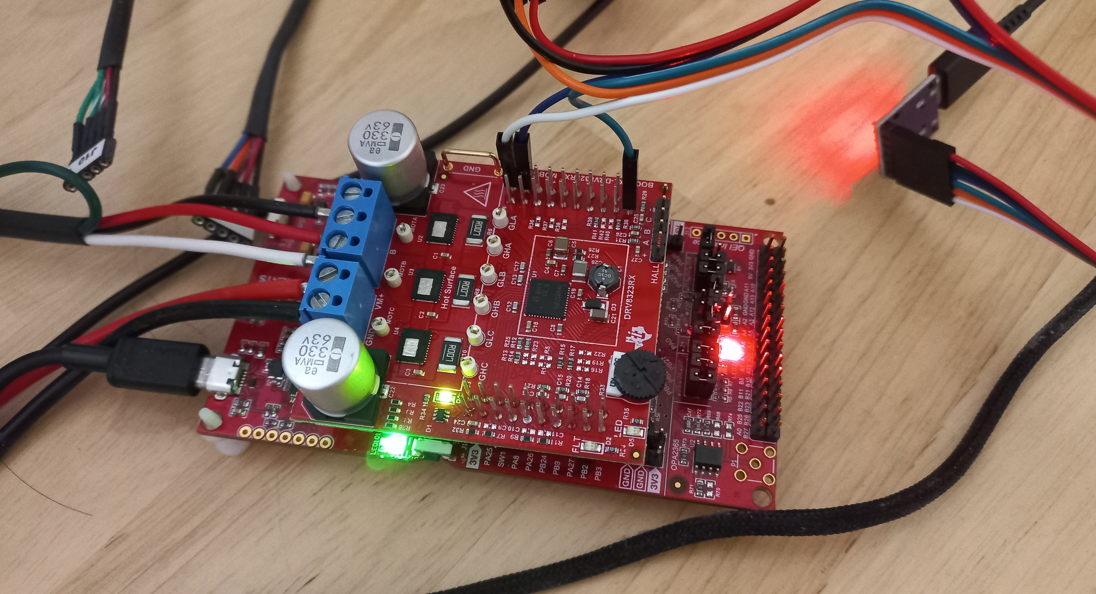
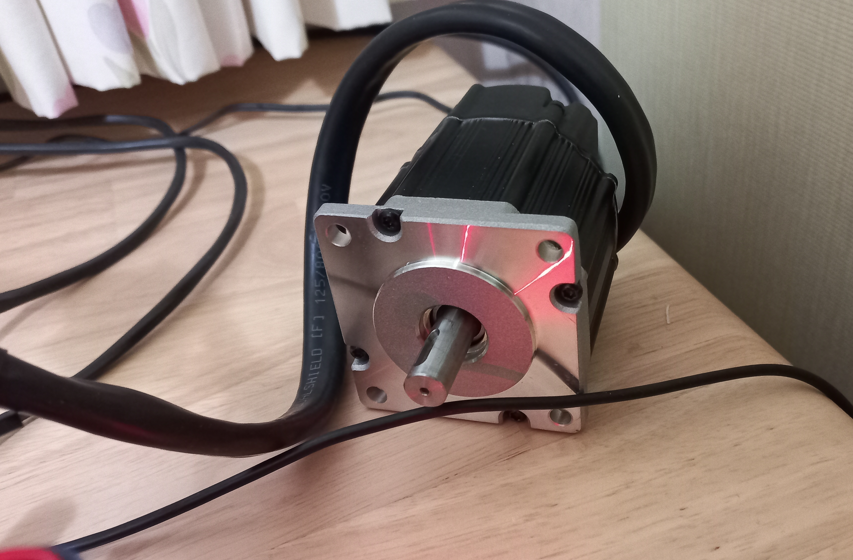
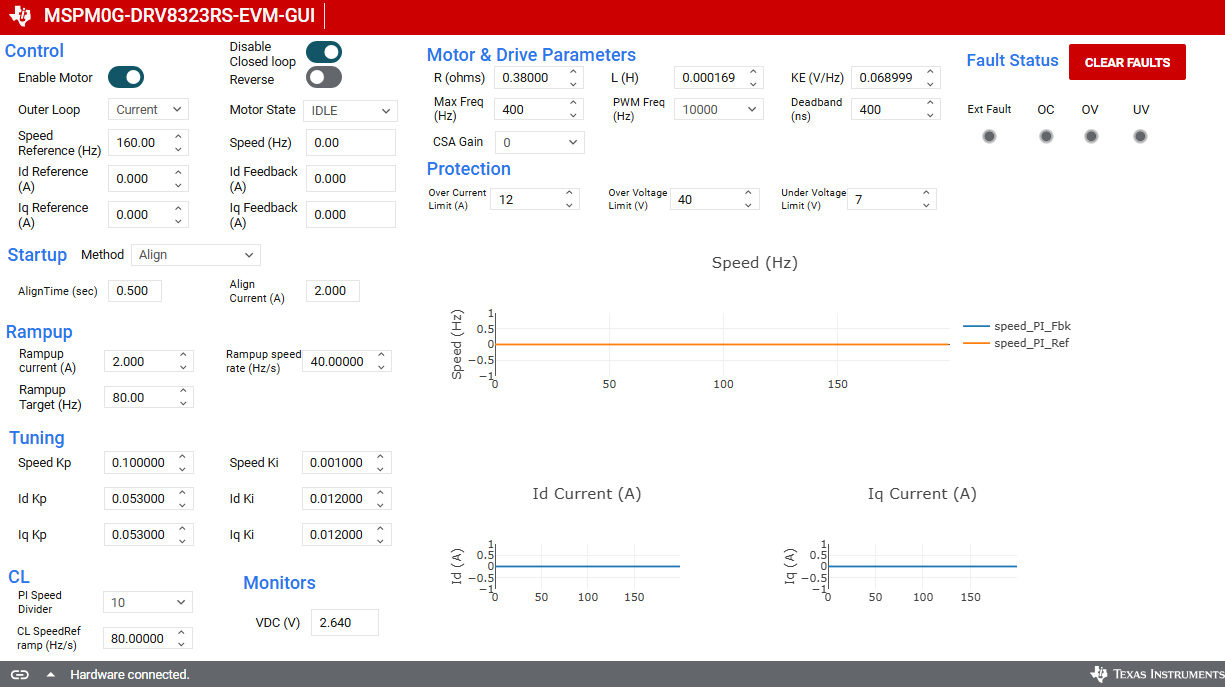
In the example code, only the value of the variable gdReadTestEn = 1 was changed. 

Hardware Setup
( checked ) 1. Remove the PA26 jumper J18 in the LP-MSPM0G3507 as shown below.
( checked ) 2. Connect the LP-MSPM0G3507 to the BOOSTXL-DRV8323RS in one of two ways:
( checked ) 3. For using the IPD startup feature user needs to additionally make the below connections :
The three phase currents are routed to the three comparator pins on the Launch Pad as below
( checked ) 4. Connect the 3 phases of the BLDC motor to A/B/C of connector J5 on the BOOSTXL-DRV8323RS.
( checked ) 5. Connect the positive and negative of the power supply to VM and GND of the power connector terminal block.
( checked ) 6. Set the power supply to a motor voltage between 4.5V to 48V within the DRV8323RS specifications and a 15-A current limit.
( checked ) 7. Connect a Micro-USB cable from the LP-MSPM0G3507 to the PC.
( checked ) 8. Turn on the power supply. The green VM LED( D4 ) on the BOOSTXL-DRV8323RS should turn on
( ???? ) 9. Once all steps are completed, you can start to run the motor. Please refer to Software User Guide or FOC Tuning Guide