


Hello TI community,
How can I modify the error(connect to xds110 failed) of TM4c1294ncpdtt335axx3w(xds110).
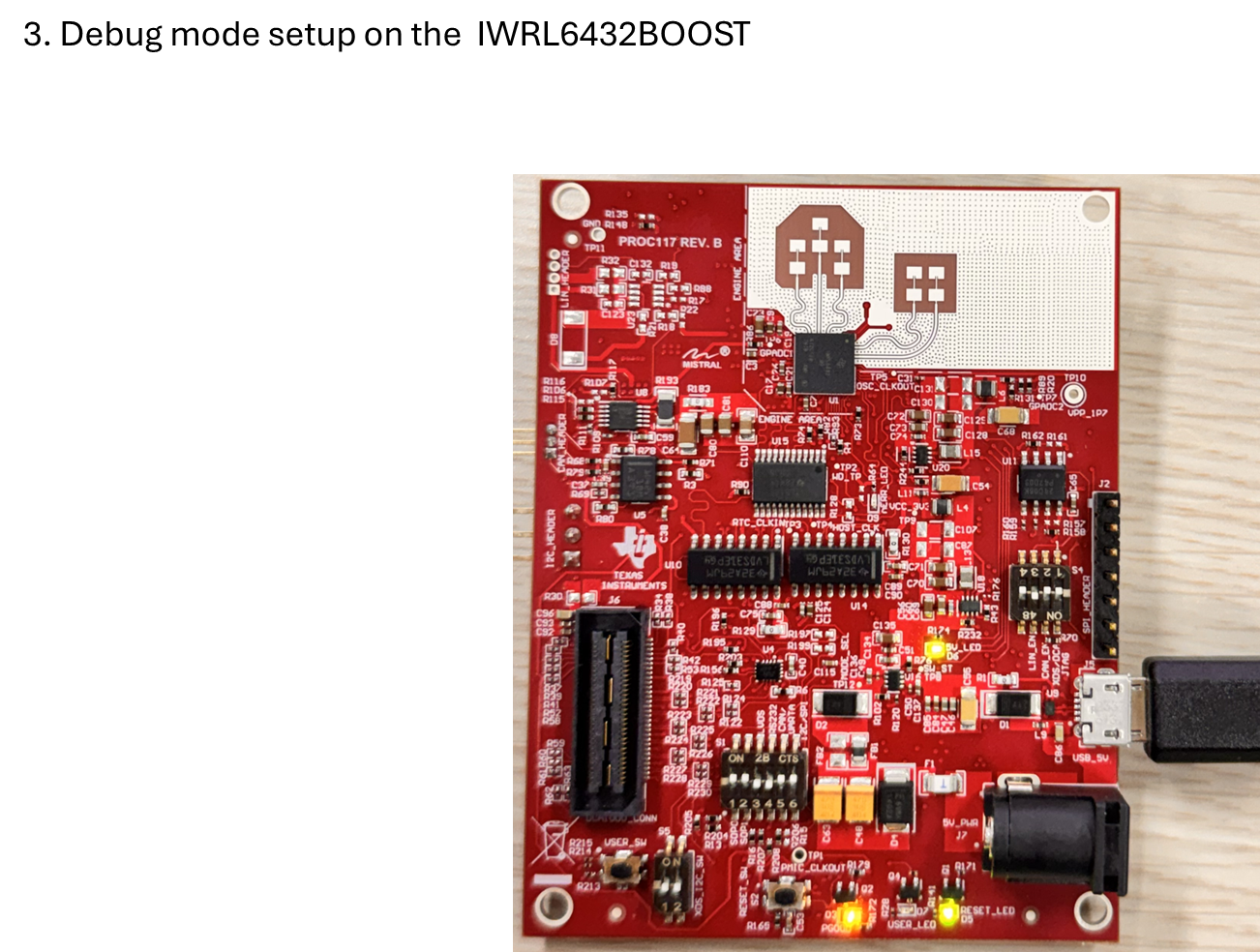
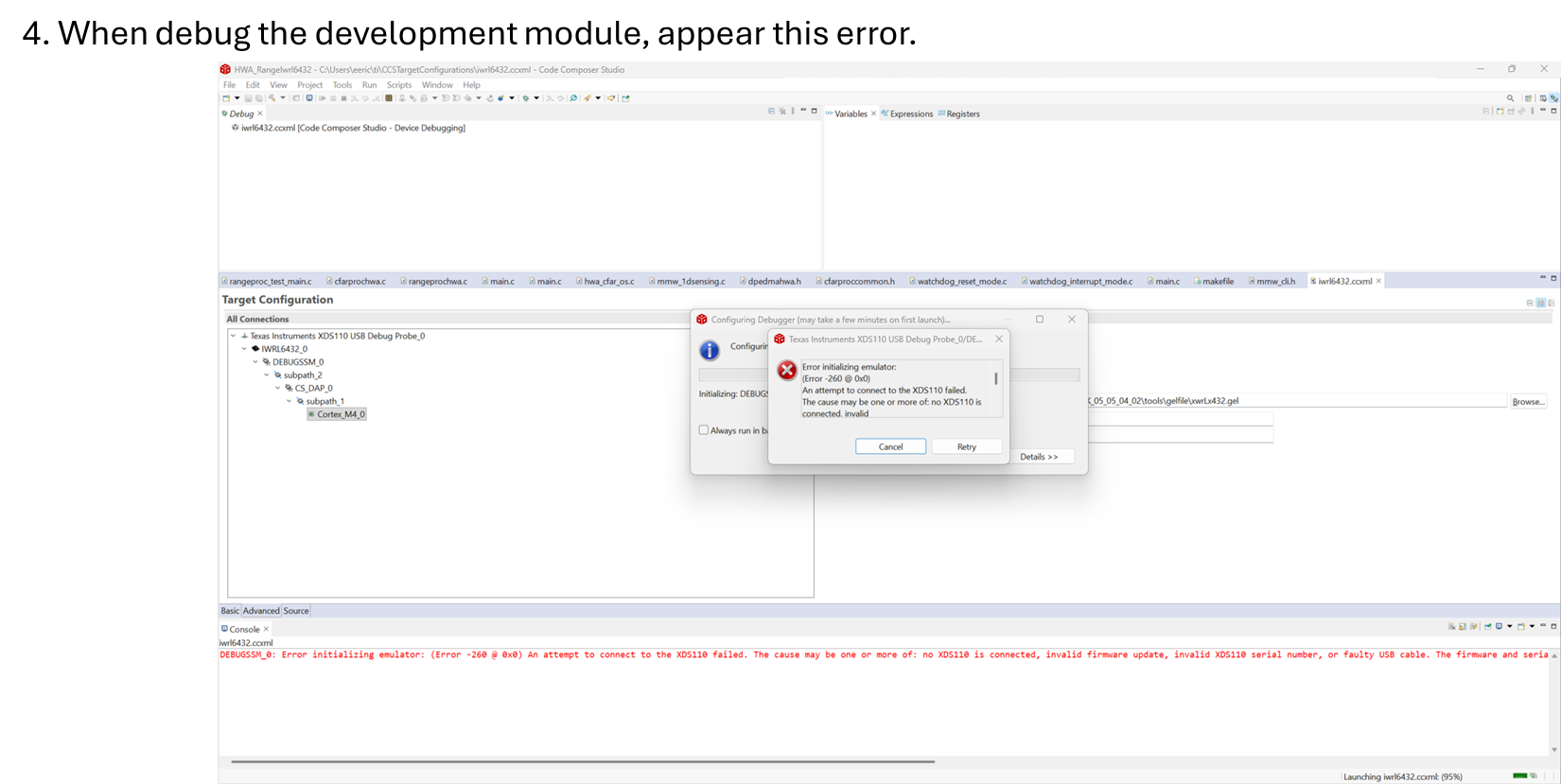
https://software-dl.ti.com/ccs/esd/documents/xdsdebugprobes/emu_xds110.html
REM 1) Already in the xds110 folder:
cd C:\ti\ccs1281\ccs\ccs_base\common\uscif\xds110
REM 2) Check again that the probe is seen
xdsdfu -e
REM 3) Put XDS110 into DFU mode
xdsdfu -m
REM 4) Confirm it is now in DFU mode
xdsdfu -e
REM 5) Program firmware_3.0.0.32.bin and reset
xdsdfu -c 1 -f firmware_3.0.0.32.bin -r
REM 6) Unplug USB, plug it in again, then verify version
xdsdfu -e

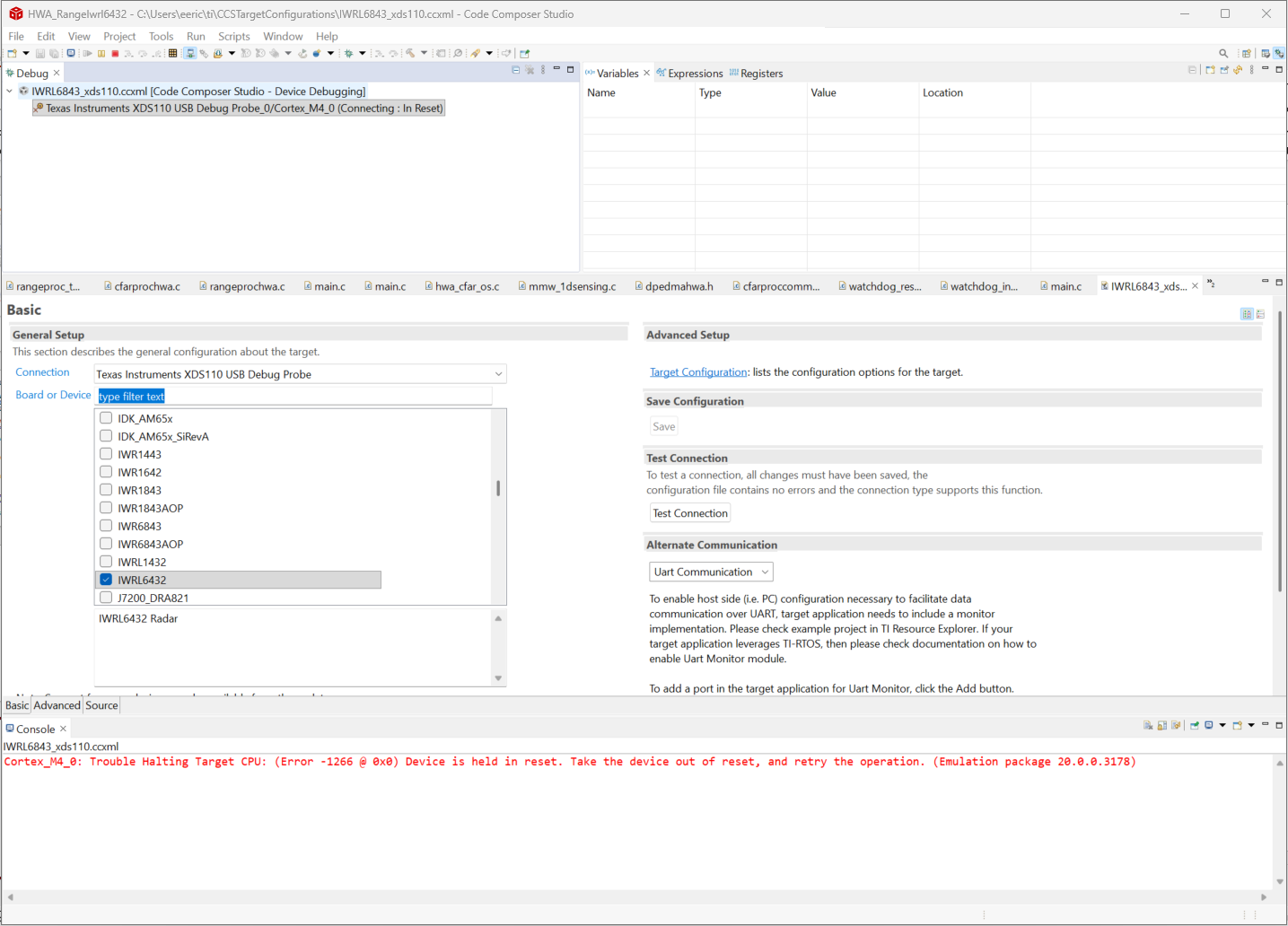
When I connect the mcu, appear this error.
Is Serial Num: NOserial result correct?
Cortex_M4_0: Trouble Halting Target CPU: (Error -1266 @ 0x0) Device is held in reset. Take the device out of reset, and retry the operation. (Emulation package 20.0.0.3178)
Best Regards,
Eric.


 .
.