A related question is a question created from another question. When the related question is created, it will be automatically linked to the original question.
If you have a related question, please click the "Ask a related question" button in the top right corner. The newly created question will be automatically linked to this question.
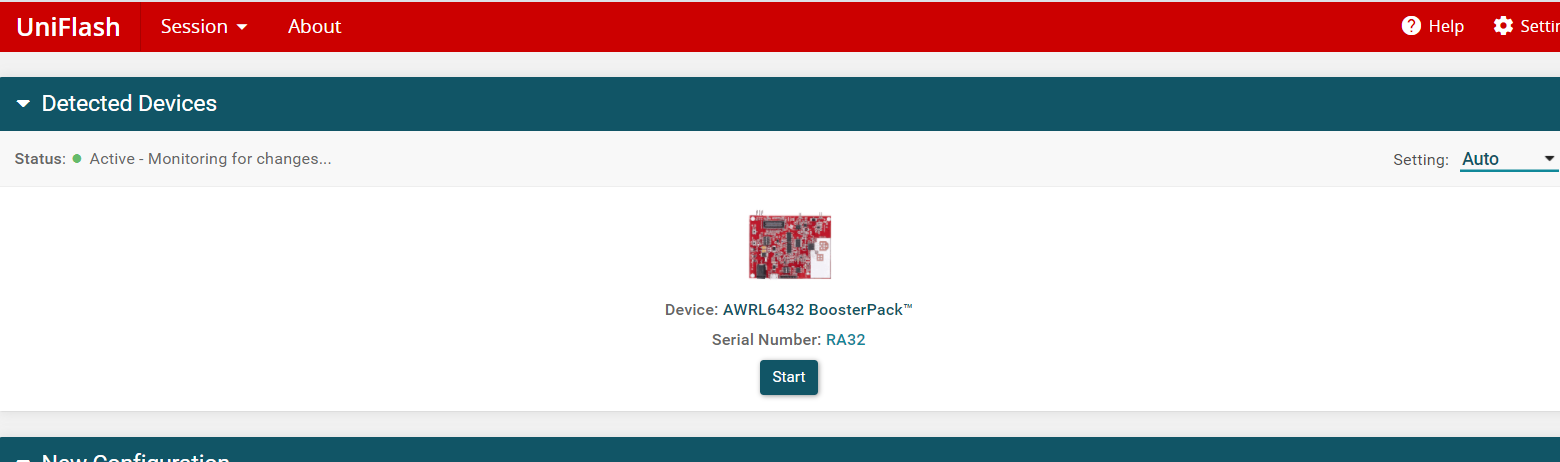
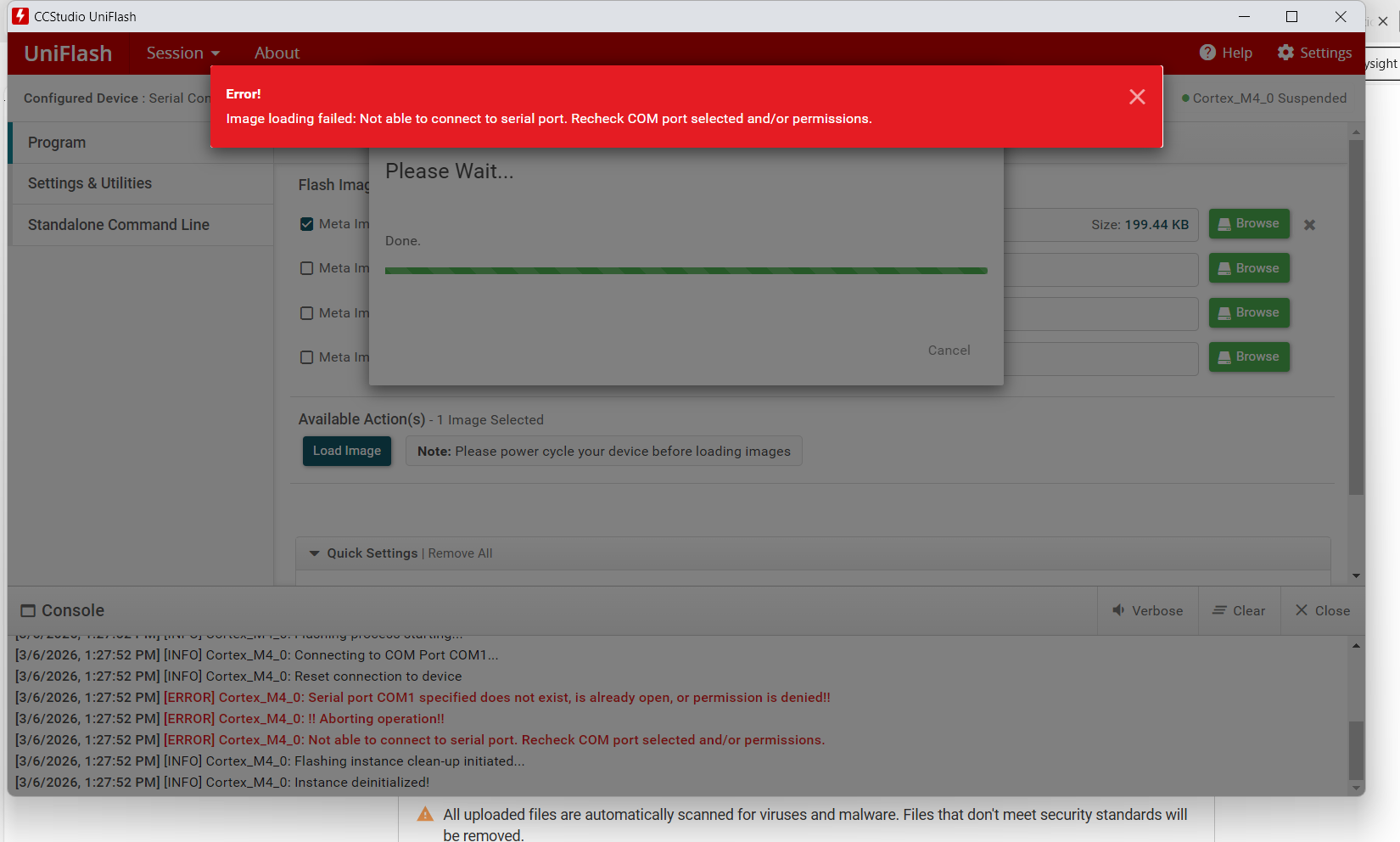
Can you please check if you have configured the SOP switches correctly in flashing mode. Also please ensure that you have selected the correct COM port. You can get more details in the AWRL6432BOOST EVM user guide.
Can you show a snap of the device manager COM ports. Are you seeing XDS com ports in it. Also is the board powering up when you are connecting the USB.
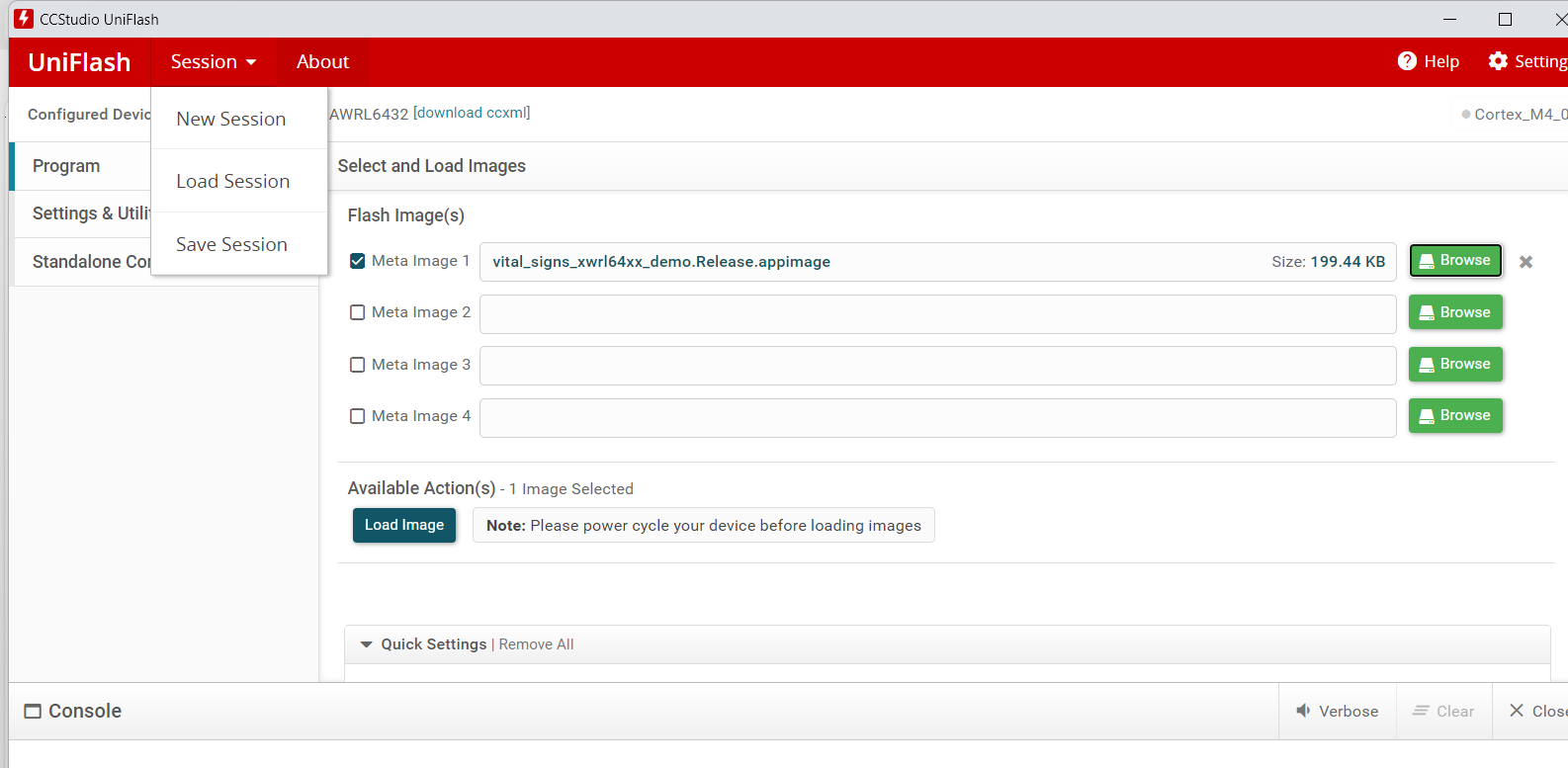
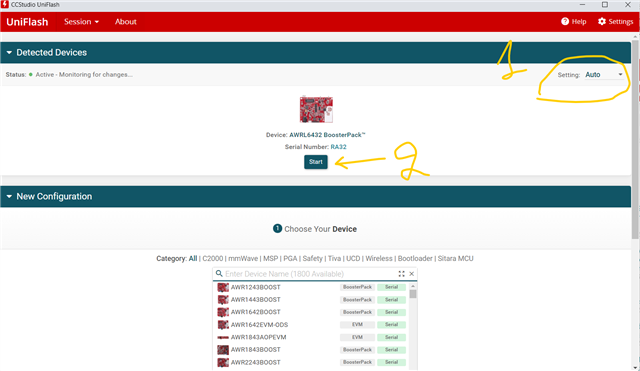
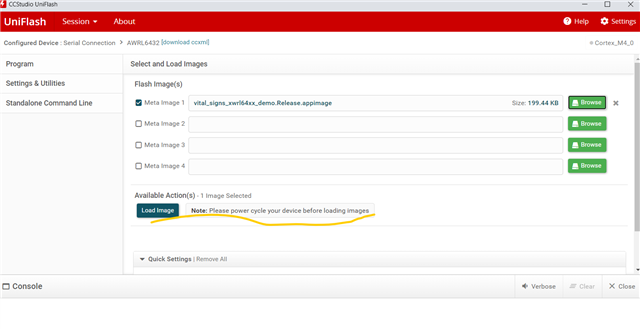
I can still see that the error is serial COM1 specified doesnt exist. That means it's still taking the default COM port in Uniflash. Your XDS COM port is 13 as I can see from device manager. You have to manually type in the COM port by going to settings and utilities tab. Please try that and let me know.
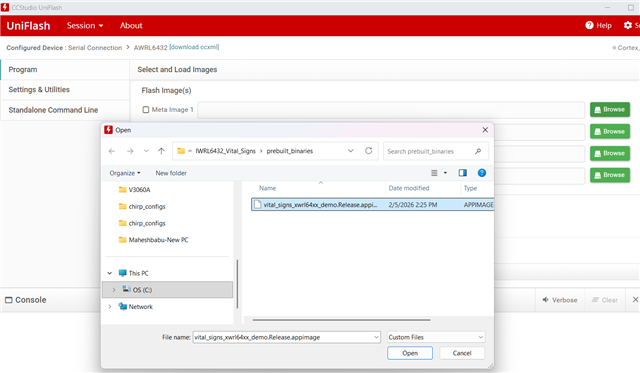
Are you using IWRL6432 vital sign demo listed below? radar_toolbox_folder\source\ti\examples\Industrial_and_Personal_Electronics\Vital_Signs\IWRL6432_Vital_Signs
Could you start a new e2e and mentioned the IWRL432? It is supported by a different group.