


Part Number: CC3X00EMBEDDEDPROG
Hi TI Forum Team,
I am using the CC3501ENJARSHR device with the LP_EM_CC35X1 EVK.
Environment:
-
CCS Version: 20.4.1
-
SDK: SimpleLink Wi-Fi Toolbox 4.1.8
-
Example Project:
at_commands(from SDK) -
Host OS: Windows
Issue Description:
-
debug output:
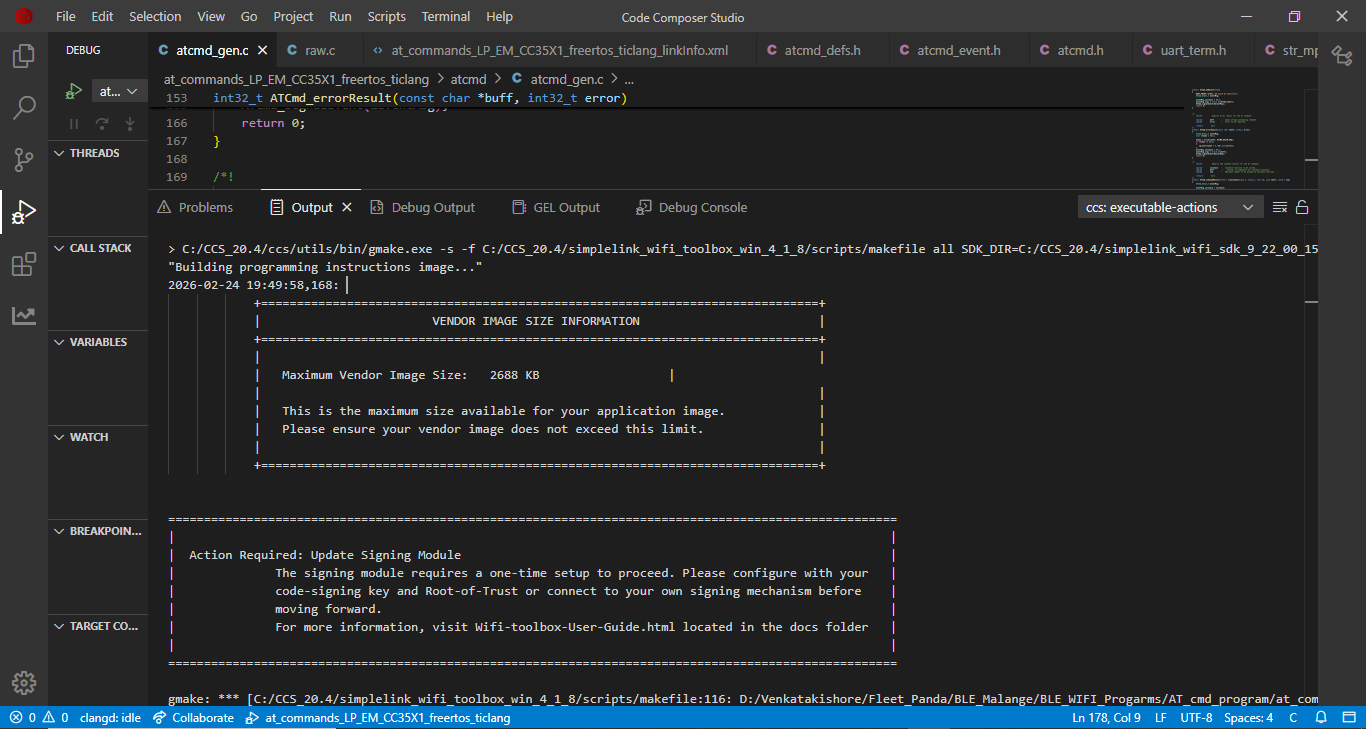
After flashing, I see the following error in the CCS output window:
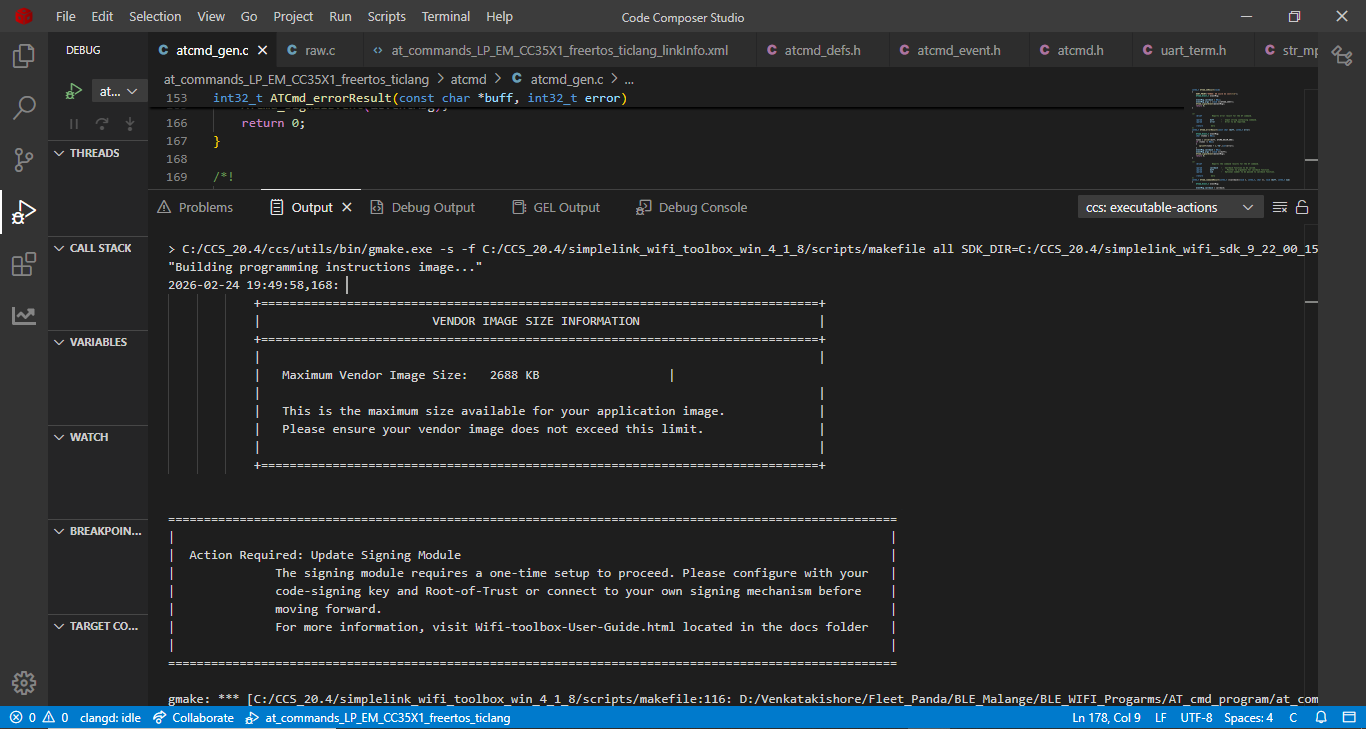
2. output:
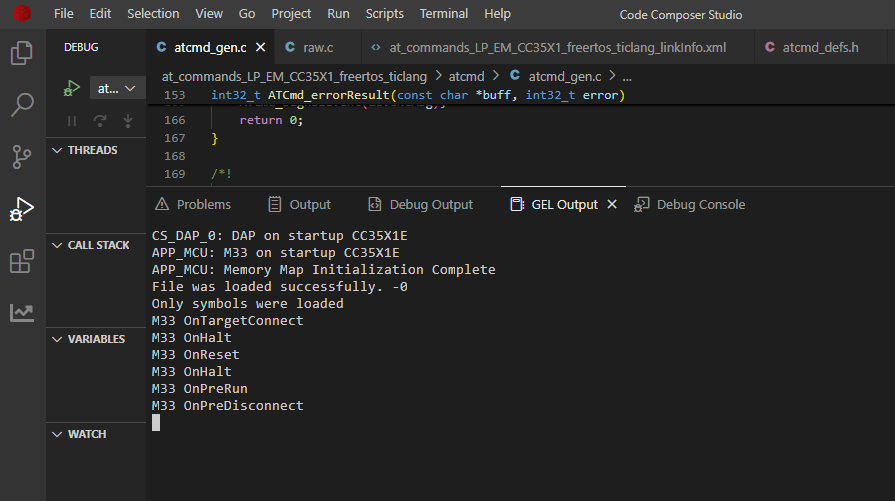
3. GEL output:
In output window at last i got like this:
gmake: *** [C:/CCS_20.4/simplelink_wifi_toolbox_win_4_1_8/scripts/makefile:116: D:/Venkatakishore/Fleet_Panda/BLE_Malange/BLE_WIFI_Progarms/AT_cmd_program/at_commands_LP_EM_CC35X1_freertos_ticlang/Debug/toolbox/programming_instructions_image.sign.bin] Error 1
After booting in Debug uart I got like below:
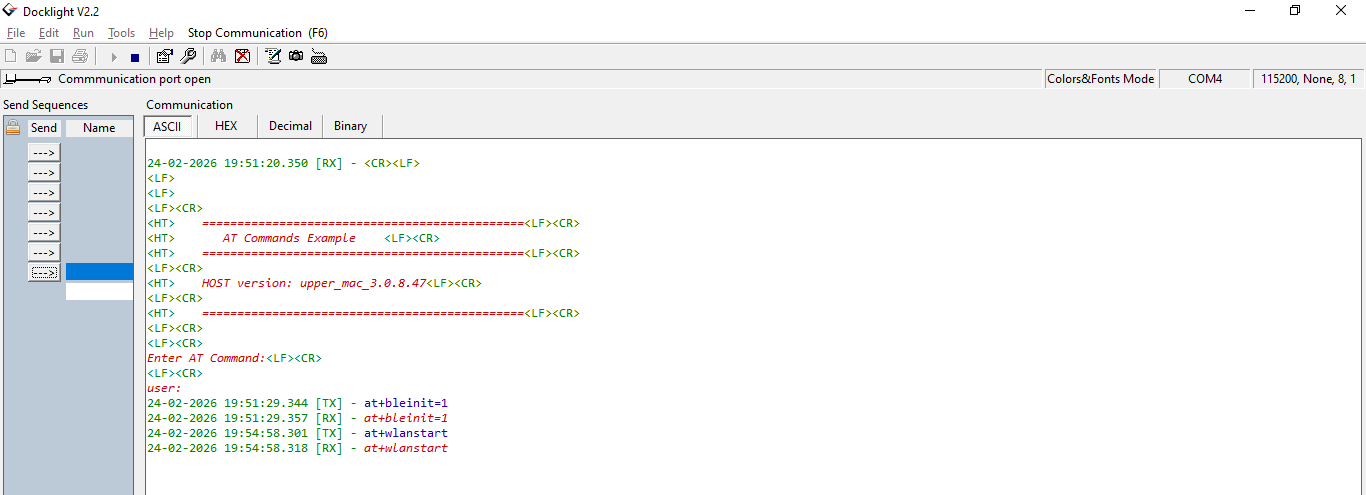
At the same time, in the Debug UART window, I observed that when sending AT commands, the response simply echoes back the command itself. Based on the code, I was expecting a response such as OK or ERROR.
I suspect that the flashing process may not have completed properly due to the error shown in the CCS output window, which could explain why the AT command responses are not behaving as expected. Could you please help us analyze this issue and guide us on the next steps?
Any guidance would be greatly appreciated.
Regards,
Venkata Kishore P
