Part Number: CODECOMPOSER
Other Parts Discussed in Thread: AM263P4, UNIFLASH
I am attempting to flash an image using the Segger J-Link debugger on a custom board based on the AM263P4_ZCZ_F MCU.
However, flashing has failed in both Code Composer Studio (CCS) and TI UniFlash.
I have a few questions regarding this setup.
< Development Environment >
Board: AM263P4_ZCZ_F (with on-chip 8MB flash) – custom board
TI CCS Version: 20.5.0.28__1.11.0
TI UniFlash Version: 9.5.0.5651
Debugger: Segger J-Link ULTRA+ V4.00 (J-Link/J-Flash SW V9.32)
< Questions >
-
Is it possible to flash using the “CCS → Run → Flash Project” menu when using a Segger J-Link debugger?
Debugging works normally, but flashing via “Flash Project” does not work. - Is it possible to flash using J-Link in TI UniFlash?
TI UniFlash also fails to flash.
Due to company security policy, I cannot attach the log file; instead, I am attaching a screenshot.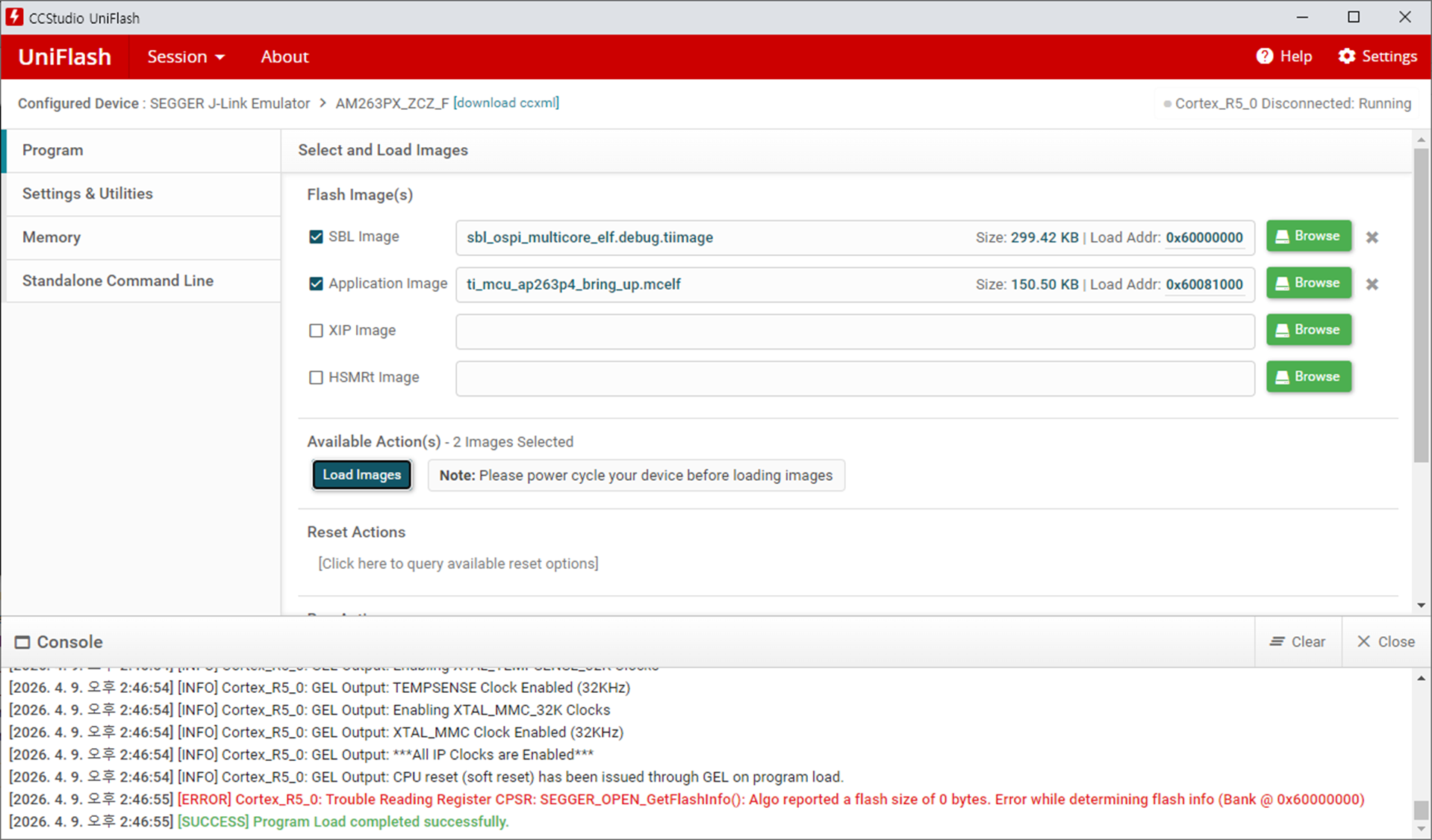
-
If there are any reference resources or user guides available for the AM263P4_ZCZ_F + Segger J-Link environment, I would appreciate it if you could share them.
-
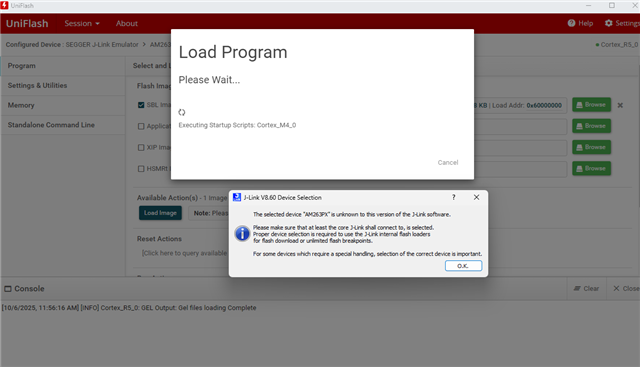
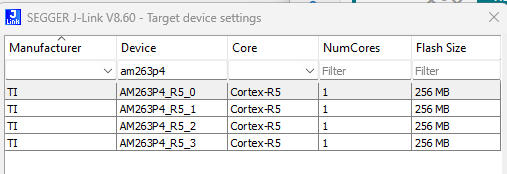
When debugging in CCS or attempting to flash in UniFlash, the J-Link debugger does not detect the device, so I always have to manually select it (AM263P4_R5_0).
Is it possible to resolve this issue through CCS or UniFlash settings? Or should I contact Segger for support?
- When debugging in CCS: a popup appears stating that it cannot find “AM263PX.”
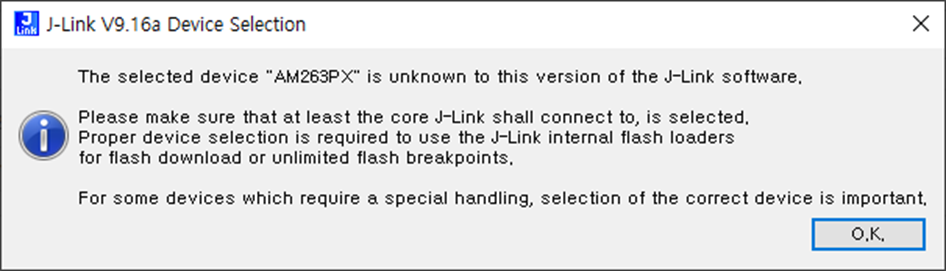
- When flashing in UniFlash: a popup appears stating that it cannot find “AM263PX_ZCZ_F.”
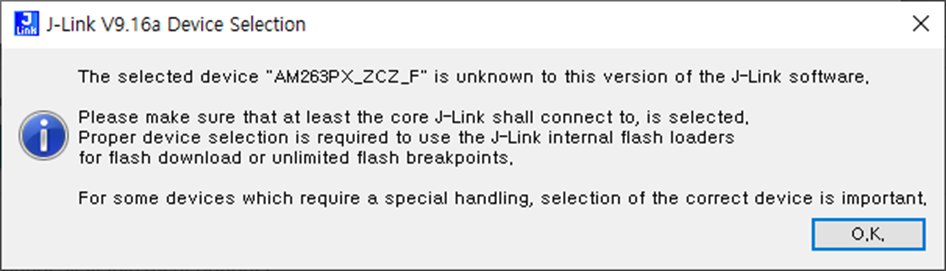
- When debugging in CCS: a popup appears stating that it cannot find “AM263PX.”